 MineBrush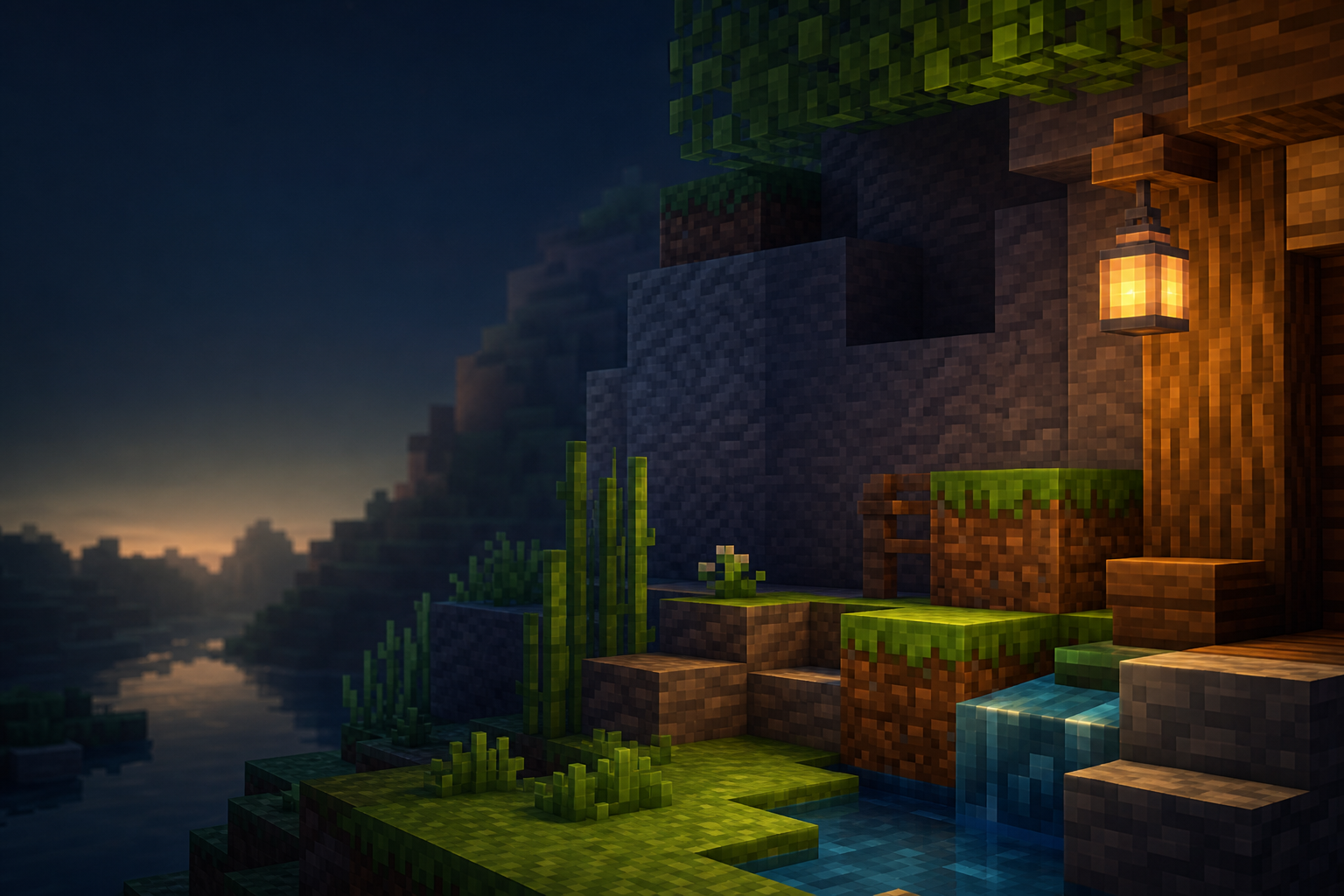
Current source check: On August 24, 2026, Jeelh’s Modrinth project listed Enhanced as a 16x resource pack for Minecraft: Java Edition. The current release is 26.2; the project also lists releases for 26.1.x and 1.21.5–1.21.11. The 26.2 release lists Entity Model Features (EMF), Entity Texture Features (ETF), and Continuity as required content. MineBrush did not download or run the pack, so visual results, file integrity, and performance remain unverified.
Enhanced keeps Minecraft’s vanilla style but changes far more than a few block textures. The creator lists a custom GUI and font, 3D rails, ladders and dripstone, connected block treatments, altered biome colors, updated mob models, varied entity textures, and smaller quality-of-life changes such as a lower shield. That range is the reason this pack needs a controlled setup instead of a blind drag-and-drop.
Choose the release that matches your game
The old MineBrush URL contains 1.21.8, but that is no longer the newest Enhanced release. Do not rename the URL or pretend every file is interchangeable. Open the creator’s version list and choose the release made for the exact Minecraft version in your launcher profile.
| Item | Source-backed information | What remains unknown |
|---|---|---|
| Current release | Enhanced 26.2 for Java Edition 26.2 | Exact ZIP bytes, hash, and internal metadata were not inspected |
| Resolution and style | 16x, vanilla-like resource pack | The exact appearance on your display and settings |
| Required content | EMF, ETF, and Continuity are listed on the 26.2 release | The exact compatible build of each dependency for your loader profile |
| License | Modrinth displays All Rights Reserved | No permission to mirror the ZIP or reuse gallery images |
| Shaders | The creator says gallery images use Complementary shaders | The unshaded result and every shader/preset combination |
Understand the base pack and its feature stack
Enhanced itself is a resource pack, not a Fabric mod. The current release page lists EMF, ETF, and Continuity because advanced models, entity textures, and connected textures need supporting features. Those projects may require a loader-specific setup, but that does not make the Enhanced ZIP “Fabric-only.”
“Any compatible version” on a dependency card is not a complete install recipe. Match Minecraft, the loader, and every dependency to one supported profile. Do not mix a 26.2 pack with dependencies built for another game generation just because each file launches on its own.
The project description also says OptiFine or alternatives are required for connected textures, emissive textures, and custom entity models or textures. The checked 26.2 page does not identify one exact OptiFine build, and it does not list Iris as a required dependency. Iris can be part of a shader stack, but it is not automatically a replacement for EMF, ETF, or Continuity.
Install Enhanced in a reversible Java profile
- Create or select a launcher profile for the exact Minecraft release you want to use.
- Open the Resource Packs screen in that profile and use its pack-folder button.
- Place the creator-provided Enhanced ZIP in the resource-pack folder. Do not unpack or rename it unless the creator specifically instructs you to.
- Install loader-matched builds of EMF, ETF, and Continuity through their own official project pages.
- Start with Enhanced and its required content only. Leave shaders and unrelated visual packs disabled for the first check.
- Record the game version, loader, Enhanced release, dependency versions, and resource-pack order before entering a world.
If you need the basic Java resource-pack folder workflow, use the MineBrush Java resource-pack installation guide. This page focuses on Enhanced’s feature stack and visual verification.
Run a five-minute feature check
Use a small test world or a familiar area you can revisit. A clean title screen only proves that the client reached the menu; it does not prove every pack feature loaded.
- Check the UI and font. Open the inventory and one container. Make sure text remains readable at your GUI scale and language.
- Check 3D assets. Place rails, ladders, and dripstone. View them from several angles and watch for missing geometry, flicker, or vanilla fallbacks.
- Check connected blocks. Build a small grid from a creator-listed connected block family. Hard seams can point to a missing or mismatched connected-texture path.
- Check entities. Inspect several examples of a changed mob. One correct texture does not prove that model changes and texture variation both work.
- Save screenshots of the same scene. Keep one unshaded control and label every later image with the exact shader and preset.
Add shaders and other packs last
The creator states that Enhanced gallery images use Complementary shaders. Treat those images as a styled showcase, not a promise that your unshaded game will look identical. After the clean Enhanced check, add one shader or visual pack at a time and revisit the same blocks, entities, GUI screens, and lighting conditions.
When two packs change the same texture or model, resource-pack order may decide which asset is visible. Record the order before moving anything. Random reordering can hide the first conflict and make the final setup impossible to reproduce.
Troubleshoot the symptom you can reproduce
| Symptom | First useful check |
|---|---|
| Pack does not appear | Confirm the file came from the creator page, matches your Minecraft release, and remains in the resource-pack folder as provided |
| Connected textures have seams | Verify the exact Continuity build and its loader requirements before changing pack order |
| Mob models or variants are missing | Verify the exact EMF and ETF builds, then test with other entity packs disabled |
| UI or font is hard to read | Change GUI scale or remove Enhanced; visual taste is not a compatibility pass |
| Result differs from the gallery | Compare with shaders disabled, then identify the exact Complementary shader release and preset used in your own test |
| Frame rate drops | Return to the clean profile and add dependencies, Enhanced, and shaders one at a time while repeating the same route |
No performance claim follows from the 16x label. A useful result needs an exact device, operating system, game build, loader, dependency tuple, shader preset, render distance, resolution, and repeatable route. MineBrush has not produced that runtime evidence for Enhanced.
Keep or roll back the setup
Keep the pack when the UI remains readable and its representative block and entity features work in the exact profile you recorded. If one advanced feature fails, return to the last-known-good tuple and change only its relevant dependency. If the stack remains unstable, disable Enhanced and its supporting mods together rather than leaving an unexplained half-stack behind.
Fresh Animations status: the checked Enhanced description still says support is “coming soon.” That does not establish current compatibility. Recheck the creator page before combining the packs.
Official project sources
- Enhanced project page on Modrinth
- Enhanced 26.2 release page
- All Enhanced versions
- Jeelh’s Modrinth profile
Evidence limit: MineBrush reviewed the public creator-controlled pages on August 24, 2026. No Enhanced ZIP, dependency file, gallery image, original screenshot, or gameplay result was acquired. Use the creator’s project page for the current release; MineBrush should not mirror this All Rights Reserved pack.
PLAYER QUESTIONS
Discussion
Include the exact edition, version and step when asking for help.