 MineBrush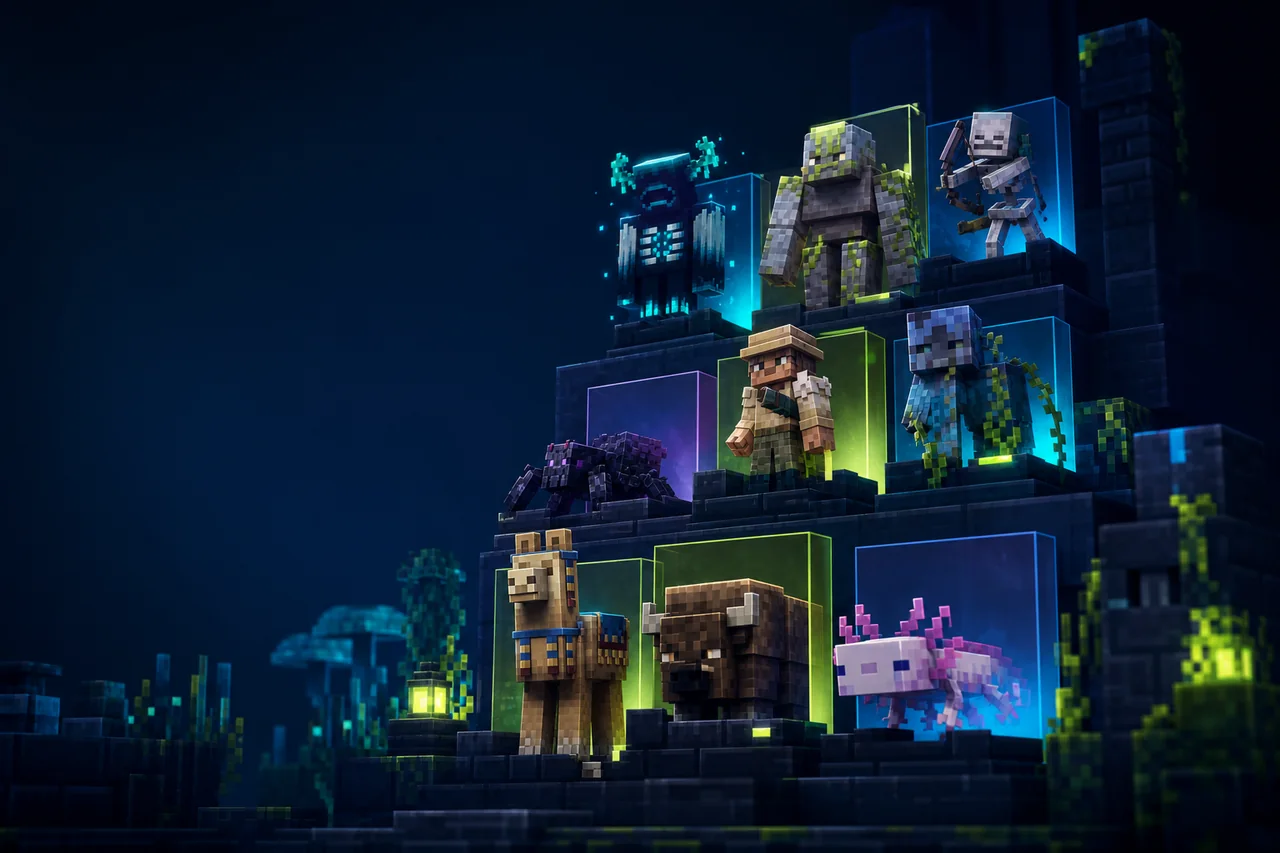
Minecraft Java · Animated entity stack
Fresh Animations: Extensions 1.9.2 adds the creator's optional entity-model packages to an existing Fresh Animations setup. It is a bundle, not a replacement for the base pack. The reliable order is simple: install a working CEM route, prove Fresh Animations by itself, then load Extensions above it.
Quick answer
- Selected release: 1.9.2, exact Modrinth version ID
R5ZGSF8A. - Creator filename:
FA+All_Extensions-v1.9.2.zip. - Game labels: Minecraft Java 26.1.x and 26.2.
- Required content: Fresh Animations, with the extension pack above the base.
- Model features: use OptiFine's custom entity models or the Entity Model Features + Entity Texture Features alternative documented by the base project.
- Side: client visual presentation; no server-side component is listed for the resource-pack release.
What version 1.9.2 bundles
The 1.9.2 release record names six components: Objects Add-on 2.1.2, Quivers Add-on 2.2, Emissive Add-on 1.6, Creeper Edit 2.1, Spiders Edit 2.2, and Details Add-on 2.3. That list is more useful than the vague phrase “extra animations”: it tells you which optional Fresh Animations layers the all-in-one ZIP is intended to replace.
The same release notes say its chest models were adjusted for Better Block Entities. Treat that as a change recorded by the creator, not a blanket promise for every Better Block Entities build, renderer, or pack combination. MineBrush did not install either file.
The dependency chain matters more than the ZIP
Fresh Animations supplies the base entity models and animations. The Extensions bundle depends on that base. Fresh Animations, in turn, relies on custom entity model support that vanilla Java does not provide by itself. MineBrush's Fresh Animations guide owns the base-pack setup and blank-eye fixes; this page focuses on the optional bundle. The creator documents two model-feature routes:
- OptiFine route: use an OptiFine build that supports the exact game release and its CEM feature.
- Modular route: use Entity Model Features and Entity Texture Features together as the alternative to OptiFine.
Do not treat “Resource Pack” as a loader name. Extensions itself is a ZIP selected in the Resource Packs screen; the model-feature layer may be supplied by a separate client mod stack. Pick one documented route for your profile and check each component's current version page before launching.
Correct pack order
The creator explicitly says Extensions belongs above Fresh Animations. In Minecraft's active-pack list, higher priority wins when two packs provide the same path. A clean starting stack is:
- Fresh Animations: Extensions
- Fresh Animations
- the vanilla resources and any unrelated lower-priority pack
That is a diagnostic baseline, not a universal order for every texture pack. Extensions is built around the vanilla-like Fresh Animations look, and the creator warns that it is not friendly to many other packs. If a third-party pack replaces the same entity texture or model file, whichever entry is higher may win only part of the asset set. The result can be a mixed model, an old texture on a new mesh, or an animation that never loads.
Install without losing the working baseline
- Create or copy a Java profile for the exact 26.1.x or 26.2 build you plan to use.
- Install one compatible CEM route: OptiFine, or EMF together with ETF.
- Put the Fresh Animations base ZIP in
resourcepacks, enable it, and confirm one supported mob animates correctly. - Add
FA+All_Extensions-v1.9.2.zipwithout extracting it. - Move Extensions above Fresh Animations, reload resources, and revisit the same mob and scene.
- Only after that comparison should you restore shaders, entity packs, or a large modpack stack.
A copied profile is valuable because the failure surface is client rendering rather than world data. It preserves the exact versions and pack list that worked before an update.
A useful acceptance route
Check features that correspond to the named components instead of walking around randomly. Look at a creeper and spider, inspect a chest or other object touched by the bundle, and test a scene where an emissive detail should be visible. Keep the same time, lighting, shader state, and camera position for the base-only and extension-enabled captures.
Success means the base still animates, the extension-specific edit appears, textures stay attached to the intended model, and the result survives a full client restart. This does not establish performance or compatibility beyond that recorded profile.
Troubleshooting by symptom
| What you see | Most useful next check |
|---|---|
| Mobs keep vanilla poses | Prove that the Fresh Animations base works first, then verify the exact OptiFine CEM or EMF + ETF versions for the game build. |
| Blank or white eyes | The base project's troubleshooting notes associate blank eyes with missing requirements or a conflict. Test the base alone with one CEM route. |
| Base animation works but an extension does not | Confirm Extensions is above Fresh Animations and temporarily remove every competing entity pack. |
| Only some entities look correct | Search the pack list for another ZIP replacing the same models or textures; partial overrides are possible. |
| Chest or object visuals break with Better Block Entities | Confirm you are actually using Extensions 1.9.2 and record the exact Better Block Entities build before reporting the mismatch. |
| A shader changes eyes or emissive details | Reproduce the scene with shaders disabled. Add the shader only after the no-shader stack is correct. |
| Resources fail to reload | Return to the two-pack baseline, check the game log, and do not assume that a ZIP listed for 26.2 fits a different Minecraft family. |
Updates and rollback
Record four values before changing anything: Minecraft build, base-pack release, Extensions release, and the CEM route with its exact versions. A new extension ZIP can change bundled component versions even when its title still says “All Extensions.” Disable the old bundle, enable the matching new file, restore its position above Fresh Animations, and repeat the same entity checks.
To roll back, re-enable the last known-good ZIP and pack list. Do not delete the Fresh Animations base or EMF/ETF configuration merely because one optional extension failed.
Rights, files, and evidence
The Extensions project is labeled All Rights Reserved. MineBrush does not mirror the ZIP, copy creator screenshots, or infer redistribution permission. The existing MineBrush cover is editorial art and cannot prove how the pack looks in game. No creator file or original screenshot was found locally for private DLE history.
The 1.9.2 archive was not downloaded or inspected. Exact behavior with shaders, third-party entity packs, servers, Realms, accessibility tools, or a particular computer remains unknown. No FPS claim is made.
Creator sources checked
- Fresh Animations: Extensions project
- Extensions 1.9.2 release record
- Required Fresh Animations base project
Sources were rechecked August 24, 2026. Use the creator's current version list for downloads, and keep the last verified bundle while testing an update.
PLAYER QUESTIONS
Discussion
Include the exact edition, version and step when asking for help.