 MineBrush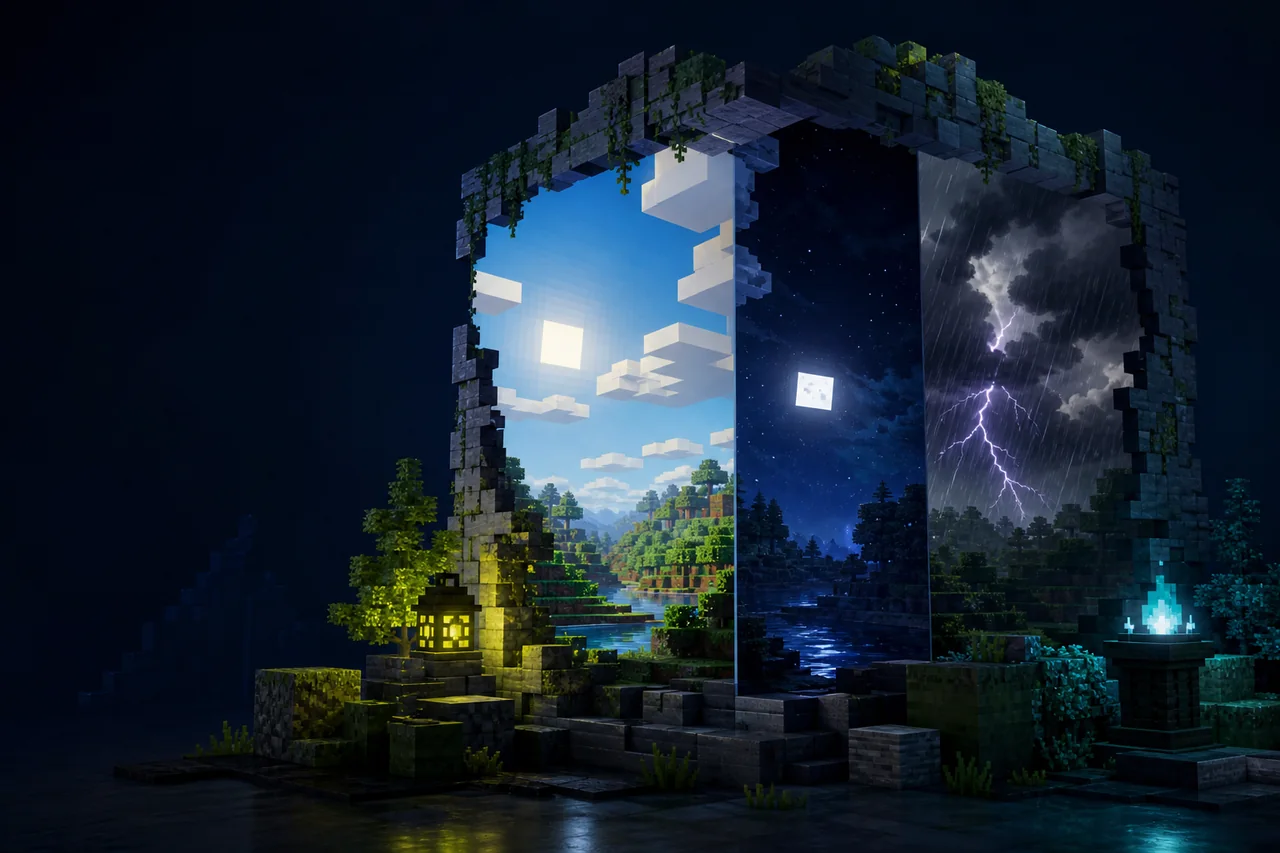
Current release check: the latest public Modrinth file is Dramatic Skys Demo/Legacy 1.5.3.36.5. Its release record lists stable Minecraft Java versions from 1.8 through 26.2, plus many historical snapshots and prereleases. The file is an add-on sky resource pack, not a complete block, item, or GUI texture pack.
Load Dramatic Skys above your base resource pack. For the full custom-skybox result, the creator says you also need a compatible skybox-enabling mod such as Skyboxify/Optiboxes, OptiFine, Nuit, or Celestial. The current release record declares no dependency objects, so the exact renderer version must be matched separately.
Match the public Demo/Legacy release
| Version | 1.5.3.36.5 |
|---|---|
| Release name | Dramatic Skys Demo/Legacy 1.5.3.36.5 |
| Modrinth version ID | obHItVKX |
| Published | June 29, 2026 |
| Current stable endpoint | Minecraft 26.2 |
| Filename | Dramatic Skys Demo 1.5.3.36.5.zip |
| File size | 13,912,171 bytes |
| Side | Client required; server unsupported |
“Demo/Legacy” is part of the creator’s release name. Do not present this public file as a complete premium edition or assume every feature advertised on the project page is included in this exact archive. MineBrush has not inspected the ZIP.
Understand the two-layer setup
Dramatic Skys provides sky assets. A skybox renderer interprets the custom sky format. Your base resource pack continues to own most terrain, items, entities, and interface art.
| Layer | Job | Where it belongs |
|---|---|---|
| Base resource pack | Blocks, items, GUI, and the rest of the chosen art style | Lower in resource-pack priority |
| Dramatic Skys Demo/Legacy | Custom sky imagery and creator-advertised sky effects | Above the base pack |
| Skybox renderer | Enables the custom skybox format needed for the intended result | Loader-specific client mod or OptiFine installation, not the resource-pack list |
The creator lists animated auroras, shooting stars, meteor showers, an animated sun, color and fog maps, height-based sky textures, tornadoes, blood moons, and blue moons. Treat those as project-page features to check, not as MineBrush-observed results or proof that every renderer exposes every effect.
Choose one skybox-renderer route
Start from your exact Minecraft version and loader:
- Fabric: the creator points to Optiboxes—whose current Modrinth project is named Skyboxify—and to Nuit. Match one current release, not both at once.
- Quilt or NeoForge: Nuit currently lists releases for those loaders on selected Minecraft versions; verify the exact version page before installing.
- OptiFine: use only an OptiFine build that explicitly matches the game version. Do not infer current 26.2 support from the sky pack’s label.
- Celestial: follow its own creator page and compatibility matrix; the Dramatic Skys project mention is not a version pin.
The latest Dramatic Skys release has no declared Modrinth dependencies, while the project body says a skybox-enabling mod is needed for everything to work fully. That is a documentation gap, not permission to omit the renderer.
Install in a disposable visual profile
For the standard ZIP and profile steps, use the safe Java resource-pack install checklist; then return here for the skybox renderer and pack-order checks.
- Duplicate the client profile and record Minecraft, loader, Java, base pack, shader, and current skybox mods.
- Choose one compatible skybox renderer and prove that it launches before adding Dramatic Skys.
- Download version ID
obHItVKXfrom the creator-controlled versions page. - Place
Dramatic Skys Demo 1.5.3.36.5.zipinresourcepackswithout unpacking it. - Enable the base pack, then place Dramatic Skys above it.
- Reload resources and test day, sunset, night, weather, several biomes, altitude changes, and each dimension separately.
Do not begin with multiple sky packs, shaders, fog overhauls, weather mods, and color-map packs. If the sky is missing or wrong, too many owners make the first failure impossible to isolate.
Use pack order for sky ownership
The creator says the add-on can sit over another resource pack. That works when the base pack does not intentionally need to win the same sky assets. If both packs contain sky, sun, moon, fog, or color-map resources, priority decides which layer is visible.
Test the base pack alone, Dramatic Skys with a neutral base, and then the combined order. If the base pack’s sky disappears, that can be the expected consequence of placing Dramatic Skys above it—not proof that either archive is corrupt.
Troubleshoot by visible stage
| Symptom | First useful check | Likely boundary |
|---|---|---|
| The sky remains vanilla | Verify the selected renderer loaded and the Dramatic Skys ZIP is enabled above the base pack | Missing renderer or wrong priority |
| Some static sky art appears but animations do not | Test the exact renderer alone and check whether it supports the feature format | Renderer capability, not server installation |
| The sky flickers, seams, or shows the wrong biome | Disable shaders and other sky/fog packs, then repeat the same location and time | Format, priority, biome rule, or renderer conflict |
| The base pack’s sun, moon, or fog disappears | Reverse the two-pack order and compare | Overlapping sky assets |
| Only one dimension is wrong | Record dimension, biome, altitude, time, weather, and renderer version | Dimension-specific asset or rule |
| Game startup fails after adding a skybox mod | Remove the pack and diagnose the loader/mod error first | Renderer tuple, not ZIP pack order |
Shaders are a separate compatibility test
Dramatic Skys is not itself a shader pack. A shader can replace sky, cloud, sun, moon, fog, exposure, or weather rendering and hide some resource-pack output. Prove the custom skybox with shaders off, then add one shader and repeat the same camera/time route.
No single “Pair with a shader” recommendation is correct for every renderer. The current MineBrush CTA should not send players to a generic shader category as though that were a dependency.
Performance remains unverified
The creator calls the pack performance friendly, including for simple computers and laptops. MineBrush has no controlled benchmark for the 13.9 MB public file, its skybox renderer, animations, shaders, texture upload, memory, FPS, frame time, or resource reload.
A useful comparison fixes the same world, coordinates, time, weather, render distance, skybox renderer, shader state, warm-up, and sample duration. Test the renderer alone before attributing any cost to the sky ZIP.
Strict redistribution and media boundary
The project is All Rights Reserved. Its legal notice says not to steal or modify textures except for personal use, not to create independent downloads, and to link back to the original location. It also credits Hipshot and other sources for parts of the legacy sky material.
MineBrush must not mirror the ZIP, crop or repackage its textures, or reuse project screenshots without explicit permission. A private-history copy is not automatically authorized merely because the public file can be downloaded.
Creator-controlled sources
- Dramatic Skys project
- Official Dramatic Skys versions
- Demo/Legacy 1.5.3.36.5 release
- Skyboxify, the current Optiboxes project identity
- Nuit custom skybox renderer
Download boundary: use the original creator release page. No Dramatic Skys archive or creator media is approved for MineBrush hosting or private history in this revision.
PLAYER QUESTIONS
Discussion
Include the exact edition, version and step when asking for help.