 MineBrush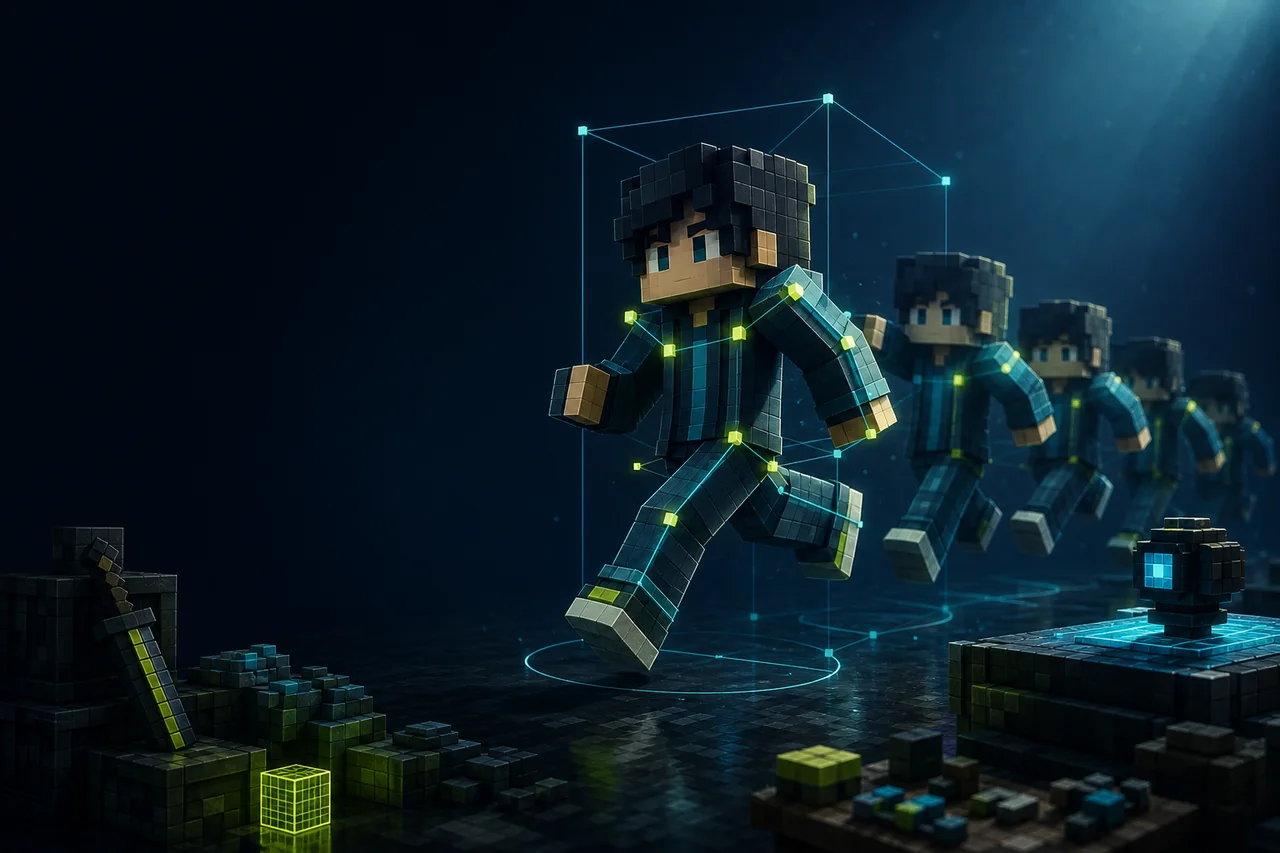
Minecraft Java · Player animation stack
Fresh Moves animates the player model, but the ZIP is only one part of the setup. The current 3.1.1 line has two beta variants for Minecraft 1.21.3–1.21.4, and both rely on client-side Entity Model Features (EMF) and Entity Texture Features (ETF).
Choose the 3.1.1 variant before downloading
| Variant | Exact release | Use it when |
|---|---|---|
| With animated eyes | BX6pU42f+1.21.3 Fresh Moves v3.1.1 (With Animated Eyes).zip |
You want the eye system and will prepare compatible skin pixels. |
| No animated eyes | JFOw2pGN+1.21.3 Fresh Moves v3.1.1 (No Animated Eyes).zip |
You want the body animations without the special eye-skin layer. |
Both creator records are marked beta and list Minecraft 1.21.3–1.21.4. Do not enable both ZIPs together: they are alternative variants of the same pack.
EMF and ETF are required client mods
The creator page names Entity Model Features 2.0.2+ and Entity Texture Features 6.0.1+ and tells players to use recent compatible versions. EMF supplies the custom player-model path; ETF handles texture features used by the pack. The creator describes both as client-side mods available for Fabric and Forge.
Those minimums are not a complete 2026 loader tuple. Before building the profile, open each dependency's current creator page and choose an EMF/ETF release that explicitly supports the same Minecraft version and loader. The resource-pack ZIP itself is not a loader mod.
OptiFine is not the replacement path
The Fresh Moves project page says OptiFine does not support the player custom models needed by the pack. Installing OptiFine instead of EMF and ETF does not satisfy the documented dependency chain. If the player remains rigid or falls back to the vanilla model, verify EMF and ETF before changing the skin.
Animated eyes require a skin decision
The animated-eye variant reads extra pixels added to the player skin. The creator's wiki documents the supported pixel positions and examples. That means eye behavior depends on both the chosen ZIP and the uploaded skin; another player's animated eyes are visible only when their skin contains the expected data.
Use a copy of the original skin, preserve its classic-or-slim geometry, and follow the current creator diagram. A random edited skin or an image converted by an unrelated tool is not evidence of compatibility. If you do not want to modify a skin, use the no-animated-eyes variant.
Build the clean profile in this order
- Create a Minecraft Java 1.21.3 or 1.21.4 profile with one supported loader.
- Install compatible EMF and ETF builds for that exact game and loader tuple.
- Launch once and confirm both mods load before adding the resource pack.
- Place one Fresh Moves 3.1.1 ZIP in the resource-pack folder and enable it.
- Test a default skin first; add the eye-ready custom skin only if using the eye variant.
- Restart the client and repeat the same third-person movements.
Fresh Moves is a client visual stack. A dedicated server does not need the resource-pack ZIP or the two client mods for the documented baseline. Server-side distribution and forced-pack behavior were not tested.
Test the player actions the pack actually touches
Use third person and record a short route: idle, walk, sprint, sneak, swim, sleep, use an elytra, and wear a cape if that matters to the profile. Check both classic and slim skins. Compare the same camera angle with Fresh Moves enabled and disabled so a change can be attributed to the pack.
For multiplayer, test your own skin and one other consenting player. The source review did not verify what every other client sees or how skin services, offline mode, privacy tools, or server cosmetics affect the result.
Pack order and animation mods
A resource pack that replaces the same player model, animation, cape, or skin assets can override part of Fresh Moves. Start with Fresh Moves alone, then add one visual pack at a time. Record the order and repeat one movement after every change.
The creator lists special work for Parcool, Quark emotes, Not Enough Animations, Amendments, Real Camera, Essential emotes, Emotecraft, Better Combat, and Sleep Tight. Those are creator-stated compatibility notes, not a guarantee for any current combination. Check the exact versions and reproduce a single action before keeping the stack.
Fix black eyes without random texture edits
If eyes render black, first confirm the chosen eye variant, current EMF and ETF, and the creator's current skin layout. The project links a dedicated “Fix Black Eyes” wiki page. Use that route before moving pixels by trial and error.
The creator also instructs players to allow skin transparency in the ETF/EMF settings for the documented face features. Record the old value before changing it. Skin transparency can affect more than one pack, so verify the rest of the visual stack afterward.
Troubleshooting matrix
| Symptom | First useful action |
|---|---|
| Player uses the vanilla model | Confirm EMF and ETF loaded on the same Minecraft/loader profile, then verify one Fresh Moves ZIP is enabled. |
| Eyes are black or misplaced | Use the creator's eye-layout and black-eye wiki; compare the skin against the selected animated-eye variant. |
| No eye animation is visible | Make sure the no-eye ZIP is not enabled and the uploaded skin contains the required extra pixels. |
| First-person hand movement is unwanted | Check the creator's current first-person-hand wiki and the 3.1.1 default behavior before editing files. |
| One emote twists the limbs | Reproduce it with only Fresh Moves, EMF, ETF, and that one animation mod; creator compatibility notes do not cover every version. |
| Another player looks different | Separate their skin data, their client pack, your client pack, and server cosmetics instead of assuming one shared render path. |
Performance claims need a real scene
MineBrush did not measure FPS, frame time, memory, reload time, or animation stability. To compare, use the same camera, player count, skins, armor, cape, shader state, and movement loop. Measure the complete EMF+ETF+Fresh Moves stack; testing the ZIP without its required model features is not the intended result.
Update or remove the stack
Keep the working Fresh Moves variant, EMF/ETF versions, skin copy, and pack order before updating. Change one layer, restart, and repeat the movement route. To remove Fresh Moves, disable its ZIP first; do not automatically delete EMF or ETF because other packs may depend on them.
This is a client presentation stack, but configuration migration and skin behavior were not tested. Preserve the last known-good profile until the new combination renders correctly after a restart.
FAQ
Is Fresh Moves 3.1.1 a stable release?
No. Both selected 3.1.1 variants are marked beta.
Does it work on Minecraft 26.2?
The selected creator records list 1.21.3–1.21.4, not 26.2.
Do I need both EMF and ETF?
Yes for the documented setup. Use current compatible builds meeting the creator's stated minimums.
Which ZIP should I choose?
Use the animated-eye variant only if you want its skin-pixel system; otherwise use the no-eye variant. Do not enable both.
Does the server need Fresh Moves?
Not for the creator-described client baseline. Server distribution and modpack rules remain separate decisions.
May MineBrush mirror the pack?
No mirror is included. The project displays a Custom License linked to CC BY-NC-SA 4.0, and no creator file or media was acquired for redistribution.
Creator sources checked
- Fresh Moves project page
- 3.1.1 with animated eyes
- 3.1.1 without animated eyes
- Fresh Moves creator wiki
Sources were revisited August 24, 2026. No pack, dependency, skin, client, server, screenshot, or benchmark was retained or run.
Choose the creator's Fresh Moves variant, then use the Java resource-pack checklist to keep the ZIP and pack order clean.
PLAYER QUESTIONS
Discussion
Include the exact edition, version and step when asking for help.