 MineBrush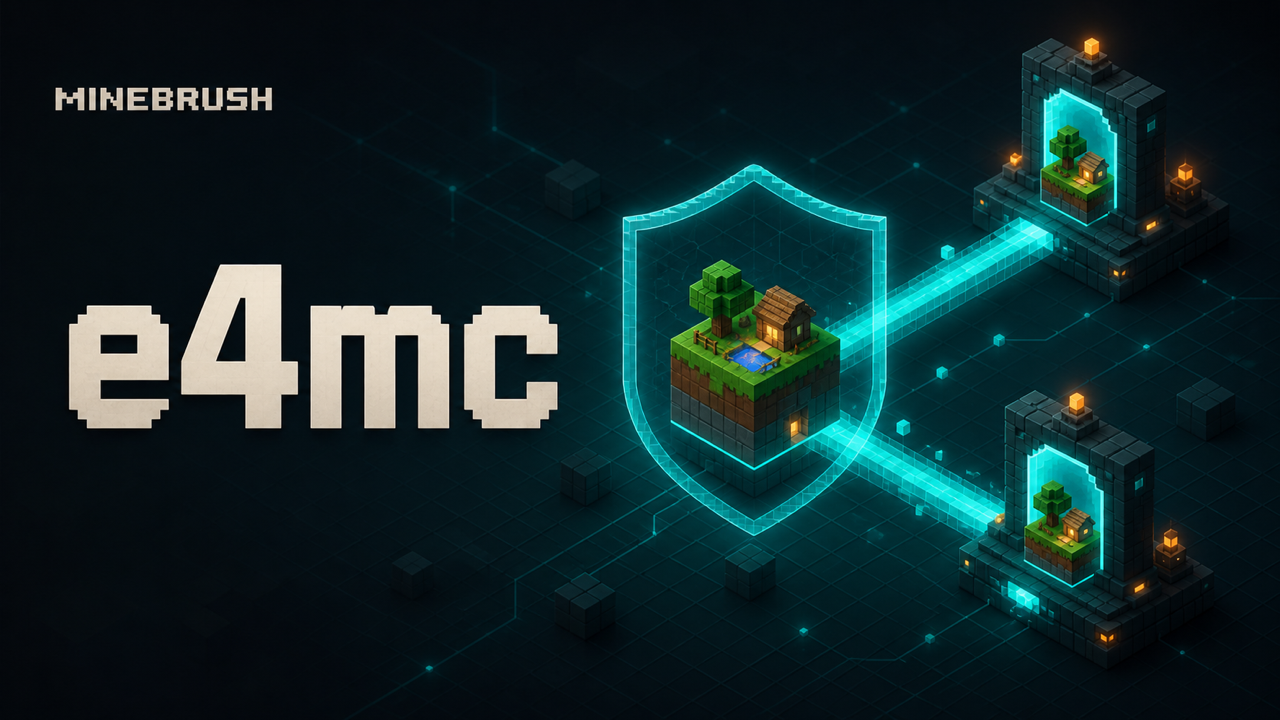
MineBrush local downloads
Each link opens the separate MineBrush download page before DLE serves the attached file.
MineBrush reviewed the official release records and attachment structure. This exact build was not independently launched in a Minecraft runtime; use a backup and match the listed game version, loader, and dependencies.
e4mc lets a Minecraft Java host expose an Open to LAN world through a temporary public address. It creates a reverse tunnel through the e4mc relay, so you do not have to open a router port or ask friends to join your home network. The host installs the mod; guests normally connect with a vanilla client by entering the address e4mc displays.
Download e4mc 6.2.1 for Minecraft 26.2
Fabric / Quilt modern
Version: 6.2.1 · Minecraft: 26.1–26.2
File: e4mc-fabric-6.2.1-modern.jar
Fabric API dependency
Version: 0.158.0+26.2 · release
File: fabric-api-0.158.0+26.2.jar
NeoForge
Version: 6.2.1 · Minecraft: includes 26.2
File: e4mc-neoforge-6.2.1.jar
Use the Fabric modern build for Minecraft 26.2. The separate non-modern Fabric file targets the long 1.18–1.21.11 compatibility line and is not the correct 26.2 download. NeoForge users need the NeoForge JAR and should not add Fabric API.
What e4mc does—and what it does not do
- creates a temporary public hostname for a local Open to LAN session;
- tunnels Minecraft traffic through the e4mc relay instead of router port forwarding;
- lets ordinary guests join without installing e4mc;
- works from the host's normal singleplayer world flow;
- does not turn the world into a permanent 24/7 server;
- does not keep the world online after the host closes it;
- does not provide MineBrush-hosted relay infrastructure or an uptime guarantee;
- does not replace backups, moderation or access decisions.
Install e4mc on Fabric
- Back up the world and create a separate Minecraft 26.2 profile.
- Install Fabric Loader. MineBrush's Fabric installation guide covers profile and dependency matching.
- Download
e4mc-fabric-6.2.1-modern.jarand Fabric API from the cards above. - Place both JARs in that profile's
modsfolder without unzipping them. - Launch once and confirm that e4mc loaded before opening the important world.
Install e4mc on NeoForge
- Install NeoForge for Minecraft 26.2 in its own launcher profile.
- Download
e4mc-neoforge-6.2.1.jar. - Place the JAR in the profile's
modsfolder. Do not add the Fabric JAR or Fabric API. - Launch and confirm the mod appears in the startup log or mod list.
Host a world with e4mc
- Open the copied singleplayer world on the computer that will host the session.
- Pause and choose Open to LAN.
- Choose the intended game mode and whether commands are allowed, then start the LAN world.
- Wait for e4mc to display a public domain alongside the local port message.
- Copy the domain exactly. Do not add the local
192.168…address; remote friends cannot use it. - Send the public domain privately to the invited players.
- Keep the world open while everyone plays. Closing the world ends the host session.
How friends join
- Use Minecraft Java on the same compatible game version as the host.
- Open Multiplayer and choose Direct Connection or Add Server.
- Paste the complete e4mc domain displayed by the host.
- Join while the host's world and LAN session are still open.
Guests do not normally need e4mc because they connect to a public address like any other Java server. They may still need the host's gameplay mods if the world uses a modpack with required client/server content. e4mc solves network reachability; it does not make mismatched modpacks compatible.
Security and privacy checklist
- Use a copied world for the first session.
- Share the address in a private message, not a public post or stream overlay.
- Invite only players you trust with that world.
- Do not expose personal files, launcher logs or desktop notifications while streaming.
- Remember that Minecraft traffic is relayed through third-party e4mc infrastructure.
- Close the world when the session ends and confirm that the public address no longer accepts connections.
- Use a real dedicated server with documented access controls when the world must stay online or serve a larger community.
Fix: no public e4mc address appears
- Confirm that e4mc loaded and that you selected Open to LAN, not only opened the pause menu.
- Check that the correct modern Fabric or NeoForge file is in the active profile.
- Fabric users should confirm that Fabric API is present and compatible.
- Review the latest log for e4mc connection, DNS or relay errors.
- Temporarily test without a VPN, restrictive proxy or network filter that may block the relay connection.
- Check the project's current status/issues; an external relay outage cannot be fixed by reinstalling the JAR.
Fix: a friend cannot connect
- Send the address again as plain text and remove spaces or punctuation copied from chat.
- Verify that the host's world is still open and the LAN session has not ended.
- Match the Minecraft version. A network tunnel cannot fix an outdated client/server protocol.
- If the world is modded, match every required mod and configuration on the joining client.
- Have one player test from a different network to separate a guest-side firewall issue from the host setup.
- Read the host log while the guest attempts to join; a visible handshake or disconnect reason is more useful than “it doesn't work.”
e4mc versus port forwarding, a VPN and a dedicated server
| Option | Best for | Main tradeoff |
|---|---|---|
| e4mc | Quick temporary session from a singleplayer world | Depends on an external relay and the host staying in the world |
| Router port forwarding | Self-hosting with direct inbound connectivity | Router/security configuration and public IP exposure |
| Private mesh VPN | Small trusted group on a private virtual network | Every participant usually installs and joins the VPN |
| Dedicated server/host | Persistent worlds, larger groups and administration | More setup, maintenance or recurring cost |
Creator, source and license
e4mc is developed by vgskye and contributors and released under the MIT License. Its client mod and relay source are publicly documented by the project. MineBrush stores the original unmodified release files listed above with their source and license references.
- Official Modrinth project
- Official service site
- Official mod source
- Download source material
- Read the included MIT license
e4mc is a community project and is not an official Mojang or Microsoft service. MineBrush is not affiliated with the creator or relay operator.
PLAYER QUESTIONS
Discussion
Include the exact edition, version and step when asking for help.