 MineBrush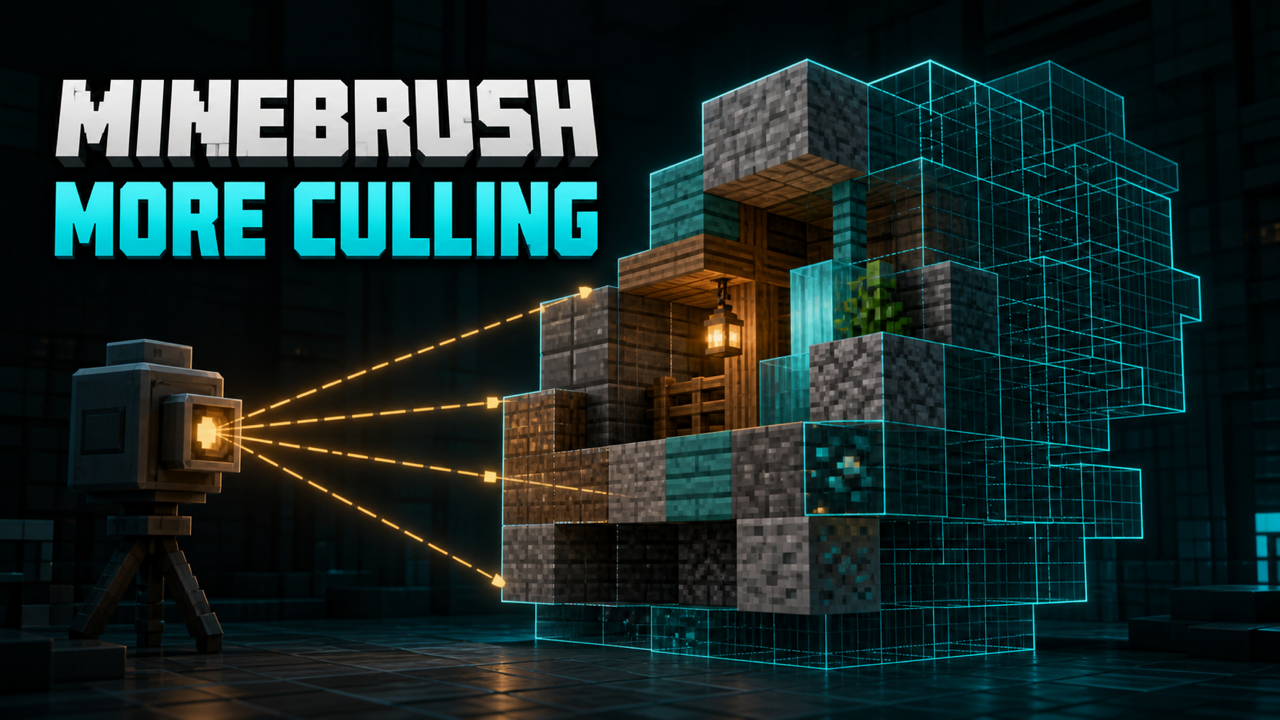
MineBrush local downloads
Choose the file that matches your Minecraft version and mod loader. Each link opens the separate MineBrush download page before DLE serves the attached file.
- More Culling 1.8.1 — Fabric / Quilt — Minecraft 26.2
- More Culling 1.8.1 — NeoForge — Minecraft 26.2
- Cloth Config 26.2.155 — matching-loader dependency
- Corresponding source — v1.8.1
- GPL-3.0 license
MineBrush reviewed the official release records and attachment structure. This exact build was not independently launched in a Minecraft runtime; use a backup and match the listed game version, loader, and dependencies.
What More Culling actually does
More Culling is a Minecraft Java rendering optimization by FxMorin and contributors. Instead of changing world logic, mobs, recipes, or saved chunks, it reduces work on the client by not rendering selected faces and objects that should be hidden from the camera. The current 1.8.1 files covered here target Minecraft 26.2.
Culling is not the same as lowering every graphics setting. It can help most in scenes with many eligible blocks, item frames, maps, leaves, or other occluded geometry, but the size of the improvement is workload-specific. A fast GPU-bound shader scene, a CPU-bound modpack, and a vanilla-like base can produce very different results. MineBrush therefore treats “more FPS” as something to measure, not a guaranteed number.
Choose the exact download
- Fabric or Quilt:
moreculling-fabric-26.2-1.8.1.jar, exact official version IDD5oVCouK, 363,646 bytes. - NeoForge:
moreculling-neoforge-26.2-1.8.1.jar, exact official version IDdKLDGs8Q, 349,733 bytes.
Both are release-channel files published August 2, 2026. They are not interchangeable. A Fabric file does not belong in a NeoForge profile, and the NeoForge file does not belong in Fabric or Quilt. Both routes require Cloth Config API. For Minecraft 26.2, the checked matching release is Cloth Config 26.2.155: use its Fabric build for Fabric/Quilt or its NeoForge build for NeoForge.
The NeoForge file record exposes broader environment metadata than the project description, but the optimization itself is player-facing rendering work. Installing a client rendering mod on a dedicated server does not create an FPS gain for players. Do not require a server owner to install it unless a later exact release or pack policy establishes a separate need.
Install on Fabric or Quilt
- Back up the instance or create a new Minecraft 26.2 profile.
- Install the 26.2-compatible Fabric Loader, or a Quilt setup that supports this Fabric-targeted file.
- Install the matching Fabric build of Cloth Config 26.2.155.
- Place
moreculling-fabric-26.2-1.8.1.jarin that instance'smodsfolder. - Launch once and confirm that the title screen reports the expected Minecraft and loader versions.
If the game says that Cloth Config is missing, do not remove the dependency check. Install the correct Cloth Config file for the same Minecraft line and loader. If a launcher manages multiple instances, use the instance-specific folder rather than a global folder from another profile.
Install on NeoForge
- Create or back up a Minecraft 26.2 NeoForge instance.
- Install the NeoForge build of Cloth Config 26.2.155.
- Add
moreculling-neoforge-26.2-1.8.1.jarto that instance'smodsfolder. - Remove any Fabric or Quilt copy of More Culling and Cloth Config from the same profile.
- Launch a test world before adding the rest of a large modpack.
Settings: start safe, then tune
Use the mod's configuration screen supplied through Cloth Config. Leave defaults in place for the first clean launch, then change one culling family at a time. After each change, check blocks with partial geometry, transparent textures, leaves, item frames, maps, and modded models from several angles.
A missing face that appears only at a particular angle is a visual-compatibility signal, not evidence that the block vanished from the world. Return the most recent option to its default, reload the scene, and retest. If a resource pack or model-heavy mod is involved, repeat the test without it before filing a report.
Version 1.8.1 fixes a crash involving Client Tweaks and a mangrove-roots interaction with Sodium's dontCull behavior. It also removes the older cloud-culling path because the creator no longer considers it necessary. Those release notes do not prove compatibility with every version of those mods; the complete loader, renderer, and mod versions still matter.
How to test whether it helps
- Pick a repeatable single-player scene and stand at the same coordinates looking in the same direction.
- Keep render distance, simulation distance, shader, resource pack, resolution, and JVM arguments unchanged.
- Warm the scene long enough that chunk loading is not dominating the result.
- Record frame time or FPS for a fixed interval with the mod disabled, then enabled.
- Repeat more than once and compare consistency, stutter, and visual correctness—not only the highest FPS value.
If your result is unchanged, the scene may contain little eligible hidden geometry, or another bottleneck may dominate. More Culling is not a substitute for diagnosing memory pressure, excessive entities, world-generation stalls, or a shader bottleneck.
Sodium, shaders, resource packs, and modpacks
More Culling is commonly paired with rendering stacks, but compatibility must be checked against exact versions. Start with More Culling, its dependency, and the renderer; then add shaders, resource packs, and model-changing mods one group at a time. When a visual defect begins, the last change gives you a reproducible comparison.
The creator permits inclusion in modpacks with credit, but does not grant permission to merge More Culling into another client or mod. Keep its JAR independent, retain attribution and license material, and do not repackage or rename the binary.
Fix crashes or invisible faces
- Crash before the menu: confirm Minecraft 26.2, the correct loader file, and matching Cloth Config. Then read the first relevant error in
latest.log. - “Wrong loader” or metadata error: replace the JAR with the exact variant for the active profile.
- Missing or flickering geometry: restore defaults, disable the affected culling option, and retest without model-changing packs.
- No configuration screen: verify Cloth Config is installed for the same loader and that the launcher opened the intended instance.
- Problem only with Sodium or another renderer: record exact versions, reproduce in a small profile, and attach the relevant log when reporting it.
- No measurable gain: test a representative occlusion-heavy scene and inspect whether the limit is elsewhere.
Update and rollback safely
Do not overwrite a working instance without a restore point. Save the old JAR and configuration, replace only the More Culling file with the same-loader update, and launch a copy of the profile first. If a problem appears, restore the previous JAR and config together. More Culling does not intentionally rewrite world content, but a world backup remains sensible whenever a modded profile changes.
Download safety and license
Quick answer
Install More Culling 1.8.1 plus the matching Cloth Config 26.2.155 build in a Minecraft 26.2 Fabric/Quilt or NeoForge profile. Keep loader files separate, start with defaults, measure in the same scene, and roll back the option or JAR if geometry disappears. The mod can reduce rendering work, but the gain is not universal.
Official and creator sources
- More Culling: 1.8.1 · Fabric/Quilt · Release
- More Culling: 1.8.1 · NeoForge · Release
- More Culling source: 1.8.1 source boundary
- Cloth Config: 26.2.155+fabric · Fabric · Release
- Cloth Config: 26.2.155+neoforge · NeoForge · Release
These links identify the official or creator-controlled evidence checked on August 28, 2026. MineBrush has not treated an unverified runtime result, device outcome, or third-party configuration as guaranteed.
PLAYER QUESTIONS
Discussion
Include the exact edition, version and step when asking for help.