 MineBrush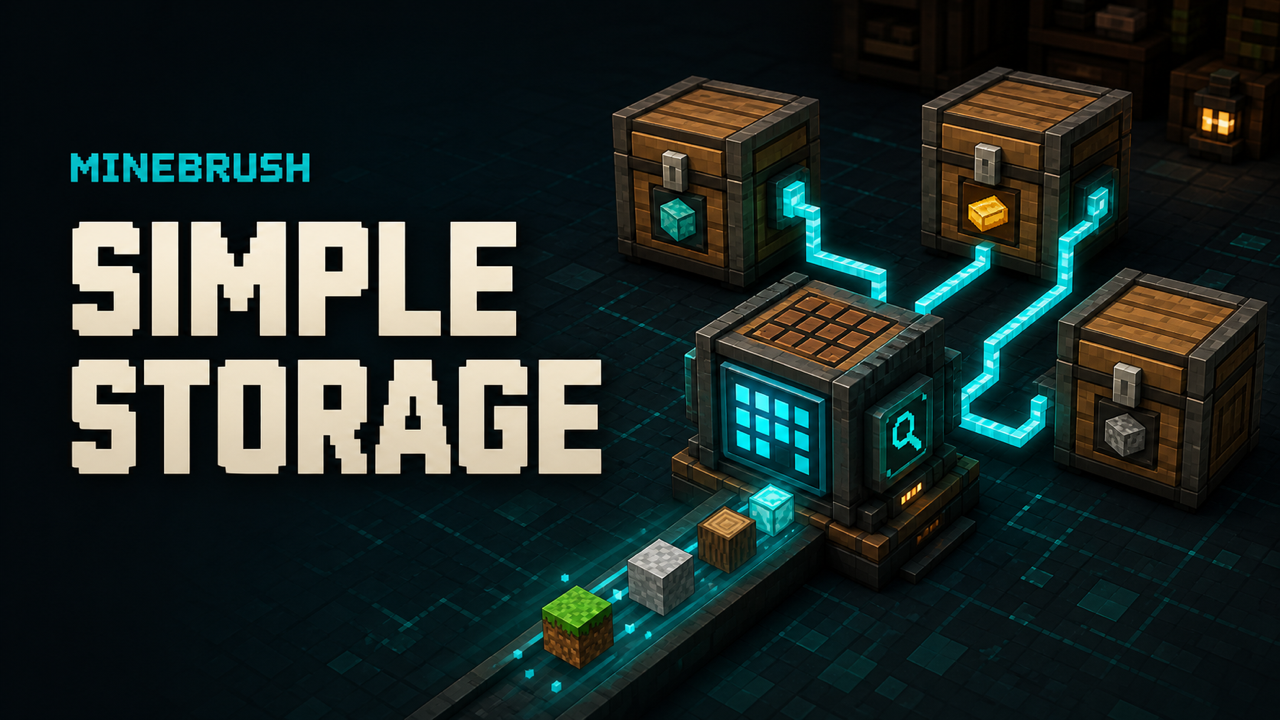
Tom's Simple Storage turns a pile of nearby chests, barrels and other inventories into one searchable network. You keep the containers you already built, connect them, and use a Storage Terminal or Crafting Terminal instead of sprinting through a warehouse and opening every box. The mod is made by tom5454 and is available for both Fabric and NeoForge.
Which Tom's Simple Storage file should you download?
Minecraft 26.2 — Fabric
Version: 26.2-2.11.2 · release
File: toms_storage_fabric-26.2-2.11.2.jar
Minecraft 26.2 — NeoForge
Version: 26.2-2.11.1 · release
File: toms_storage-26.2-2.11.1.jar
Minecraft 1.21–1.21.1 — Fabric
Version: 1.21-2.4.1 · release
File: toms_storage_fabric-1.21-2.4.1.jar
Minecraft 1.21–1.21.1 — NeoForge
Version: 1.21-2.4.1 · release
File: toms_storage-1.21-2.4.1.jar
Do not choose a file only because its mod version looks larger. Match all three parts: Minecraft version, loader and mod version. A 26.2 file belongs in a 26.2 profile; it is not a drop-in upgrade for 1.21.1.
What the mod adds
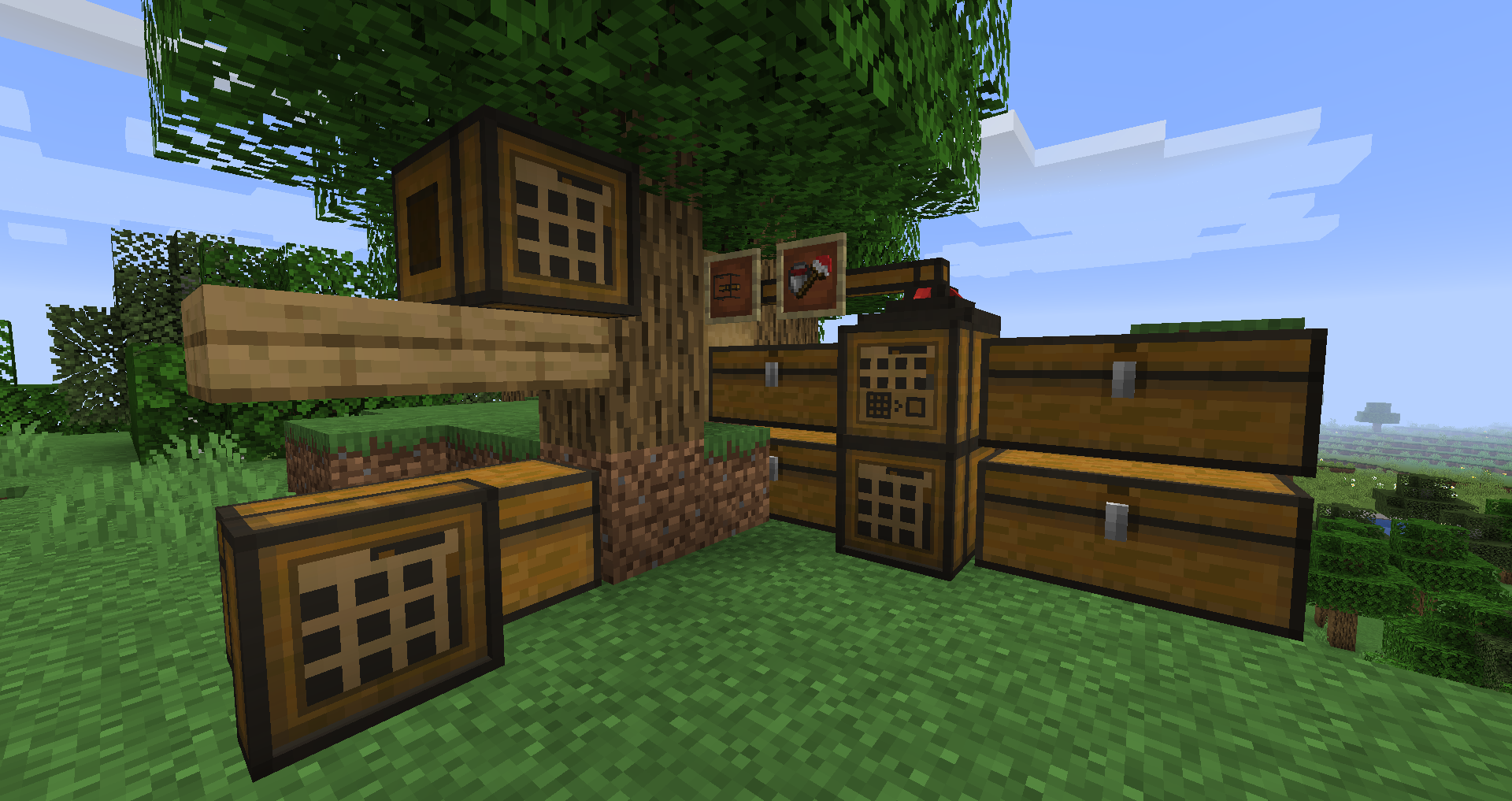
- Inventory Connector: the core block that discovers connected inventories.
- Storage Terminal: one searchable view of items in the network.
- Crafting Terminal: storage access plus crafting without moving stacks back and forth.
- Inventory Cables and connectors: extend the network around a storage room.
- Filtered connectors: control which items can move through part of the setup.
- Wireless Terminal: access the network away from the main terminal after configuring the required in-game parts.
- Open Crate and Inventory Hopper: extra ways to expose or move items.
How to install Tom's Simple Storage
- Back up the world. Modded storage blocks can hold valuable items, so make a copy before adding, updating or removing the mod.
- Confirm the profile. Check the Minecraft version and whether the launcher says Fabric or NeoForge.
- Install the matching loader. If you use Fabric, follow MineBrush's Fabric mod installation guide.
- Download exactly one Tom's Storage JAR from the matching card above.
- Place the JAR in the profile's
modsfolder. Do not unzip it and do not place both loader builds in the same folder. - Launch once and inspect the Mods screen or log. Confirm that Tom's Simple Storage loaded before opening the important world.
- Test in a copied world first. Craft the connector and terminal, then confirm that a small chest network is visible.
Does it need other mods?
The official 26.2 version metadata does not list a separate required content dependency. The Fabric build embeds its configuration library. JEI, REI and EMI integrations are optional: install one only if it already belongs in your profile. If you use Sodium on an older Fabric setup, the project's compatibility note may also require the rendering bridge appropriate to that exact Minecraft/Sodium line; do not install an outdated bridge blindly.
Build your first working storage network
- Place two or three ordinary containers close together for the first test.
- Place an Inventory Connector where the network can reach those inventories.
- Connect distant containers with the mod's inventory cables/connectors instead of assuming the connector sees the whole base.
- Attach a Storage Terminal to the same network.
- Open the terminal and search for an item that exists in only one connected chest.
- Add a Crafting Terminal after basic access works. This keeps the first diagnosis simple.
- Expand the network in small sections and test after each branch. That makes a broken cable or blocked side easy to find.
How the terminal search works
The terminal combines items that the connector can currently reach and gives you a searchable list. Search narrows that list; it does not teleport items from containers outside the network. Recipe-viewer support can add convenient recipe lookups, but the storage network itself still depends on valid physical connections and loaded inventories.
If you use JEI, MineBrush has a separate JEI search syntax guide for mod-name, tooltip and resource-ID filters.
Wireless Terminal setup
Craft the wireless parts from the exact version's in-game recipe viewer, bind or link the terminal through the mod's intended block/item flow, and test close to the storage room before walking away. Range and cross-dimensional behavior can depend on upgrades and configuration. Do not assume a wireless terminal will keep unloaded chunks active or work across dimensions unless the current setup explicitly provides that behavior.
Why containers are missing from the terminal
- Broken route: follow the cable path from the Inventory Connector to the missing container.
- Wrong side or connector: some modded inventories expose different capabilities on different faces.
- Filter rule: a filtered connector may be excluding the item or inventory you expect.
- Unloaded area: inventories in an unloaded chunk may not be available to the active network.
- Loader mismatch: verify that the server and every required client use the same Minecraft line and compatible Tom's Storage build.
- Another storage mod: test the basic network without extra bridges or contraption integrations, then add integrations one at a time.
Multiplayer and server checklist
- Install the matching mod build on the server and clients that join the modded server.
- Keep the same Minecraft version and loader family across the pack.
- Back up the world before updating the mod or changing large storage networks.
- Stop the server cleanly before replacing JARs.
- Do not remove the mod while valuable items remain inside its blocks.
Update or remove the mod safely
For an update, back up the world, replace only the old Tom's Storage JAR with the compatible new one, and launch a copied world first. For removal, empty mod-owned storage blocks and terminals, dismantle the network, back up again, then remove the JAR. Vanilla chests may survive, but mod blocks, upgrades and items cannot exist after the mod is gone.
Creator, source and license
Tom's Simple Storage is created by tom5454 and released under the MIT License. MineBrush stores the original unmodified release files for the versions listed above and keeps the creator and source references with the attachments.
Tom's Simple Storage is a community mod and is not an official Mojang or Microsoft product. MineBrush is not affiliated with the creator.
PLAYER QUESTIONS
Discussion
Include the exact edition, version and step when asking for help.