 MineBrush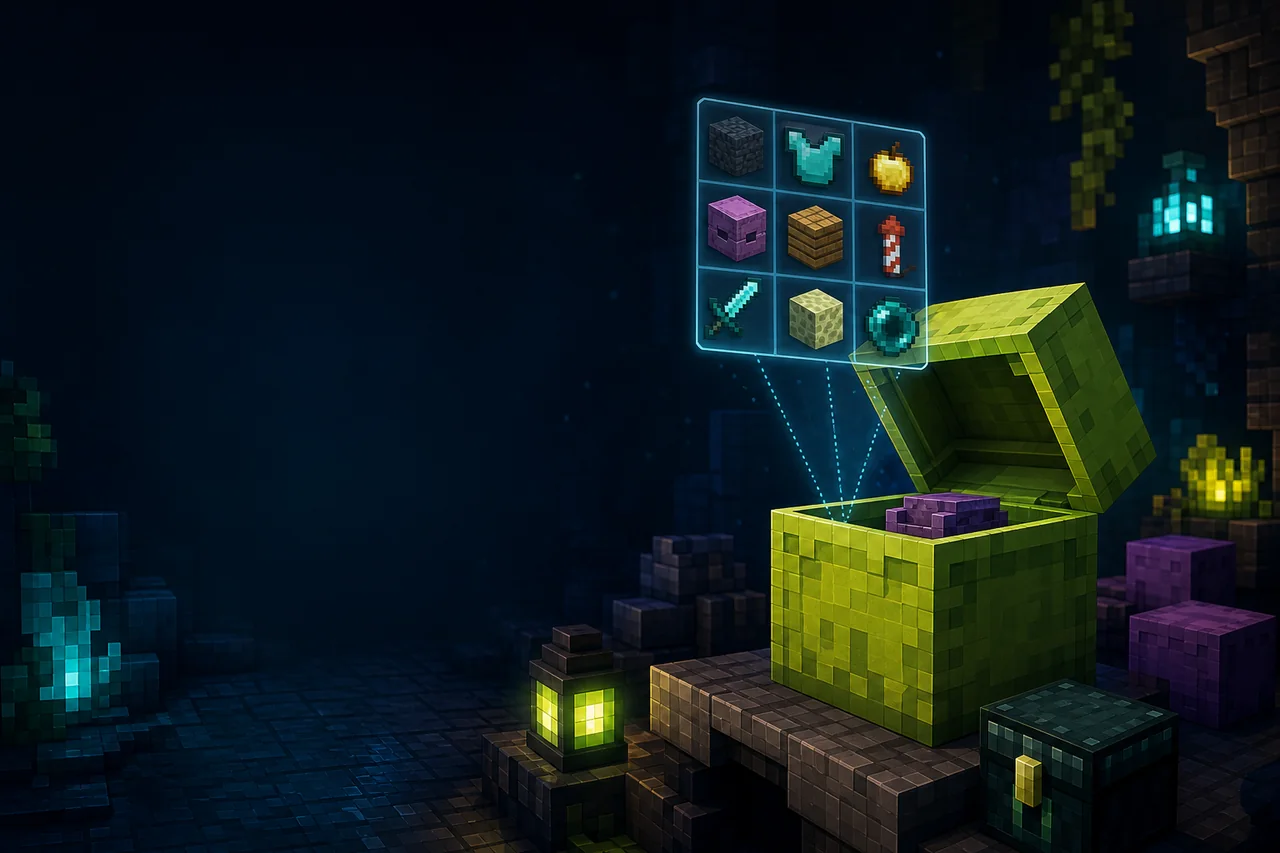
Minecraft Java container preview
Shulker Box Tooltip previews stored items while the container remains in an inventory. The current Minecraft 26.2 release is 5.4.0+26.2 for Fabric and NeoForge. Fabric requires Fabric API and treats Mod Menu as optional. The preview reads item data; it is not a second inventory and does not move, restore, or back up the contents.
Current 26.2 setup
| Loader | Creator file | Dependency |
|---|---|---|
| Fabric | shulkerboxtooltip-fabric-5.4.0+26.2.jar |
Fabric API required; Mod Menu optional |
| NeoForge | shulkerboxtooltip-neoforge-5.4.0+26.2.jar |
No project dependency listed for this file |
The project marks the client required and server optional. Client installation supplies ordinary previews. Optional server installation can expose extra supported information, including an ender-chest preview, but that is not required for the basic shulker test described here.
Compact and full preview controls
With the creator defaults, holding Shift while hovering a shulker opens a compact preview. Holding Alt + Shift opens a full view that keeps stacks in their recorded slots. Controls are configurable, so an existing profile may differ. Some creative-mode container items and many modded containers can also be previewed, but support depends on their stored data.
A normal survival shulker with a few clearly named stacks is the best baseline. Loot-table placeholders, server-protected data, deeply customized NBT, or an unusual modded container can produce a different result without proving the basic preview is broken.
Safe install and first preview
- Launch a working Fabric or NeoForge 26.2 profile and confirm the inventory screen responds normally.
- Add the exact 5.4.0 loader file. Fabric players also add the matching Fabric API release.
- In a disposable world, fill one ordinary shulker with three distinctive stacks placed in different slots. Pick it up and close the container.
- Hover the shulker and test compact preview, then full preview. Compare names, counts, and slot positions with the known contents.
- Restart once and repeat before enabling colored previews, loot-table display, other container types, or optional server features.
For automatic sorting and movement rather than read-only preview, use the separate Inventory Profiles Next guide. Preview and transfer tools should be diagnosed independently.
Fix no preview, wrong shortcut, or incomplete contents
If nothing appears, open the configuration through Mod Menu when installed or inspect config/shulkerboxtooltip.json5. Confirm the preview key and whether the feature is enabled. Test both left and right modifier keys, and check the operating system’s keyboard-layout behavior before changing multiple bindings.
If counts or slots appear wrong, reopen the actual container and compare the same item immediately. Test a plain shulker with vanilla items; this separates the mod baseline from server plugins, loot-table markers, or modded NBT. If the compact view truncates useful detail, compare the full-preview shortcut. If the preview overlaps another tooltip, disable the other UI or tooltip mod for one pass and record GUI scale and window size.
Use previews without trusting stale information
After a server transfer, inventory sync event, or container edit, reopen the real shulker before making a valuable decision from its tooltip. The preview reflects the item data available to the client; it is not an independent audit of server storage. Never discard a box or trade it solely because a modded preview looks empty.
For a useful issue report, capture the container type, exact item and mod IDs, compact or full mode, key combination, loader, GUI scale, server presence, and whether the real opened contents match. Remove private server coordinates or player data before sharing logs.
Rollback and evidence boundary
Exit Minecraft, save the configuration if you want to preserve custom controls, then remove the Shulker Box Tooltip JAR. Remove Fabric API only if nothing else needs it. Reopen the known shulker normally; do not discard it merely because a preview was incomplete.
MineBrush rechecked creator metadata on August 28, 2026. We did not open these JARs in Minecraft. Exact modifier-key behavior, NBT rendering, server extensions, controller input, UI overlap, and modded-container coverage remain unknown until reproduced.
PLAYER QUESTIONS
Discussion
Include the exact edition, version and step when asking for help.