 MineBrush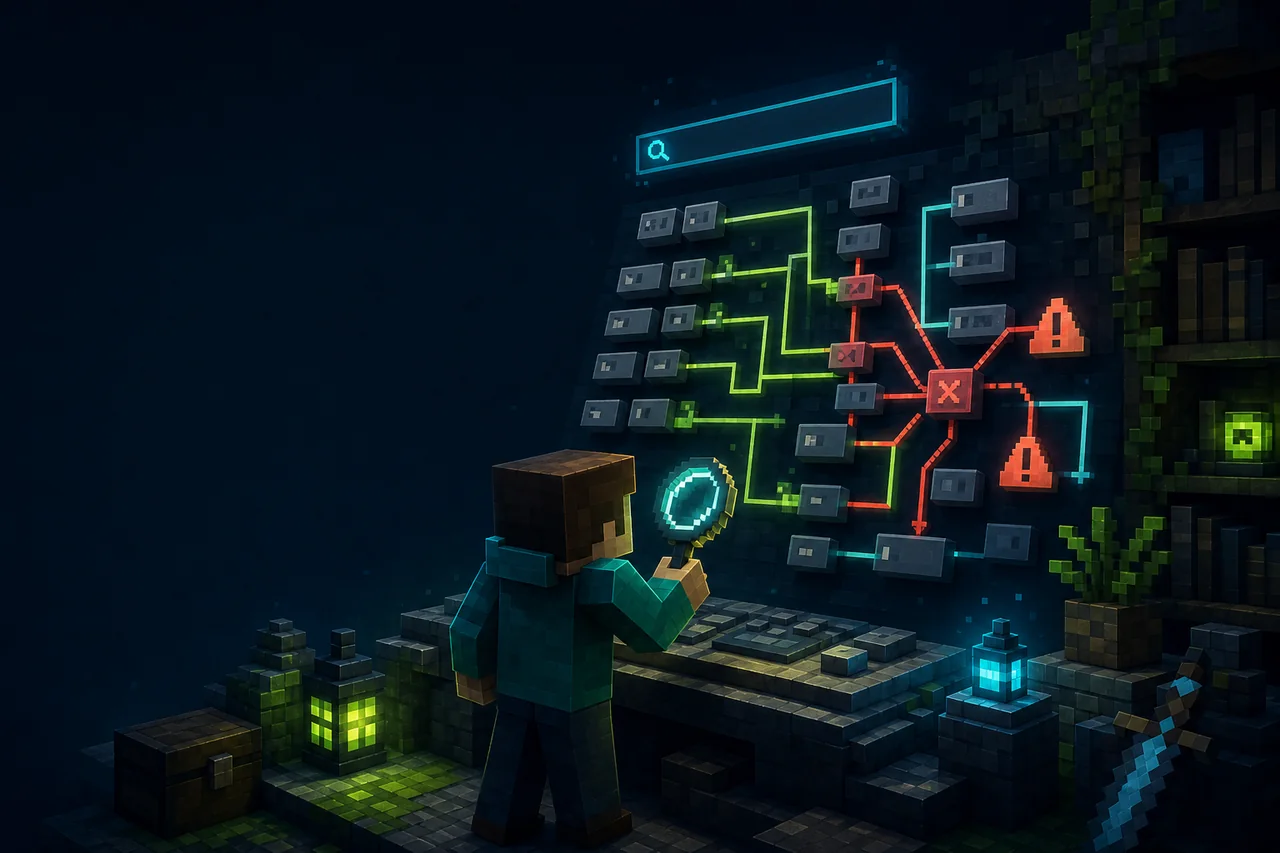
Minecraft Java control search
Controlling adds search and conflict tools to the Java Edition key-binding screen. The current Minecraft 26.2 release is 26.2.2 with separate Fabric and NeoForge files. Searchables is required on both; Fabric API is also required for Fabric. The mod helps identify a conflict, but it cannot decide which action the player should keep.
Current 26.2 setup matrix
| Loader | Creator file | Required dependencies |
|---|---|---|
| Fabric | Controlling-fabric-26.2-26.2.2.jar |
Searchables and Fabric API |
| NeoForge | Controlling-neoforge-26.2-26.2.2.jar |
Searchables |
The project marks the mod as client-required and server-unsupported. A player can therefore use its controls screen on a multiplayer server without asking the server to install Controlling. The server or another client mod can still define actions whose context matters, so a duplicate key is not automatically an actual in-game collision.
Conflict does not always mean broken
Two actions may share a key yet never run in the same situation: one could work only in an inventory, another only while holding a specific tool, and a third only in a mod screen. Controlling’s conflict view is a shortlist for testing, not a verdict. Conversely, two entries can look different but compete when another mod changes their context.
The available-key display helps locate unused choices, while search reduces a long modpack list to matching action names. Search by the visible action or category rather than guessing the owning mod from memory.
Install and resolve one key safely
- Launch the Fabric or NeoForge 26.2 profile once, then back up
options.txtand any mod-specific keymap files. - Add the matching Controlling 26.2.2 JAR and Searchables. Fabric users also add the matching Fabric API release.
- Open Controls and search for the action that failed. Record its current key, category, and any entries shown as conflicting.
- Test the original key in each relevant context before changing it. Keep notes for gameplay, inventory, map, voice, and mod configuration screens.
- Rebind only one action to a clearly available key, save, restart once, and repeat the same contexts.
If you need an in-game list of installed client mods and their configuration entry points, use the exact live Mod Menu setup guide. Mod Menu is a separate project; it is not a declared Controlling dependency.
Fix an empty search, missing controls screen, or double action
If the controls page fails to open or the search field is absent, confirm that Controlling and Searchables both target 26.2 and the same loader. Do not mix the NeoForge main file with Fabric API. Preserve the latest log and look for the first named missing dependency rather than reinstalling the whole profile.
If search returns nothing, clear the query and confirm ordinary bindings appear. Try a short visible word from the exact translated action name. A translation pack can change labels, so an English search term may not match a localized entry. If one key triggers two actions, test the contexts again with only Controlling, Searchables, and the owner mods of those actions. Controller bridges and macro software can add another input layer outside this mod.
Plan a keymap that survives modpack growth
Reserve a few key groups by purpose: movement and combat near the default hand position, occasional map or camera actions farther away, and destructive or irreversible actions behind a modifier. Avoid assigning a bare key already used by chat input or an accessibility tool. Keep a simple exported or written map of non-default bindings before a large modpack update.
When reporting a conflict, include both visible action names, their owning mods, active contexts, keyboard layout, modifier keys, loader, Searchables version, and the exact steps that cause the double action. A conflict badge alone does not show that both actions can fire together.
Rollback without losing the original map
Restore the saved options.txt if the new bindings are worse, or use the game’s reset control only for the specific action. Exit fully before removing Controlling and Searchables. Removing the search UI does not automatically restore key assignments already saved by Minecraft.
MineBrush rechecked creator metadata on August 28, 2026. We did not launch the JAR or test a keyboard. Exact non-US layouts, controller mappings, accessibility tools, macro layers, translated searches, and modpack contexts remain unknown until reproduced.
PLAYER QUESTIONS
Discussion
Include the exact edition, version and step when asking for help.