 MineBrush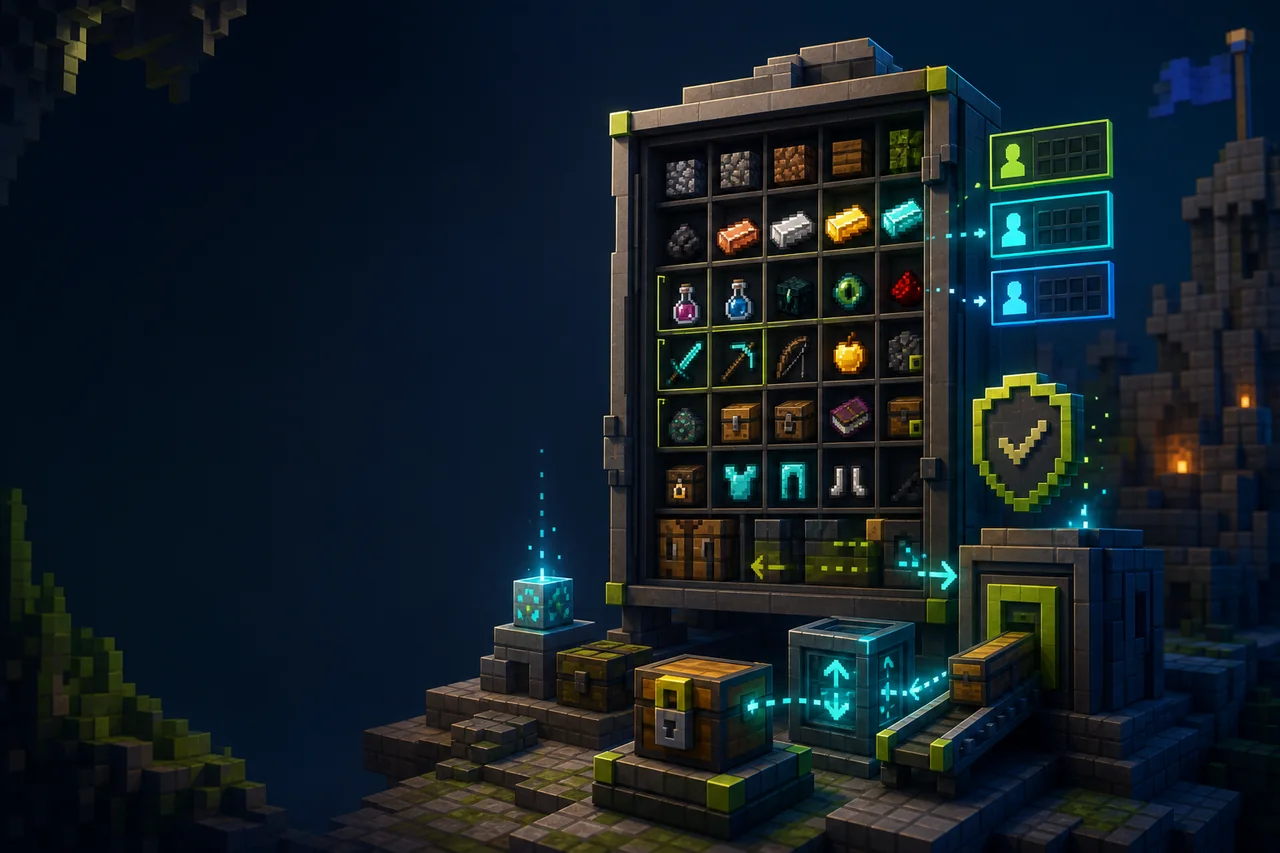
Minecraft Java inventory utility
Inventory Profiles Next is a client-side inventory workflow mod for sorting, moving matching items, protecting slots, replacing worn tools, and building gear shortcuts. The current Minecraft 26.2 release is 2.3.6 with separate Fabric, Forge, and NeoForge files. Its automation can save clicks, but a wrong rule can also move the wrong stack, so the first test belongs in a disposable inventory.
Choose the exact loader package
| Loader | 2.3.6 file | Required dependencies |
|---|---|---|
| Fabric | InventoryProfilesNext-fabric-26.2-2.3.6.jar |
libIPN, Fabric API, Fabric Language Kotlin |
| Forge | InventoryProfilesNext-forge-26.2-2.3.6.jar |
libIPN |
| NeoForge | InventoryProfilesNext-neoforge-26.2-2.3.6.jar |
libIPN |
All three creator releases target Java 26.2 and were published together. Do not use the Fabric dependency list for Forge or NeoForge, and do not assume that libIPN is bundled inside the main JAR. Mod Menu is optional on the Fabric release. The project is client-side, so server installation is not declared as required.
Start with one feature, not the whole rule set
Sorting changes slot order. “Move matching items” transfers items that correspond to stacks already present in the open container. Locked slots can stay protected from sorting, and empty-slot locking can reserve positions. Tool replacement and gear sets add more automation, but enabling everything at once makes it difficult to explain a lost or moved stack.
The creator explicitly distinguishes this project from a drop-in Inventory Tweaks replacement. Existing muscle memory or imported expectations may not match its controls. Learn the current shortcuts and rule model instead of copying an old mod’s configuration blindly.
Safe install and disposable inventory test
- Back up the profile configuration and choose a Fabric, Forge, or NeoForge 26.2 instance that already launches.
- Add the exact 2.3.6 loader file and every required dependency from the table. Launch before adding any other new inventory mod.
- Create a test chest in a disposable world. Put a few cobblestone, dirt, food, and one named tool in the player inventory and chest.
- Trigger only sorting. Confirm the same item counts remain, then try “move matching” and confirm only the expected material crosses the container boundary.
- Lock one occupied slot and one empty slot. Repeat sorting, close the screen, reopen it, and confirm the intended rule persists.
If you also use preview tools, keep their purpose separate. The Shulker Box Tooltip guide covers reading a container preview; it does not replace Inventory Profiles Next’s movement rules.
Fix missing buttons, unexpected moves, or startup errors
If the game stops during startup, check the first missing-dependency or incompatible-loader line. Fabric needs libIPN, Fabric API, and Fabric Language Kotlin for this release. Forge and NeoForge need libIPN but use different main JARs. A file ending in the wrong loader name is not corrected by adding more libraries.
If controls are missing, open the mod’s shortcut settings and check for another mod using the same key. If an item moves unexpectedly, stop using the affected action, preserve the config, and reproduce the event with two ordinary stacks. Check whether the destination already contained a matching item, whether a slot was locked, and whether a profile-specific rule was active. Do not keep testing with shulker boxes full of valuables.
Decide whether automation belongs in this profile
A player who only wants one-click sorting may not need replacement rules, empty-slot locks, or gear sets. Enable the smallest feature set that completes the task. On competitive or managed servers, read the server’s client-mod policy before using automated movement. “Client-side” describes where the code runs; it does not grant permission under every server’s rules.
For a useful issue report, record the source and destination screen, action name, shortcut, before-and-after slot map, exact item IDs, loader, dependencies, and minimal mod list. A screenshot of only the final inventory cannot show which rule ran.
Rollback and limits
Before removal, return important items to ordinary known slots and exit cleanly. Copy the Inventory Profiles Next and libIPN configuration, remove the main JAR and loader-specific dependencies that no other mod requires, then reopen the disposable test. Removing a client utility does not reverse transfers it already performed.
MineBrush rechecked creator metadata on August 28, 2026. We did not run the files or move items. Exact shortcut behavior, server policy, controller mapping, protected-slot persistence, and modpack interaction remain unknown until tested in the player’s exact profile.
PLAYER QUESTIONS
Discussion
Include the exact edition, version and step when asking for help.