 MineBrush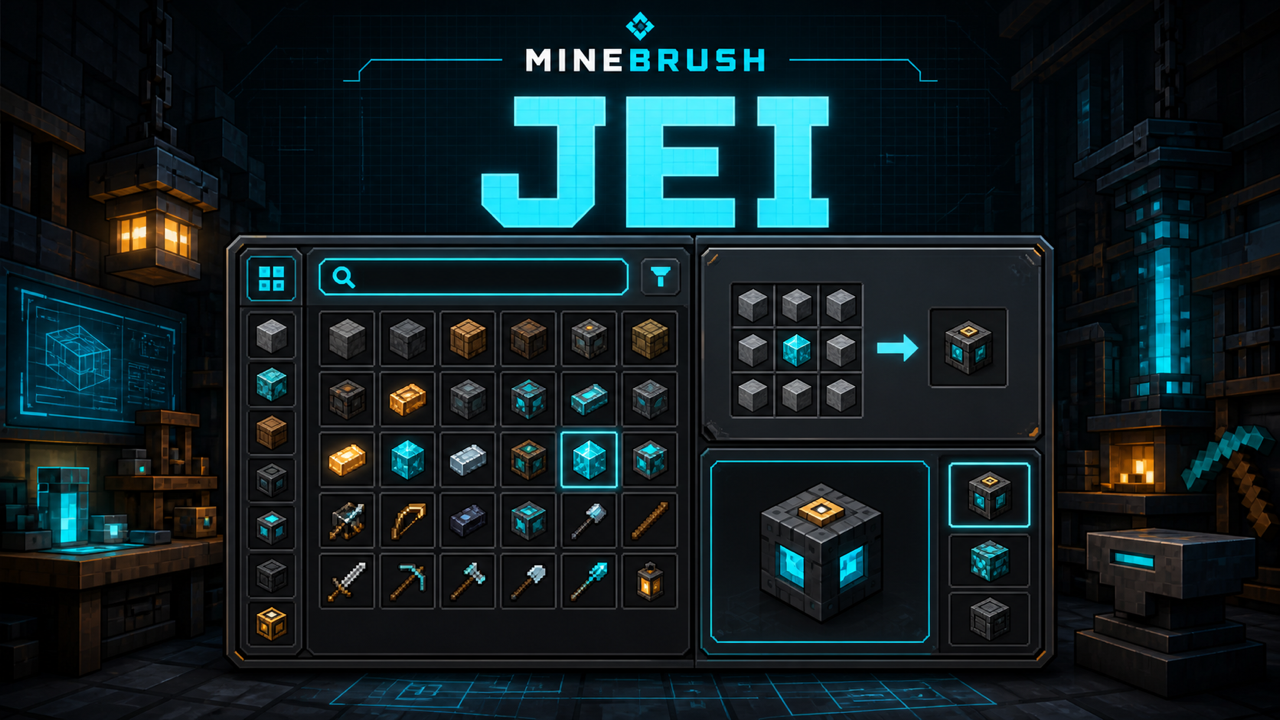
MineBrush local downloads
Choose the file that matches your Minecraft version and mod loader. Each link opens the separate MineBrush download page before DLE serves the attached file.
MineBrush reviewed the official release records and attachment structure. This exact build was not independently launched in a Minecraft runtime; use a backup and match the listed game version, loader, and dependencies.
Just Enough Items turns a large modded inventory from a guessing game into a searchable reference. The item panel shows what is available in the current profile, while the recipe screen answers two everyday questions: how do I craft this, and what can I make with it?
Use the exact JEI branch in this guide
| Component | Selected baseline |
|---|---|
| Minecraft listing | Java Edition 1.21.1 |
| Loader | NeoForge |
| JEI | 19.27.0.336 |
| Channel | Release on CurseForge; Beta on Modrinth for the same bytes |
| File | jei-1.21.1-neoforge-19.27.0.336.jar |
| Published | December 29, 2025 |
| Java | Use the Java runtime required by the matching Minecraft and NeoForge profile; Minecraft 1.21.1 normally uses Java 21 |
[1.21, 1.21.1) although both platforms list 1.21.1. MineBrush must complete a clean 1.21.1 launch before enabling the local attachment.The official project also lists newer Minecraft branches and beta files. They are not interchangeable with this CurseForge-selected 1.21.1 baseline. Newer 19.44.0.405 is explicitly Beta and is not the file covered here. A file labeled Fabric or Minecraft 26.2 does not belong in this NeoForge 1.21.1 instance.
Install JEI without mixing profiles
- Create or select a Minecraft 1.21.1 NeoForge instance.
- Launch it once without JEI so the loader can create its folders and prove that the base instance opens.
- Close the game completely.
- Place
jei-1.21.1-neoforge-19.27.0.336.jarin that instance'smodsfolder. - Remove older JEI copies and any Fabric JEI file from the same folder.
- Start the game and confirm JEI appears in the loaded mod list before adding the rest of a large pack.
JEI's official repository describes no extra mod dependency beyond the matching loader for this line. That does not make NeoForge optional: the loader is the platform that runs the JAR.
Open recipes and uses
Hover an item and press R to see recipes that produce it. Press U to see recipes that use it as an ingredient. Those keys are defaults and can be changed in Controls. If nothing opens, search the keybind list for JEI and resolve any red conflict before reinstalling files.
The recipe screen may show several categories. Switch tabs or use the page controls instead of assuming the first crafting-grid page is the only way to make an item. Machines added by other mods can register their own recipe categories.
Search a large modpack quickly
Plain words match item names. JEI also supports filters that narrow the list by different kinds of data. The exact enabled operators can be adjusted in JEI configuration, so treat these as the normal baseline rather than a promise about a heavily customized pack.
| Search | Purpose | Example |
|---|---|---|
@ |
Mod name | @create shaft |
# |
Tooltip text | #press |
$ |
Documented OreDict-name search | $ingotCopper |
% |
Creative tab | %building glass |
- |
Exclude a term | plank -oak |
| Quotes | Keep a phrase together | "iron plate" |
| |
OR search | copper | bronze |
@ is the fastest way to cut a large catalog down to one mod. Use the display name JEI recognizes, then add an ordinary item term. If @example returns nothing, clear the prefix, hover a known item from that mod, and check the source name shown in its tooltip.
# searches tooltip text rather than every recipe description. % narrows by creative tab. JEI's project documentation calls $ its OreDict-name search; modern packs can expose registry and tag concepts differently, so verify the actual results in this 1.21.1 branch instead of translating $ into a universal tag claim.
Put - directly against a word to remove matching noise. Quotes hold a phrase together, and | separates alternatives. Multiple ordinary terms narrow the same result set. Start with one word, add one field filter, then add one exclusion. If the list becomes empty, remove the newest token first; that shows which condition was too strict.
Bookmarks, hidden items, and cheat mode
JEI can bookmark ingredients so frequently used blocks and intermediate parts stay in a separate list. Check the configured bookmark key in Controls because modpacks often change it.
Cheat mode can give items instead of only displaying recipes. It should be treated as an operator or creative-workflow feature, not a survival requirement. On a server, permissions and server rules still apply. An item appearing in JEI does not mean a non-operator may spawn it.
If an item disappears from the list after a misclick, check JEI's edit or hide mode and configuration. Do not delete the whole instance first; hidden-item state and search text are smaller variables to clear.
Why server installation can matter
On newer Minecraft branches, recipes are managed on the server. A client-only JEI install can still provide its interface, but the complete recipe set for a modded server may require JEI to be installed server-side so the data can synchronize correctly. Use the same Minecraft, loader, and compatible JEI branch on both sides.
If recipes work in single-player but vanish on one server, compare the server mod list and recipe datapacks before changing client graphics settings. The server can add, remove, or replace recipes.
Fix an empty item list
- Clear the search box, including any invisible leading operator.
- Check whether the item list was hidden by its assigned toggle key.
- Exit edit/hide mode.
- Confirm the expected content mod actually loaded.
- Test the same item in a clean 1.21.1 NeoForge instance with JEI and the content mod only.
- For multiplayer-only gaps, verify server-side JEI and recipe synchronization.
Fix a crash before the main menu
Read the first loader error in latest.log or the crash report. The most useful checks are exact Minecraft version, loader family, duplicate JEI files, and a content mod built for a different branch. Exit code 1 is only a launcher summary; the relevant exception is in the log.
Do not add random libraries unless the log names one. For this selected JEI line, the official repository does not list an additional runtime mod dependency beyond the matching loader.
Fix R or U doing nothing
Open Controls, search for JEI, and look for conflicts. Inventory-management mods commonly compete for keys. Rebind one action, return to the world, and test while hovering a normal item in an inventory. Also try opening the recipe from JEI's own item panel; that separates a keybind problem from missing recipe data.
Update without breaking a working pack
Back up the instance and its config before replacing JEI. Stay within the same Minecraft and loader branch unless the entire pack is migrating. Keep the previous JAR outside the active mods folder so rollback is easy, but never leave both copies active.
For a server, update only after its modpack owner confirms the matching branch. A client connecting successfully does not prove every recipe integration is correct.
What JEI does not prove
JEI displays registered items and recipes; it does not certify that every recipe is balanced, obtainable, or allowed on a particular server. Datapacks and scripts can alter the recipe set. Some guidebook progression or machine conditions also sit outside a simple recipe grid.
Useful issue report
Include Minecraft version, NeoForge version, JEI version, the smallest mod list that reproduces the problem, whether it happens in single-player or one server, and the relevant log. Name the exact item or recipe. Remove account tokens, server addresses, and unrelated personal paths before sharing files.
Official sources and download boundary
Use the official JEI file 7391682 page, the official source repository, and the exact-version official Maven source retained with this package. The project is MIT-licensed; the included SuffixTree component retains its Apache-2.0 notice. The JEI name, logo, gallery media, Minecraft artwork, and third-party marks remain separate from those software licenses.
MineBrush has acquired and statically verified the selected file and source/license bundle but has not malware-scanned or run it. The safe baseline is exact-version matching, a clean 1.21.1 first launch, and a rollback copy before JEI joins a large profile.
PLAYER QUESTIONS
Discussion
Include the exact edition, version and step when asking for help.