 MineBrush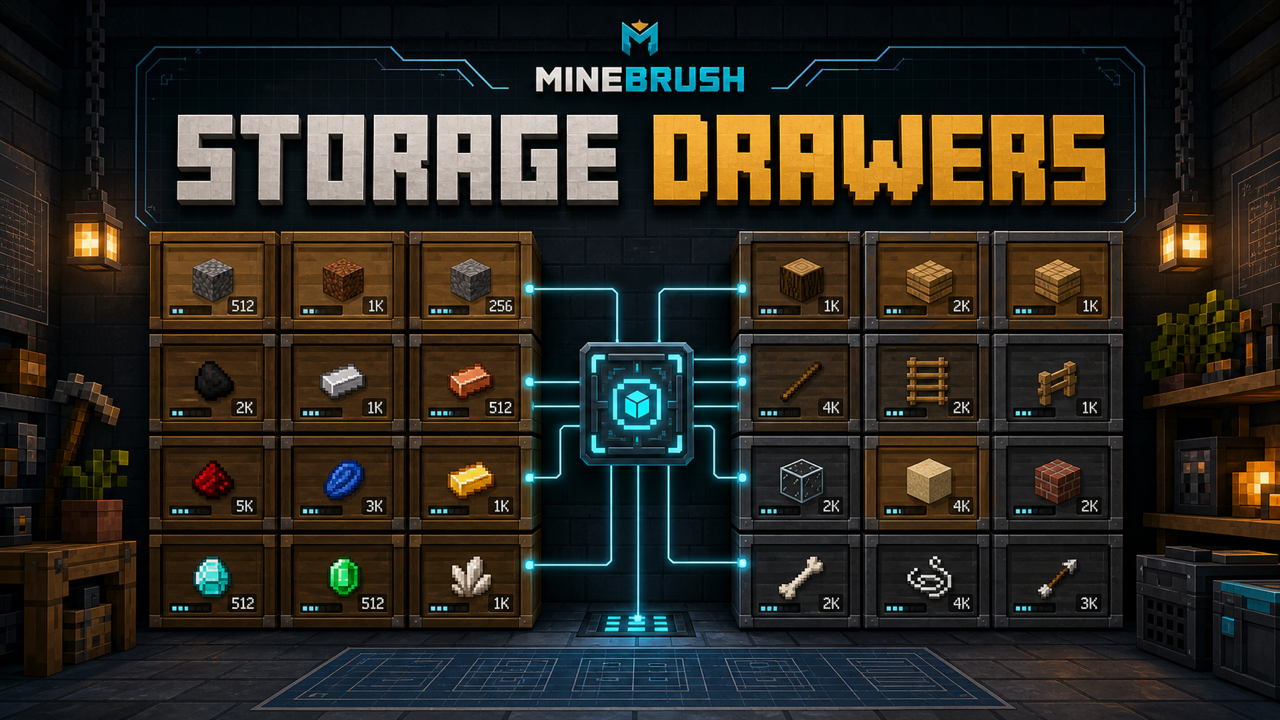
MineBrush local downloads
Choose the file that matches your Minecraft version and mod loader. Each link opens the separate MineBrush download page before DLE serves the attached file.
- Storage Drawers 19.1.1 — NeoForge — Minecraft 1.21.10
- Corresponding source snapshot
- MIT license
- Build notice
MineBrush reviewed the official release records and attachment structure. This exact build was not independently launched in a Minecraft runtime; use a backup and match the listed game version, loader, and dependencies.
Storage Drawers is built for high-volume materials you want to recognize and move quickly. Instead of opening a chest and searching slots, you see the stored item on the drawer face and use direct clicks to deposit or withdraw it. Drawer blocks trade variety per block for clean bulk storage, then upgrades and controllers let the system grow with a base or factory.
StorageDrawers-neoforge-1.21.10-19.1.1.jar, CurseForge file ID 7107983, released October 14, 2025. Forge and Fabric builds are separate files and cannot be substituted.How drawer controls work
- Right-click: inserts the held stack when the drawer accepts that item.
- Double right-click: deposits matching items from your inventory into the drawer.
- Left-click: removes one item.
- Shift + left-click: removes a full stack.
- Shift + right-click with an empty hand: opens the drawer interface used for detailed management in current branches.
Test these controls before building a wall around the system. A keybind or interaction mod can intercept clicks, and a server may change behavior through configuration.
Pick the right drawer
Drawer layouts hold different numbers of item types and assign capacity accordingly. A one-slot drawer is ideal for a bulk material such as cobblestone. Multi-slot drawers fit families of items such as logs, crops, or mob drops. Compacting and framed options, when present in the selected build, serve different organizational or visual jobs. Use the in-game recipe data for exact recipes and capacity values because configs and branches can change them.
Requirements and installation
- Minecraft Java Edition 1.21.10.
- A matching NeoForge loader build.
StorageDrawers-neoforge-1.21.10-19.1.1.jar.
- Back up important worlds, then close Minecraft and the launcher.
- Create or select a Minecraft 1.21.10 NeoForge instance and run it once.
- Open that instance's
modsfolder. - Add the exact NeoForge JAR and remove older or wrong-loader Storage Drawers files.
- Launch and verify version 19.1.1 in the installed-mod list before opening a valuable world.
The exact JAR declares no additional required mod and contains no nested library JAR. Historical instructions for Minecraft 1.8–1.12 mention Chameleon and should not be carried into this 1.21.10 setup.
Dedicated-server setup
- Stop the server and back up its world, configs, and mod list.
- Confirm Minecraft 1.21.10 and a compatible NeoForge version.
- Put the same Storage Drawers 19.1.1 JAR in the server
modsfolder. - Install the same content build on every client.
- Start the server and check the latest log before placing drawers in the main world.
Use a disposable test area to verify deposits, withdrawals, upgrades, controller range, chunk boundaries, and automation under the server's actual configuration.
Upgrade guide
The official project description lists a broad upgrade set. Availability, tier values, and recipes must be confirmed in the selected build.
- Capacity upgrades: increase how much a drawer can store.
- One-stack downgrade: limits capacity when a small buffer is preferable.
- Void upgrade: destroys overflow after the drawer is full. Use it only for materials you are willing to lose.
- Redstone upgrade: exposes fill information to redstone systems.
- Fill-level indicator: makes capacity easier to read visually.
- Hopper upgrade: adds item-transfer behavior appropriate to automated systems.
- Magnet upgrade: pulls eligible nearby item entities according to its rules and range.
- Illumination upgrade: adds a light-emitting role to the drawer.
- Conversion and balanced-fill upgrades: adjust capacity conversion or how multi-slot drawers accept items.
- Portability and creative upgrades: cover specialized movement or unlimited-capacity workflows; review tooltips and server rules before use.
Never add a void upgrade to a production line until overflow behavior is tested with a harmless item. Filters, locks, upgrades, and automation order can determine what gets destroyed.
Drawer Controller basics
A Drawer Controller provides a central interaction point for a connected drawer network. Players can deposit matching inventory items through the controller, and compatible automation or storage systems can treat the controller as the network access point. Exact range, connection rules, trim behavior, and chunk-loading behavior depend on the selected version and configuration.
- Build a small group of drawers and add known test items.
- Place and connect the controller according to current tooltips and recipe data.
- Test manual bulk deposit at the controller.
- Test input and output with one hopper or pipe before connecting a full factory.
- Cross a chunk boundary deliberately and verify the result after a server restart.
Framed drawers and appearance
Framed drawers can be styled using block materials supported by the current recipe or interface. Capture the exact interaction in the selected build before publishing a step-by-step recipe. Resource packs can change textures without changing storage logic, while shader or rendering mods can affect labels and icons.
Automation and storage-network integration
The project describes controller integration with systems such as Applied Energistics 2 and Refined Storage. Treat this as supported project intent, not a guarantee for every combination of versions. Match all mods to Minecraft 1.21.10, test import and export limits, define storage priorities, and protect against loops. A drawer with a void upgrade can silently delete items if a network routes overflow into it.
Common problems and fixes
Right-click does not deposit
Confirm the drawer is unlocked or assigned correctly, the held item matches, and capacity is available. Test with an empty hand and a basic item. Temporarily disable interaction/keybind mods and compare behavior on a clean profile.
Shift-right-click UI is missing or invisible
Verify the control, empty-hand requirement, and client version. Test without shaders, custom GUI packs, or rendering mods. An older official issue reported an invisible shift-right interface on an earlier 1.21.1 build; use that only as an isolation clue, not proof of a 19.1.1 bug.
The controller cannot see a drawer
Check connection blocks, controller range, chunk boundaries, locked states, and whether both chunks are loaded. Reduce the network to the controller and one adjacent drawer, then expand one block at a time.
A pipe will not insert or extract
Test the same side with a vanilla hopper, verify side and filter rules, then check the automation mod's compatibility for these exact versions. Older issue reports describe automation edge cases, including void/discard behavior, but do not establish a defect in this release.
The game crashes after an update
Keep only one Storage Drawers JAR, confirm Minecraft and NeoForge compatibility, and read the first meaningful error in latest.log or the crash report. Restore the backup if the updated build changes registries or saved data unexpectedly.
Safe updates and removal
Back up the world and configuration. Read the exact upstream changelog, remove the old JAR, and test the new build on a copy. Before uninstalling, empty drawers and remove Storage Drawers blocks where practical. Removing a content mod can delete its blocks, items, upgrades, and stored inventory from saved data.
Official download and source
Verify the selected record on the official Storage Drawers file page. Code and license information are available in the official source repository. MineBrush has acquired and statically verified the exact CurseForge JAR, pinned source, and MIT notices, but has not malware-scanned or runtime-tested it.
Quick answers
How do I deposit everything that matches? Double right-click the drawer.
How do I take a stack? Shift + left-click the drawer face.
Can one controller connect unlimited drawers? Do not assume that. Range and connection rules belong to the exact build/configuration and should be tested.
Is the local download ready? The local bundle passes identity, checksum, metadata, source, and MIT-notice checks. Keep it disabled on the live site until approved malware scanning, clean client/server launch, and staging QA pass.
PLAYER QUESTIONS
Discussion
Include the exact edition, version and step when asking for help.