 MineBrush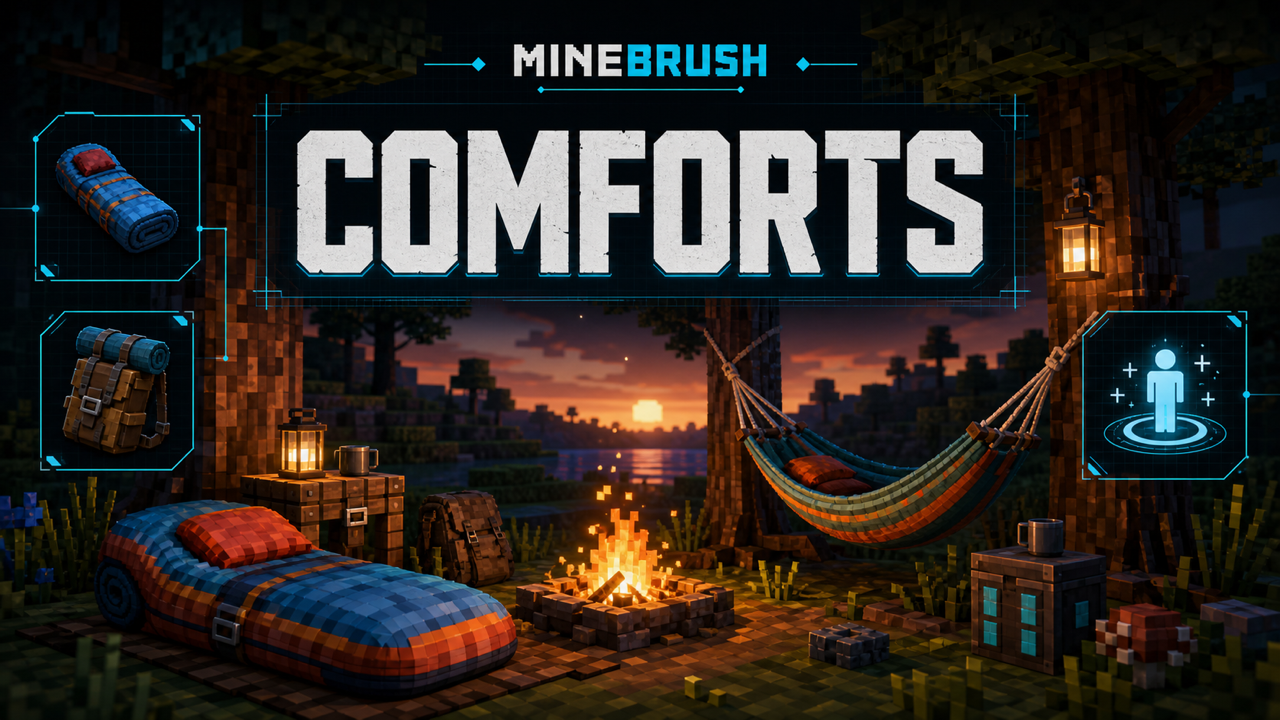
MineBrush local downloads
Choose the file that matches your Minecraft version and mod loader. Each link opens the separate MineBrush download page before DLE serves the attached file.
MineBrush reviewed the official release records and attachment structure. This exact build was not independently launched in a Minecraft runtime; use a backup and match the listed game version, loader, and dependencies.
Comforts is a focused utility mod for players who explore far from home, travel between bases, or want more control over the sleep cycle. It adds sleeping bags that do not replace your existing spawn point and hammocks that can advance daytime to night. Both item families come in 16 Minecraft dye colors.
What sleeping bags and hammocks do
- Sleeping bag: provides portable sleep without setting a new respawn point. Your normal bed remains the place you return after death.
- Hammock: provides the opposite time-shift use case, allowing daytime to advance toward night when its world and configuration conditions are met.
- Colors: both families are available in the standard 16 dye colors, which is useful for player kits or team storage.
- Configuration: server owners can adjust behavior such as auto-use, the Well Rested effect, sleepiness, hammock-at-night behavior, break chance, debuffs, and insulated sleeping bags.
Comforts does not replace Minecraft beds. Keep a bed at a safe base if you need to establish a respawn point.
Requirements
- Minecraft Java Edition 26.2.
- A NeoForge build made for Minecraft 26.2.
comforts-neoforge-16.0.0+26.2.jar.
The exact JAR declares no separate required library mod. It embeds SpectreLib 0.22.0+26.2 through JarJar, so players should not add a second SpectreLib download for this build. Do not copy dependency advice from a different Minecraft version or loader.
Install Comforts on a client
- Back up important worlds and close Minecraft and the launcher.
- Create or select a clean Minecraft 26.2 NeoForge profile.
- Run that profile once, then close the game.
- Open the profile's
modsfolder. This must be the instance folder used by the selected launcher, not automatically the global Minecraft folder. - Add the exact Comforts NeoForge JAR. Remove older Comforts copies and any Fabric or Forge variant.
- Start the game and confirm Comforts appears in the installed-mod list before loading a valuable world.
Install Comforts on a server
- Stop the server and back up its world, configuration, and mod list.
- Verify that the server uses Minecraft 26.2 and the matching NeoForge generation.
- Place the same Comforts version in the server's
modsfolder. - Install the matching build on every connecting client.
- Start the server, review the latest log for dependency or registry errors, then test with a temporary sleeping bag and hammock away from the main base.
Keep client, server, Minecraft version, loader family, and mod version aligned. A client-only installation is not a reliable multiplayer setup for content that adds blocks, items, and sleep behavior.
Crafting and using the items
The official project description identifies wool as part of the sleeping-item crafting path. Exact recipe layouts can change between mod and Minecraft versions, so use the recipe viewer in the installed 26.2 profile or inspect the current data recipes instead of relying on an old screenshot. After crafting, place the item where there is enough space and interact with it under the time and safety rules allowed by the world and server configuration.
If the item looks usable but sleep does not begin, first check the time of day, nearby threats, obstruction, dimension rules, and server sleep settings. Then check Comforts configuration and any other mod that changes time, beds, player pose, weather, or sleeping.
Configuration that is worth checking
- Auto-Use Sleeping Bag: controls convenience behavior around deploying or using the bag.
- Well Rested and Sleepiness Factor: affect the mod's rest-related mechanics when enabled.
- Hammocks at Night: changes when hammock use is accepted.
- Break chance and debuffs: can make portable sleep safer or more survival-oriented.
- Insulated sleeping bags: affects the insulated variant behavior where present in the selected build.
Configuration ownership can differ between client and server. In multiplayer, treat the server configuration as authoritative and restart when a setting says a restart is required.
Common problems and fixes
The game reports an incompatible mod or will not launch
Confirm all four identifiers: Minecraft 26.2, NeoForge, Comforts 16.0.0+26.2, and one Comforts JAR only. If the log names a missing dependency, use the dependency version listed for this exact file rather than guessing.
The sleeping bag does not work
Test in a normal Overworld area at the appropriate time with open space and no hostile mobs nearby. Check the server's sleep percentage and other sleep-changing mods. Official issue reports have documented compatibility problems with some realistic-sleep and world/time mods; those reports do not prove a universal bug in 16.0.0+26.2, but they make a clean-profile test especially useful.
The hammock does not skip the day
Check the current hammock time rules and server configuration. Remove obstruction, try a default Overworld test, and temporarily isolate mods that alter time or weather. Compare the result with Comforts alone before reporting it.
The item renders strangely or leaves an invisible object
Update the graphics stack and reproduce with Comforts and its confirmed requirements only. An older official report mentioned an invisible armor-stand-like artifact in a specific modpack. Treat that as a compatibility clue, not a confirmed defect in this release.
It works in single-player but not on the server
Compare client and server mod lists, exact filenames, loader versions, configurations, and logs. Confirm that both sides use the same Comforts build. Test without plugins or mods that rewrite sleep votes, dimensions, time, or player pose.
Safe updating and removal
Back up first. Read the official changelog, match the new file to the same Minecraft and loader family, and remove the old JAR instead of keeping two versions. Before removing Comforts from a world, pick up its placed blocks and items where practical, then test a copy of the world. Removing content mods can delete their blocks and items from saved data.
Download and source
Verify the selected build on the official Comforts file 8303507 page and use the official source repository for code and license information. MineBrush has acquired and statically verified the exact JAR plus corresponding Comforts/SpectreLib source and LGPL notices, but has not malware-scanned or runtime-tested it.
Quick answers
Does a sleeping bag reset my spawn? No. Preserving the existing spawn point is its defining use case.
Can I use the Fabric file on NeoForge? No. Download the file built for the loader in your profile.
Does the server need Comforts? Yes for the multiplayer setup covered here; keep the same content version on the server and clients.
Why is the local download unavailable? Binary identity, checksums, corresponding source, and LGPL notices pass offline QA. The approved malware scan, clean client/server launch, and live staging checks still must pass.
PLAYER QUESTIONS
Discussion
Include the exact edition, version and step when asking for help.