 MineBrush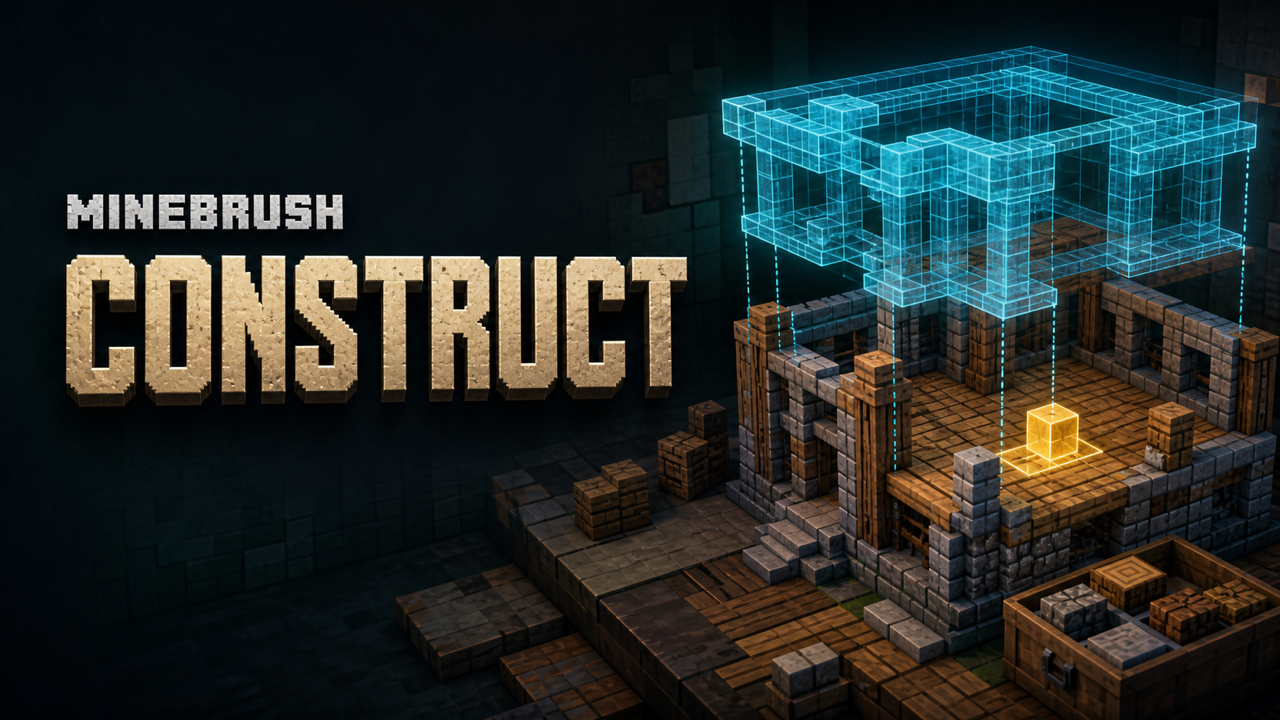
MineBrush local downloads
Choose the file that matches your Minecraft version and mod loader. Each link opens the separate MineBrush download page before DLE serves the attached file.
- Construct v1.2.0 (.mcaddon) — Minecraft Bedrock 26.40
- Construct v1.2.0 source
- MIT license
Read the MIT license · Download the exact v1.2.0 source tag · Creator release
Exact Construct v1.2.0 release
| Field | Verified creator-source value |
|---|---|
| Creator | ForestOfLight |
| Project | Construct, CurseForge project 1283139 |
| Current file | Construct-v1.2.0.mcaddon |
| File ID | 8584271 |
| Release date | August 5, 2026 |
| Exact size | 1,234,238 bytes |
| Bedrock label | 26.40 |
| Channel | Release |
| License | MIT License |
| Required experiment | Beta APIs |
| Required external dependencies | None listed; Canopy is optional |
A successful import does not prove that the add-on works on every Bedrock device or future build. The file record supports Bedrock 26.40. Treat Android, iPhone/iPad, console, Realm, server, achievement, and multiplayer behavior as unverified until the exact file is tested there.
What Construct does
Construct is often described as the closest Bedrock equivalent to a schematic-assisted builder such as Litematica, but it is its own Bedrock add-on with a different workflow. It uses Minecraft's structure system: save or import a structure, create a Construct instance, position the hologram, and build against that reference.
- Structure Hologram: shows the planned build in the world.
- Easy Place: helps place blocks in the correct orientation.
- Block Validation: highlights blocks that do not match the structure.
- Material Grabbing: pulls required materials from chests through the builder workflow.
- Layered Building: breaks a large structure into easier construction slices.
- Structure Management: creates, edits, selects, and removes multiple instances.
- Structure Importing: brings
.mcstructurefiles into the add-on's structure list.
Construct does not automatically create a finished build from nothing, and it is not a Java mod. The value is guidance, checking, and a more controlled survival-building route.
What changed in v1.2.0
The 1.2.0 release targets Bedrock 26.40. Its headline change is textured block previews: the hologram can render recognized blocks with their in-game model and texture instead of only plain cubes. The creator also added four rendering choices:
- Default: combines hologram and performance behavior.
- Performance: uses block outlines without textures for better responsiveness.
- Hologram Only: prioritizes the visual structure display but is described as less responsive.
- Classic: keeps Construct's earlier visual style.
Builder Options can set the default for new instances. The release also adds Pick Structure Block, an instance refresh-rate option, a whole-structure Layer 0 view, support-aware Easy Place checks, and several interface/API improvements.
Before installing
- Confirm that the exact world is expendable or has a tested backup.
- Record the Bedrock build shown on the title screen. The current file is labeled for 26.40.
- Remove older Construct test packs from the copy so two versions cannot compete.
- For the first pass, disable unrelated building, UI, script, inventory, and structure tools.
- Confirm the creator URL and exact filename before opening the package.
If you need device-specific file-opening help, use MineBrush's Android, iPhone, and iPad add-on install guide. If the extension is confusing, compare .mcaddon, .mcpack, and .mcworld before renaming or extracting anything.
Install Construct safely
- Open the exact
Construct-v1.2.0.mcaddonwith Minecraft and wait for the import result. - Create a new flat test world or duplicate an existing world.
- Open the test world's settings and inspect both Behavior Packs and Resource Packs. Activate the matching Construct components the import actually supplied.
- Open Experiments and enable Beta APIs, because the creator states it is required.
- Accept Minecraft's experiment warning only for the test copy.
- Load the world and wait for scripts and resources to initialize.
- Run
/construct:construct. The creator says this gives the Construct item that opens the menu; the item is also listed in Creative inventory under Items.
If the command is unavailable, first check cheats/command permission, pack activation, Beta APIs, and version matching. Re-importing the same file repeatedly is not a diagnostic.
Your first small structure
Use a tiny, disposable test before importing a castle. A 5×5 wall or compact cabin section is enough to prove the workflow.
- Save the build with a vanilla structure block or the
/structurecommand. - Open the Construct menu and create a new structure instance.
- Select the saved structure and move its hologram to clear ground.
- Start in Default or Performance mode.
- Place one correct block and one deliberately wrong block to verify placement and validation feedback.
- Switch to a layer view and confirm the expected slice changes.
- Save, leave the world, fully close Minecraft, and reopen the same copy.
- Confirm the instance, settings, and hologram persist before using a valuable world.
Import a structure from another world
The creator documents three routes. Pick the one your device actually supports.
Route A: save inside the same world
Use a structure block or /structure save. This is the simplest path, but the creator notes that it saves the structure only to the current world.
Route B: direct file access
- Move
Construct[BP]intocom.mojang/development_behavior_packs. - Place the
.mcstructurefile inConstruct[BP]/structures. - Restart the world.
- Check that the structure appears in Construct's structure list.
This creator route assumes access to Minecraft's pack folders. It may be impractical or unavailable on locked-down devices.
Route C: no structure export or no file manager
For a device that cannot export .mcstructure, the creator points to HoloPrint's “Extract From World” workflow. For a device that cannot manage Minecraft files, the creator points to Sea of Stars Studio's generator, which makes a separate .mcpack containing the structure. Those are external tools, not Construct dependencies. Review their current privacy and file-handling terms before uploading a world or structure.
Choose a rendering mode without guessing
| Goal | Start with | What to verify |
|---|---|---|
| Everyday guided building | Default | Textures are readable and interaction remains responsive. |
| Weak device or very large structure | Performance | Outline visibility, frame consistency, and input response. |
| Showcase or planning view | Hologram Only | Visual clarity and the creator-noted responsiveness tradeoff. |
| Prefer the older appearance | Classic | Expected visual behavior after restart. |
Change one variable at a time. If performance drops, reduce the refresh rate or switch rendering mode before removing unrelated packs. Test the same camera route and structure size so the comparison means something.
Easy Place, validation, and materials
Easy Place is designed to handle orientation-sensitive placement more reliably. Version 1.2.0 adds a support check so a block should not be placed where it would immediately pop off. Pick Structure Block can quickly select the real item for a hologram block by hitting it with the Construct item.
Block Validation is a separate job: it identifies a mismatch between the hologram and the real structure. Test it with a deliberately wrong block before relying on it for a large build. Material Grabbing should also be proven with a small labeled chest first. The creator page does not establish every supported container, search radius, permission case, or multiplayer inventory rule, so do not treat it as an unlimited networked storage system.
Troubleshooting by symptom
| Symptom | Check first | Safe next step |
|---|---|---|
| Import says failed or duplicate | Exact extension, free storage, older Construct packs | Remove only the stale test copy, restart Minecraft, and import once. |
/construct:construct is unknown |
Behavior Pack, permissions, Beta APIs, Bedrock 26.40 | Test in a new world with only Construct active. |
| Menu opens but no saved structure appears | Structure name, current world, or documented structures folder |
Save a tiny structure in the same world to separate import from menu problems. |
| Hologram is blank or wrong | Matching Resource Pack, render mode, unknown custom blocks | Switch to Classic or Performance and test vanilla blocks only. |
| Placement feels slow | Structure size, render mode, refresh rate | Use Performance mode and a slower refresh before expanding the test. |
| Easy Place chooses the wrong behavior | Target block, support, interaction conflict | Reproduce with one vanilla block and report the exact tuple to the creator. |
| Another add-on breaks the UI or script | Pack order and overlapping building/script tools | Use the Bedrock conflict checklist and restore one pack at a time. |
Update and rollback
Keep v1.2.0 and its known-good world copy until a later Construct release passes the same test. Before updating, record pack versions, instance names, structure names, rendering mode, refresh rate, and active dependencies. Replace packs only in a duplicated world, then re-run command, menu, hologram, validation, material, save/restart, and removal checks. MineBrush's Bedrock add-on update guide provides the general rollback sequence.
To remove Construct from a test, close the world, deactivate its behavior/resource components, reopen, and confirm ordinary world behavior. Do not delete structures or pack data until the clean world opens repeatedly and the backup remains recoverable.
Download and license
Canopy is listed as an optional dependency, not a requirement for the base Construct workflow. Do not download a random bundle that adds Canopy or another pack without explaining why.
Frequently asked questions
Is Construct the same as Litematica?
No. Construct is an independent Bedrock add-on with structure holograms and guided building. Litematica is a Java mod with its own ecosystem and controls.
Does Construct v1.2.0 need Beta APIs?
Yes. ForestOfLight's project and repository say to enable Beta APIs. Use a copied test world because Microsoft warns that experimental worlds can break and cannot be returned to a non-experimental state.
What command opens Construct?
Run /construct:construct to receive the Construct item, then use the item to open the menu. It is also listed in the Creative Items tab.
Can it import .mcstructure files?
Yes. The creator documents placing them in Construct[BP]/structures when direct file access is available, then restarting the world.
Does it build the structure automatically?
The documented workflow is assisted building: holograms, Easy Place, validation, layers, and material tools. Do not present it as a one-click automatic builder.
Which rendering mode is fastest?
The creator describes Performance mode as outlines only and suitable for FPS and responsiveness. Actual results still depend on the device and structure size.
Is Canopy required?
No. CurseForge lists Canopy as an optional dependency.
Does Construct work on Realms or consoles?
The current public evidence reviewed here does not establish the exact v1.2.0 Realm or console workflow. Treat both as unverified until the exact setup is tested.
Will achievements stay enabled?
Do not assume so. Construct requires an experimental Beta APIs toggle; verify the world's displayed eligibility and current platform rules before committing a survival save.
Where should I report a reproducible bug?
Use ForestOfLight's GitHub issues or creator community route, and include Bedrock build, Construct version, active packs, structure size, render mode, refresh rate, and the smallest repeatable steps.
Bottom line
Construct v1.2.0 is a unusually focused Bedrock building tool: exact 26.40 release, structure holograms, validation, layer controls, multiple render modes, and a clear creator-maintained source repository. Its best first use is a tiny structure in a disposable Beta API world. Prove the command, hologram, one wrong-block check, restart persistence, and rollback before scaling up. Browse more verified tools in Minecraft Bedrock add-ons.
PLAYER QUESTIONS
Discussion
Include the exact edition, version and step when asking for help.