 MineBrush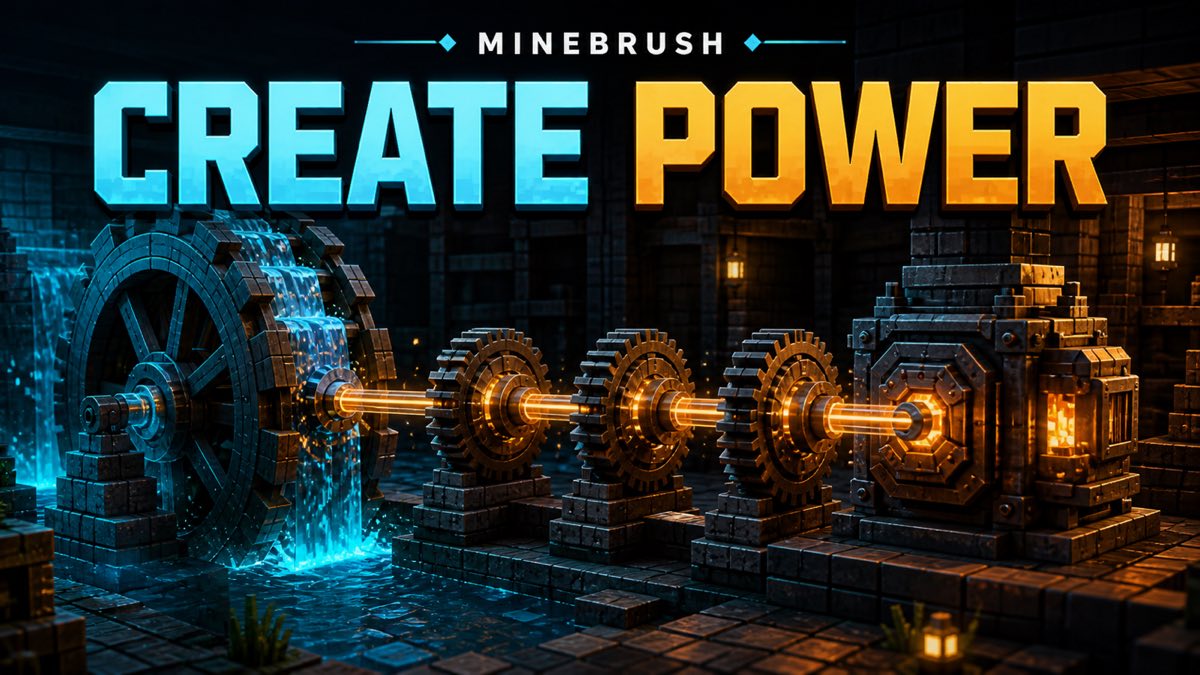
Quick answer: install Create only from its creator-owned project route, match the file to both your exact Minecraft version and loader, and start in a copied test world. Use Ponder on the source and machine blocks in your installed build. Place one water-powered rotational source, connect it with the shortest practical shaft line, and run one visible consumer. If the network stalls, inspect direction, speed and stress before adding gears or more machines.
This is a bounded first-contraption guide, not a universal Create recipe sheet. MineBrush checked the current project and creator documentation on August 25, 2026, but did not download the mod, launch Minecraft or reproduce a mechanical line. Exact recipes, numeric stress values, performance, compatibility and visuals can change by branch or pack.
Choose the branch before you choose the machine
The creator-owned Create project page currently lists Minecraft 1.21.1, 1.20.1, 1.19.2 and 1.18.2, with Forge and NeoForge shown across the project. The source-day API trail shows Create 6.0.10 for Minecraft 1.21.1 as a NeoForge release and Create 6.0.8 for Minecraft 1.20.1 as a Forge/NeoForge release. Those are separate compatibility tuples, not interchangeable downloads.
Write down four values before installing anything: Minecraft version, loader, Create version and the project URL. If any one value is unknown, stop. A file that is newer in calendar time can still be wrong for your instance. A Fabric port is a separate project and should not be treated as the same creator-owned file.
The project page says Flywheel has not needed a separate installation since Create 0.5.1. It also points players to Create's in-game Ponder documentation and recommends JEI for recipes. That gives you a safer workflow than copying an old recipe list: let your installed build show you its own parts and recipes.
Protect the world before the first spin
- Duplicate the instance or create a clean profile with the exact version and loader pair.
- Back up the world you care about, then make the first build in a disposable test world.
- Install only the matching Create file from the creator-owned route. Do not mix a mirror, a Fabric port and a Forge/NeoForge file.
- Launch once and confirm that the title screen reaches a world without a loader error.
- Open Ponder for the source, shafts and one machine you plan to use.
This clean start is deliberately boring. It makes the first failure readable. If the game does not reach the world, the issue belongs to installation or compatibility—not to your water-wheel layout.
Build one line with one job
Create's official project describes the mod as a system of animated components and points to Ponder for individual mechanics. Its project wiki describes a water wheel as a generator whose rotation depends on adjacent water. For a first build, keep the layout legible:
- Source: place the water-powered component exactly as its current Ponder scene demonstrates.
- Transmission: attach a short shaft line. Avoid a decorative gear maze until the basic direction is obvious.
- Consumer: connect one machine with an action you can see. Choose it from the installed build's Ponder and recipe information.
- Input and output: feed one small test batch by hand. Do not automate storage yet.
- Observation: watch the entire line from source to machine and record what turns, what does not and whether any overstress indicator appears.
A successful first line is not the fastest line. It is the one where you can point to the source, the route and the load without guessing.
Rotation, speed and stress in player language
Rotation is the motion traveling through the network. Speed is how fast the parts turn. Stress capacity is the network's ability to support work; stress impact is the demand created by machines. Create's wiki explains the key rule: when total impact exceeds capacity, the network becomes overstressed and stops.
Do not turn that sentence into a permanent numeric cheat sheet. The exact values and component behavior can change. Read the current Ponder scenes, tooltips and gauges in your installed branch. Use numbers shown by your build, not a screenshot from another version.
| Symptom | First check | Reversible next move |
|---|---|---|
| Nothing turns | Is the source actually rotating, and is the first shaft connected on the correct face? | Shorten the line to source plus one shaft. |
| Part of the line turns backward | Did a gear pair reverse direction? | Remove the last transmission stage and rebuild one connection at a time. |
| The whole line stops after adding a machine | Does the installed build show an overstress state? | Remove the new consumer, then add capacity or reduce demand using current in-game guidance. |
| A machine spins but does no work | Does its Ponder scene require a minimum speed, orientation, input or paired block? | Test the machine alone with the simplest valid input. |
| The instance crashes before the world | Do Minecraft, loader and Create versions form one valid tuple? | Return to the clean profile; do not troubleshoot the contraption yet. |
A measured first-session route
Give yourself one session with a hard scope: source, three transmission positions and one consumer. Take notes after each connection. If the source turns with no load, the first shaft turns, the final shaft turns and the machine responds, you have a useful baseline. Save a copy of that world before expanding.
The included MineBrush fixture models that reasoning with invented capacity and demand labels. It accepts only a line whose declared source capacity is at least the declared consumer impact and whose four checkpoints are present. It rejects missing source, missing observation points, negative values and an overstressed result. That is an E0 static teaching aid—not a Create simulator and not proof of any in-game number.
What not to do on day one
- Do not install a file just because its version number looks high.
- Do not add several compatibility mods before Create reaches a clean world.
- Do not copy exact recipes or stress numbers from an undated video.
- Do not build a giant gear ratio before one direct line works.
- Do not test in the only copy of a long-term world.
- Do not call every stopped machine “not enough power”; direction, speed, orientation and inputs are separate checks.
Where this guide stops
This package does not establish a tested modpack combination, server result, performance cost, minimum hardware level or exact recipe table. It does not distribute Create files or screenshots. For broader version-and-loader hygiene, use the MineBrush Minecraft guides hub. For the rest of the Java mod cluster, continue through Minecraft mods.
Bottom line
Your first Create win should be small enough to understand: one verified branch, one backed-up test world, one water-powered source, one short transmission line and one machine selected from current Ponder guidance. Make that line observable, fix one variable at a time, and save the working baseline before you scale. Fancy factories come later; a readable power line is the real starter tech.
PLAYER QUESTIONS
Discussion
Include the exact edition, version and step when asking for help.