 MineBrush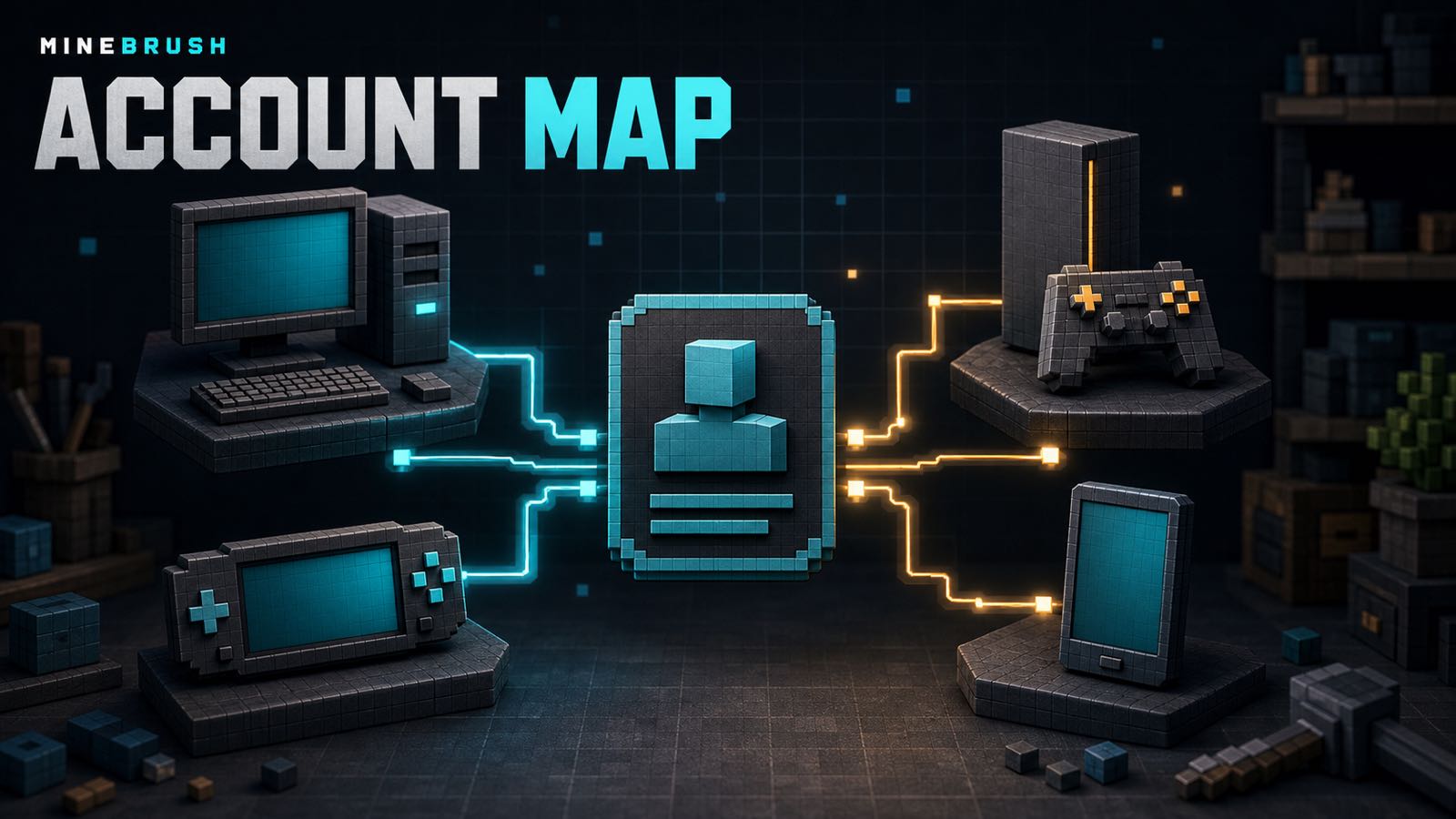
Minecraft Bedrock can involve two account layers: the account that owns or launches the game on a device, and a Microsoft account that connects Minecraft services across devices. They are not interchangeable. A PlayStation Network account can satisfy the PlayStation platform requirement, for example, while Microsoft sign-in handles cross-platform friends, Realms, Marketplace access across supported devices, parental controls, and other connected features.
Quick answer: Windows and Xbox use a Microsoft account as the required account. PlayStation uses a PlayStation Network account, Nintendo Switch uses a Nintendo Account, Android uses a Google account, and iPhone/iPad uses an Apple ID at the platform layer. On those non-Microsoft platforms, linking a Microsoft account enables Minecraft’s cross-platform and connected services. Online console play may also require the platform’s current paid multiplayer service.
Official account matrix
| Platform | Minecraft edition | Required account | Additional Minecraft account layer |
|---|---|---|---|
| Windows PC | Bedrock and Java | Microsoft account | None listed |
| Xbox consoles | Bedrock | Microsoft account | None listed |
| PlayStation 4 / 5 | Bedrock | PlayStation Network account | Microsoft account for connected features |
| Nintendo Switch | Bedrock | Nintendo Account | Microsoft account for connected features |
| Android phones / tablets | Bedrock | Google account | Microsoft account for connected features |
| iPhone / iPad | Bedrock | Apple ID | Microsoft account for connected features |
This table follows the official Minecraft Help account matrix retrieved and checked August 25, 2026. The official page also lists Linux and macOS for Java Edition, both requiring a Microsoft account; they are not Bedrock platforms and are outside the main table here.
What “additional Microsoft account” means
On platforms where Microsoft sign-in is not the base purchase account, it enables features such as cross-platform play, access to eligible subscriptions and Marketplace purchases across supported devices, parental controls, social features, Realms, and multiplayer services. That is why a player may be able to launch local Minecraft with one account yet still be unable to join a friend on another device.
The Microsoft account also supplies the Xbox gamertag other Bedrock players use to find and invite you. Your platform username and gamertag can be different, so confirm both before assuming an invitation went to the wrong person.
Windows and Xbox
On Windows, the Microsoft account is the ownership and Minecraft service identity. Use the account that owns Minecraft or has the relevant entitlement. If the game opens but the expected purchase, Marketplace item, or Realm is missing, first compare the signed-in Microsoft account with the purchase receipt or order history.
Xbox also uses a Microsoft account as the required account. Different Xbox console profiles can be tied to different entitlements and privacy settings, so switching the console profile can change which Minecraft identity, worlds, friends, or services are available. Minecraft’s official account guide says Xbox profile changes now happen through the console’s Profile & System → Add or Switch flow, not from Minecraft’s main menu.
PlayStation
PlayStation uses a PlayStation Network account for the platform layer and a linked Microsoft account for Minecraft cross-platform services. Treat that link as a durable account decision. Before connecting, verify the Microsoft email, gamertag, and PlayStation profile; do not rush through the code screen with a family member’s or temporary account.
If cross-play fails, check all three layers separately: the active PlayStation profile, the linked Microsoft account, and current privacy or multiplayer permissions. A valid game purchase does not automatically prove that each online setting is allowed.
Nintendo Switch
Switch uses a Nintendo Account for the platform requirement and Microsoft sign-in for connected Minecraft features. Make sure the Nintendo user profile launching the game is the one you expect, then verify the gamertag displayed after Microsoft sign-in.
Cross-platform play and Realms also depend on current Nintendo online-service requirements and account permissions. Those commercial terms are separate from the free Microsoft account and should be checked on Nintendo’s current support pages.
Android, iPhone, and iPad
Android’s platform account is Google; iPhone and iPad use an Apple ID. Those accounts handle the app-store side of the purchase and installation. Microsoft sign-in provides the connected Minecraft identity used for friends, Realms, cross-play, and eligible content access across supported devices.
Before signing in on a shared phone or tablet, check the Xbox account page that displays the Microsoft profile image, gamertag, and email. The official mobile sign-in instructions say to use “Sign in with a different account” when those details are not yours. Do not continue with a family member’s profile.
Cross-play checklist
- Confirm every player is using Bedrock Edition. Normal Bedrock cross-play does not put Java players into the same Realm or featured-server session.
- Update each device to a compatible current Bedrock build. The same edition-and-version check is explained in MineBrush’s Bedrock mobile edition and version guide.
- Sign in with the intended Microsoft account and write down the exact gamertag.
- Check Microsoft/Xbox privacy settings for multiplayer, clubs, friends, and age restrictions.
- Check the console platform’s own online-play entitlement and parental settings where applicable.
- Send the invite to the gamertag, then verify that the correct Microsoft profile received it. Before joining a public community, use the responsible server-choice checklist rather than treating sign-in as a trust signal.
Common account mistakes
- The wrong purchase account is signed in. The game or content exists, but on another Microsoft, Google, Apple, Nintendo, or PlayStation identity.
- The platform account and gamertag are confused. Friends search for the console nickname instead of the Microsoft/Xbox gamertag.
- A child account blocks multiplayer. Ownership is valid, but family permissions prevent joining friends, servers, or Realms.
- Java and Bedrock are mixed up. Both can use Microsoft accounts, but that does not make their normal multiplayer networks compatible.
- A new account is created during troubleshooting. This can split purchases, subscriptions, and social identity instead of fixing the original sign-in.
Before you unlink or switch accounts
Stop and identify the account that owns the game, subscription, Marketplace purchases, gamertag, and Realm. Capture only non-sensitive identifiers—never passwords, recovery codes, payment data, or authentication tokens. Platform account-link rules can change and may restrict relinking, so use current official support instructions for the exact device before making a permanent change.
Bottom line
Your device account gets Minecraft onto the platform; your Microsoft account is the shared Bedrock identity for connected play. Windows and Xbox combine those roles in the Microsoft account. PlayStation, Switch, Android, and iOS keep the platform account and Microsoft account as separate layers. Diagnose the layer that failed instead of creating another account and hoping the purchases follow.
PLAYER QUESTIONS
Discussion
Include the exact edition, version and step when asking for help.