 MineBrush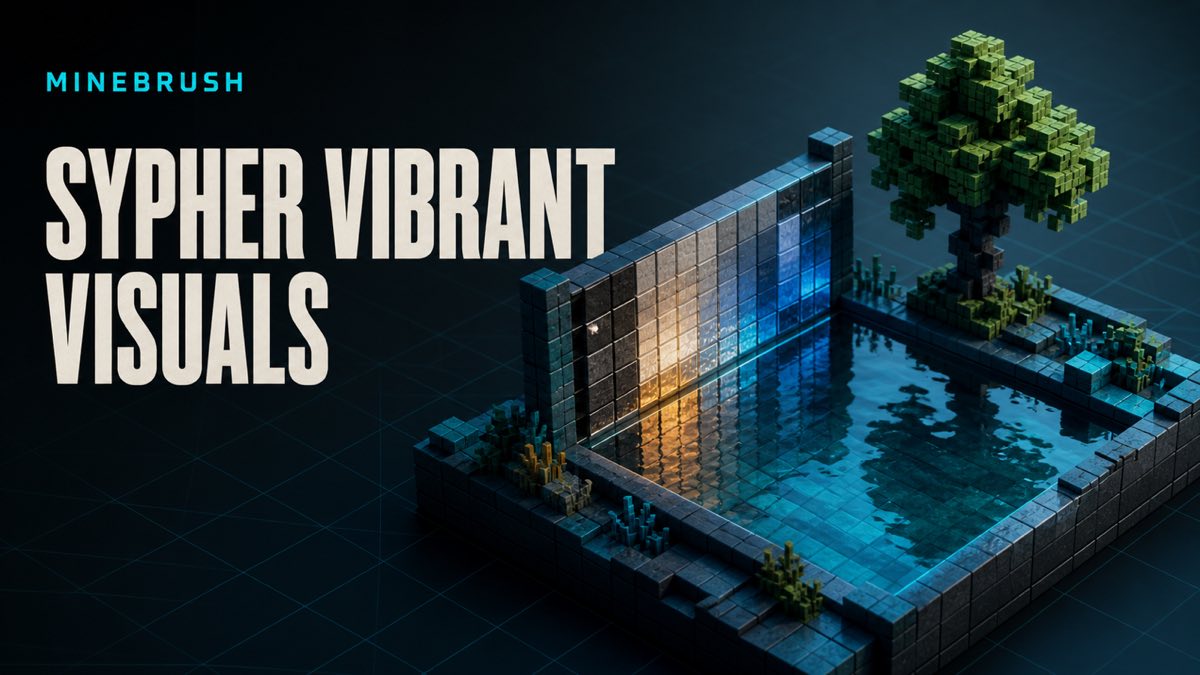
Verify Sypher Vibrant Visuals' current release, import safely, isolate pack order, and compare water, shadows, reflections, color, and graphics presets honestly.
What is current on the creator-owned page
The current source identifies AetherGenshin as the creator of Sypher Vibrant Visuals and displays project 1357247 under an All Rights Reserved license. The observed release tuple is Sypher Vibrant Visuals[LATEST].mcpack, file 8722016, 7.9 MB displayed, updated 2026-08-24. Version labels are evidence of what the project page declares, not proof of performance on every device.
The filename contains the word LATEST, so the numeric file ID and observation date are more reliable identity markers than the filename alone. Recheck the creator-owned project page before installing because files and version labels can change. MineBrush does not mirror the file, scrape a direct download, or copy creator screenshots. The resource URL sends players to the creator-owned project where license, release, and instructions remain visible.
Set the evidence ceiling before installation
The creator attributes night color, PBR reflections, water waves, color grading, softer shadows, and ambience color to the pack. Those are attributed project claims until MineBrush runs and documents an exact build, device, world, pack order, and scene. This guide intentionally avoids “zero lag,” “works everywhere,” or guaranteed compatibility language. A listed game version is not a measured frame-time result.
Minecraft's official Vibrant Visuals page defines the device and graphics-mode boundary. Confirm the option exists on the device before importing a visual pack. If the mode is unavailable, pack order cannot create support. Split-screen is a separate official limitation and can fall back rather than display the intended mode.
Protect the world and current resource stack
Use a disposable world copy for the first pass. Photograph or write down the existing resource-pack order, global resources, subpack options, Minecraft build, graphics preset, render distance, and device model. Keep the original world and any prior pack version available until the new setup survives import, load, save, close, and reopen.
Do not test in the only Realm copy or a long-running survival save. Importing a pack is not the same as proving persistence. If the game reports an import conflict or duplicate identity, stop and check the creator's upgrade note and current file tuple rather than deleting unrelated packs.
Import from the project, not a mirror
Open the exact creator-owned project URL and verify project 1357247 before following its download control. Confirm the main release still matches file 8722016 and the observed update context. Do not use a repost, shortened link, modified archive, or a file attached to a comment. MineBrush does not host creator bytes.
Open the downloaded resource through the platform's normal Bedrock import flow, then wait for a clear success or failure message. Activate it only in the copied world. If the current creator page does not expose the exact filename, keep that field unknown instead of guessing an extension.
Build a clean default baseline
Before enabling the resource, load the copied world with default Vibrant Visuals and no unrelated visual packs. Visit the chosen test locations and record the official graphics preset. The baseline lets you distinguish the pack's intended changes from the base graphics mode, the world, or another resource.
Use stable, repeatable scenes: still water, flowing water, wet-looking reflective surfaces, foliage shadow edges, a sunset color ramp, and a dark interior. Keep time, weather, camera position, render distance, brightness, and capture method consistent. Original screenshots may be added only after MineBrush runs the scene; creator gallery media is not acceptable as first-party evidence.
Why the file ID matters more than LATEST
Sypher's visible filename contains the label LATEST. That label is convenient for a creator but weak for an immutable editorial record: tomorrow's file may keep the same display name. MineBrush therefore binds this source check to project 1357247, file 8722016, the displayed 7.9 MB size, Release state, and August 24, 2026 update context.
Before installing, verify that the creator-owned download control still points to that file. If it has changed, record the new file ID, version, filename, and date rather than silently mixing release details. Players deserve to know which build a test plan or later screenshot actually represents.
Make water the center of the Sypher route
The creator highlights realistic-looking water and water waves. Use a route that includes a calm lake, flowing river, shoreline, underwater view, and a structure reflected across the surface. Repeat in daylight, sunset, and night. Keep camera height and weather stable. This distinguishes wave behavior from color grading and reflections from general brightness.
Look for transition problems where water meets glass, slabs, vegetation, or biome borders. Note whether the surface helps or hurts building visibility. Avoid declaring the water “realistic” as an objective fact; that adjective comes from the creator's positioning. MineBrush can later report specific observed wave, color, or reflection behavior after an exact device run.
Use reflections as a controlled angle test
PBR-based reflections are another creator-described feature. Select a reflective-looking block wall and rotate through fixed front, side, and grazing angles under one light source. Compare the same wall in default Vibrant Visuals. A single flattering angle can exaggerate the impression, while the route shows whether the response remains coherent during normal movement.
Record which surfaces visibly change and which remain close to baseline. Do not generalize from water to every block. If reflections disappear after stacking another pack, run Sypher alone, the other pack alone, and both orders. That result belongs to the exact pair and order.
Judge softer shadows and contrast together
Softer shadows can improve a calm landscape and reduce edge definition in fast navigation. Balanced contrast can preserve highlight detail on one display and look flat on another. Test foliage shadows, fence-like geometry, a bright exterior opening into a dark room, and hostile-mob silhouettes at night. The route should reflect actual play, not only postcard scenes.
Compare Favor Visuals and Favor Performance without changing Sypher or render distance. If the player values PvP visibility, score target recognition separately from atmosphere. If the player builds, score block-edge readability and color separation. The pack earns a recommendation only for a declared use case, not for all Bedrock players.
Close the loop after a 26.40-labeled update
The observed project includes a 26.40 label and was updated August 24, 2026, but Bedrock can move again quickly. Recheck the current stable build and project labels on action day. Import into a copy, save, close, reopen, and verify activation. Then repeat the smallest water and night scenes.
If the project advances, keep the old file tuple in your test notes and record the new release separately. That preserves which build was actually tested and prevents the word LATEST in the filename from erasing useful release history.
What the current sources establish
The source-backed facts are the creator identity, All Rights Reserved status, observed project and file tuple, visible version labels, attributed features, and official Vibrant Visuals boundaries. The test plan above provides a repeatable way to evaluate Sypher Vibrant Visuals. MineBrush links to the creator-owned project and does not mirror creator files or media.
MineBrush has not published a device-specific runtime result or original comparison screenshots for this setup, so the guide does not claim one. Use the steps above to test the exact device, build, world, and pack order before committing a long-running save.
Source and rights boundary
This article links to current primary sources and summarizes only the facts needed for player decisions. External project names and trademarks identify their owners. MineBrush has not copied creator archives, project images, gallery screenshots, logos, or documentation pages. Follow creator and platform terms at the source.
Continue on MineBrush
Browse the Bedrock visual-pack hub Compare Bedrock resource packs Open setup and troubleshooting guides
Official and creator sources
- Creator project: sypher vibrant visuals pack
- Official Minecraft source: 37415428023821 Manage Vibrant Visuals Graphics Mode Settings
These links identify the official or creator-controlled evidence checked on August 28, 2026. MineBrush has not treated an unverified runtime result, device outcome, or third-party configuration as guaranteed.
PLAYER QUESTIONS
Discussion
Include the exact edition, version and step when asking for help.