 MineBrush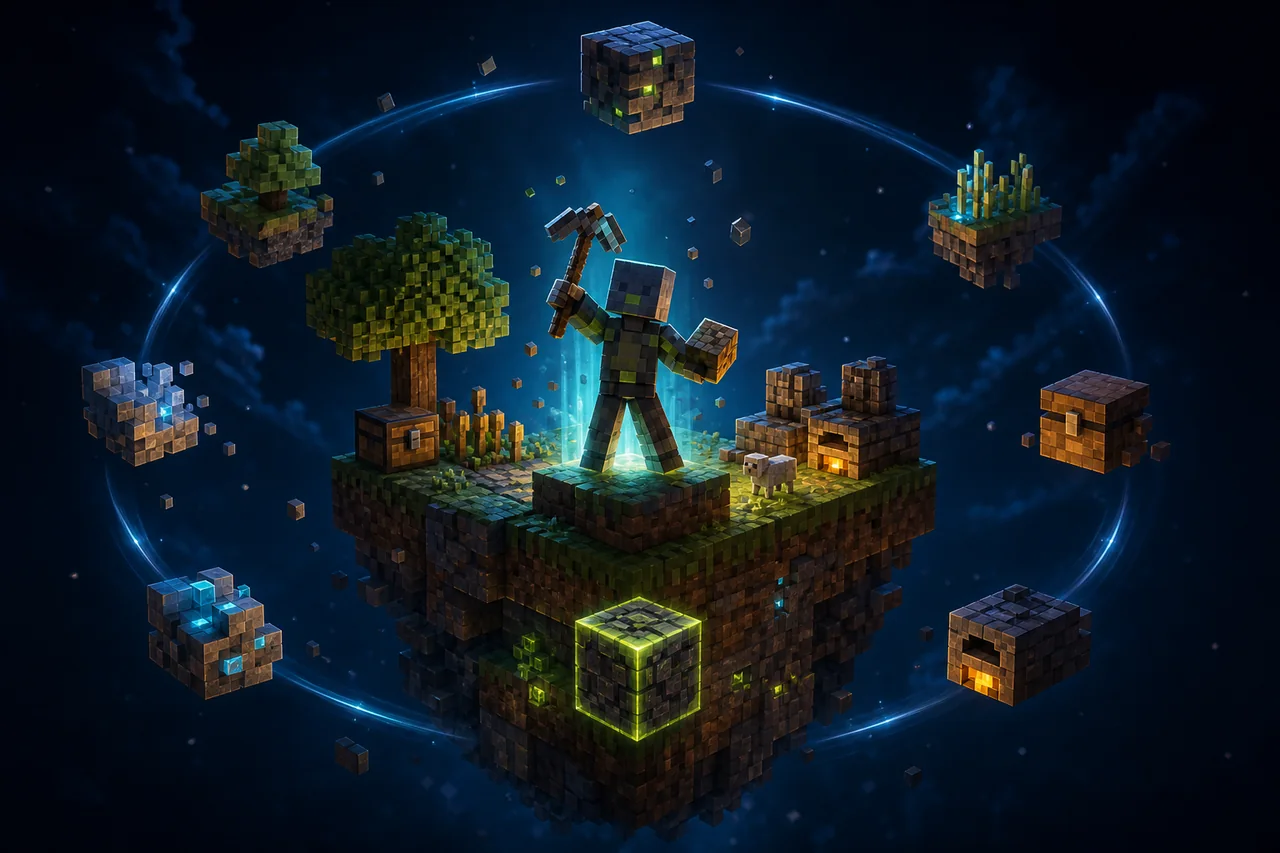
Minecraft Bedrock · One Block survival map
One Block 1.7.1 turns a tiny start into a long survival run driven by a regenerating block and phase progression. The July 2026 Chaos Cubed release is labeled for Bedrock 26.30 and improves transition messages, but the map also carries an unusual safety rule: its counter is tied to an entity. A good first session protects that controller before it chases loot or speed.
Current map record
| Listing title | One Block |
|---|---|
| Displayed creator credit | DtA_MC-or-ADHMY_STUDIO |
| Release label | One Block: Chaos Cubed! v1.7.1 |
| Page update | July 4, 2026 |
| Creator build statement | Minecraft Bedrock 26.30 |
| Displayed package size | 7.18 MB |
| Map types | Adventure · Parkour · Survival · Custom Terrain |
The creator's changelog adds Chaos Cubed items and the Sulfur Cube, improves level-transition messages and progression flow, and names fixes for barrel-heart particles and a chest that could fail to spawn in the Swamp & Cherry level. These are release notes, not a MineBrush playthrough.
The source displays the account label exactly as DtA_MC-or-ADHMY_STUDIO. This guide keeps that credit intact. It does not assume that every similar DtA name, studio name, download intermediary, or social profile is the same legal identity.
The counter is the world’s critical component
A pinned creator comment warns against broad /kill @e and /kill @p commands because the One Block count is integrated with an entity. According to that warning, deleting the controller can restart or corrupt progression. The comment says /kill @a or /kill @r may be used, but players do not need either command for a normal opening run.
Treat every global entity cleaner, command-block utility, mob-removal add-on, server cleanup script, and “kill all lag” shortcut as a compatibility risk. A tool that preserves players can still remove the hidden controller. Keep cheats off unless you have a specific recovery reason and a copy you can discard.
MineBrush did not inspect the world database or learn the controller's exact identifier. There is no safe repair command in this package. Backup restoration is the recovery method.
Import without replacing your current progress
- Confirm that the creator page still shows v1.7.1 and Bedrock 26.30 before selecting its top current download.
- Save the package outside Minecraft until the import has completed. Do not rename its internal contents.
- Open the world package with Minecraft and wait for the import confirmation.
- Find the imported world by its name and thumbnail; do not overwrite a similarly named older run.
- Duplicate the imported world before the first launch. Keep one untouched baseline and play the other copy.
Android, iPhone, and iPad file handoffs differ, so use the MineBrush backup-first map import guide if the package opens in a file manager instead of Minecraft. If you are unsure whether the download is a world or a pack, review the .mcworld, .mcpack, and .mcaddon explanation before changing extensions.
A clean first-session route
Your first goal is not a fast island. It is proof that the world can advance, save, close, and reopen without losing its counter.
- Record the world name, game version, difficulty, coordinates, and any visible phase or count message before breaking the first block.
- Break slowly for the first ten changes. Note block type, drops, whether the center regenerates, and where transition text appears.
- Build a compact catch platform below and around the center. Leave the active face unobstructed.
- Place essential drops in a chest away from the breaking edge. Keep one sapling and renewable food inputs safe.
- Stop at the first clear transition message, save, exit Minecraft completely, and reopen the same copy.
- Break several more blocks and confirm that the count continues rather than restarting.
If the opening works before the restart but fails afterward, do not grind further. Preserve the untouched import and document the smallest repeatable sequence.
Track phases from the world, not from an old checklist
Version 1.7.1 advertises improved level-transition messages, yet the checked page does not publish a complete phase table or exact block counts. Older guides can be useful orientation, but their biome order, chest timing, mobs, and milestones may no longer match Chaos Cubed.
Create a simple log with the transition name, approximate count, new blocks, new mobs, important chest contents, and any required tool. This produces a version-specific route without pretending the map follows a universal One Block sequence.
When the Swamp & Cherry level appears, verify that its chest now spawns—the current changelog names that repair. Record the result after a fresh import and again after reopening. A missing chest in a heavily modified world does not prove the release fix failed.
Spend the first scarce resources deliberately
One Block runs are lost through inventory decisions more often than combat. Protect anything that unlocks renewable wood, food, water, lava, villagers, or portal progress. Do not turn the last sapling into decoration, discard unfamiliar items, or place unique drops on an exposed edge.
Expand downward catches before widening the main deck. Use barriers or temporary walls when a phase begins spawning hostile mobs. Keep the center accessible from a protected working square so knockback cannot send the player and all new drops into the void.
The creator says v1.7.1 adds Chaos Cubed content, but the checked release notes do not specify every recipe or survival dependency. Let the current world communicate its intended order; do not pull recipes from a different map with the same genre name.
Death and recovery drill
Before carrying unique items, test death in the playable copy. Put ordinary blocks in inventory, set a recognizable position, die without using a global command, and verify spawn location, inventory rule, center regeneration, and progression message. Repeat after a full close and reopen.
Keep Inventory is a world preference, not a documented requirement of v1.7.1. Changing it may alter difficulty, but it should not be confused with repairing the progression controller. If a player becomes trapped in a spawn-kill loop, restore a pre-test copy before using command-based cleanup.
Multiplayer: prove ownership and transitions
The listing is not the separate “Multiplayer One Block” product. Do not assume that both maps share player limits or progression code. For this world, start with the host alone, then invite one player after the save/reopen checkpoint passes.
- Have each player break the center and compare count or phase feedback.
- Let the joining player disconnect during ordinary progression, not during a transition.
- Close the host session, reopen, and confirm both inventories and the next block.
- Test death separately; never use a blanket entity command to reset the arena.
Realm transfer, dedicated-server import, cross-play, second-session scripts, and simultaneous phase triggers are not documented in the checked source. A local two-player success should remain labeled as that exact test.
Performance checks that fit this map
A tiny island can still accumulate dropped items, mobs, particles, hoppers, farms, and scripts. Measure the clean import first, then compare after each major phase. Record device model, Bedrock build, render and simulation distance, world size, load time, frame rate if available, input delay, and heat after a fixed ten-minute route.
If performance falls, collect loose items manually and reduce animal or hostile-mob buildup without global kill commands. Duplicate the world, remove one farm or add-on at a time, and compare the same section. The entity-backed counter makes aggressive cleanup especially risky.
Updating an established run
A new world download is not automatically an in-place patch. Importing a later version may create a separate world rather than migrate the island you already built. The source does not document a supported transfer path for v1.7.1 progression data.
Keep your active world, its exported backup, and the untouched new release separately. Start the new version long enough to confirm its identity and changes. Do not copy database files or behavior components between worlds unless the creator publishes an exact migration procedure.
Troubleshooting by symptom
| Problem | First response |
|---|---|
| The center does not regenerate | Return to the untouched v1.7.1 copy and repeat without commands, cleaners, or extra add-ons. |
| The count restarted | Stop saving over the only copy; restore the last export and review entity-removal activity. |
| No transition message appears | Record several controlled breaks and verify the current 1.7.1 download rather than importing an older file. |
| Swamp & Cherry chest is absent | Reproduce on a fresh 1.7.1 import; the creator specifically lists a fix for this case. |
| Second launch fails | Test the untouched baseline, log the Bedrock build, and keep the failed world for diagnosis. |
| A mobile device stutters | Compare the clean copy with identical settings, then inspect loose items, mobs, and farms without entity-wide commands. |
Rights and local-file boundary
The checked MCPEDL page does not display an explicit license granting MineBrush permission to mirror the world or reuse screenshots. The CTA therefore returns players to the creator listing. No matching world package or original gameplay capture was found in the local project workspace.
The existing MineBrush cover is editorial art, not proof of a phase, chest, block sequence, or tested device. It stays outside the private-history attachment list.
Primary source
The listing was rechecked August 25, 2026. MineBrush has not imported the package, so every runtime statement in this guide is a test instruction or a clearly attributed creator note.
PLAYER QUESTIONS
Discussion
Include the exact edition, version and step when asking for help.