 MineBrush
A small survival convenience works best when its cost remains understandable.
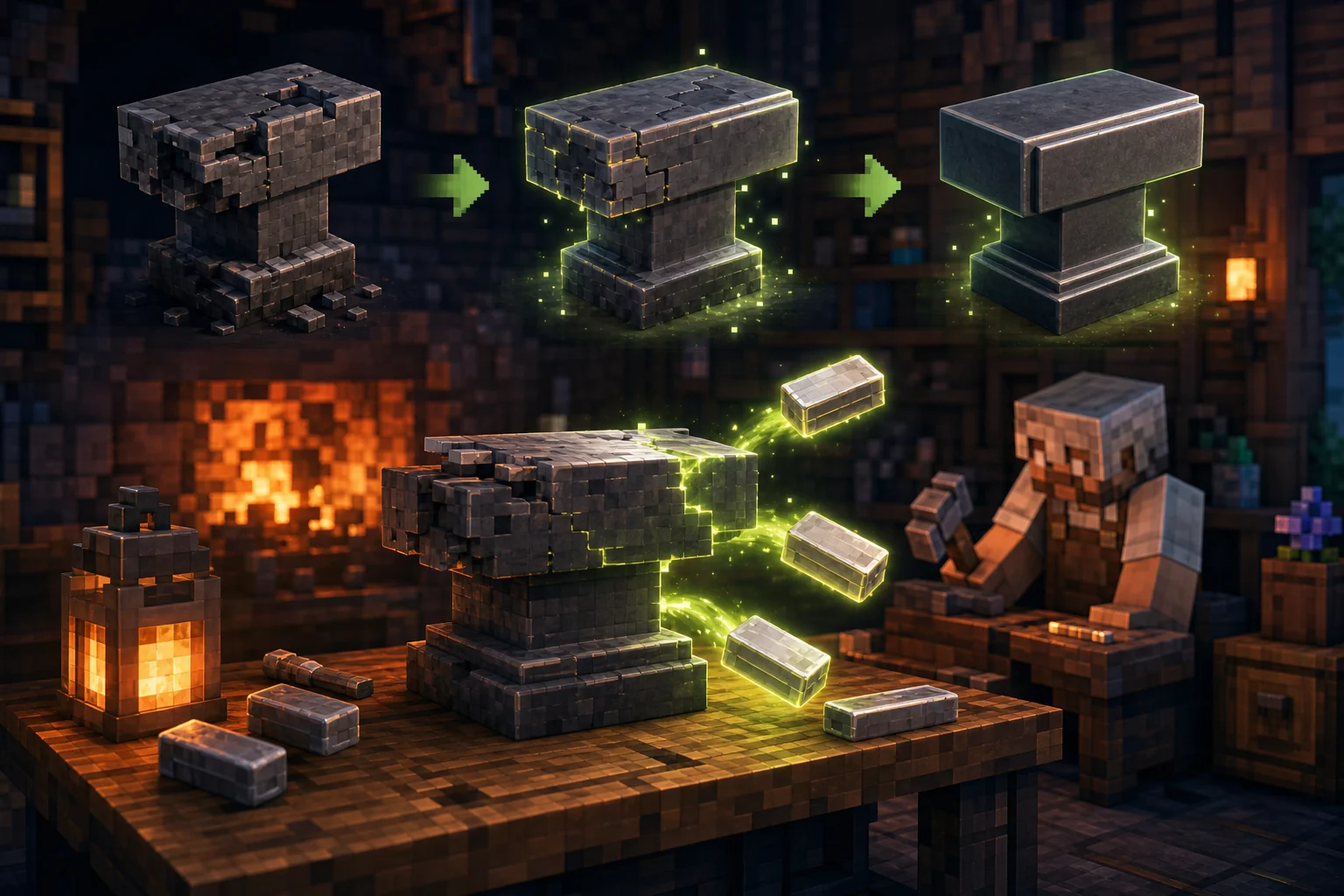
Anvil Repair lets players restore damaged anvils with iron ingots rather than replacing the entire block. The interaction is designed for touch, controller and mouse input and the material cost can be configured.
This is a focused quality-of-life add-on for survival worlds that use anvils heavily. Because the current release is older and does not advertise a modern exact Bedrock build in its overview, verify it in a copied current-version world before adopting it.
What the add-on changes
The add-on moves anvils backward through damaged states when a sneaking player interacts with iron ingots. Configurable material cost allows a world owner to preserve convenience without making anvils free.
- Repair damaged anvils with iron ingots.
- Sneak-and-interact route that works across touch, controller and mouse.
- Configurable ingot cost for different survival economies.
- A narrow feature scope that is easy to test and explain.
Who will get the most value
Long-running survival players, smithing-themed servers and groups with shared workshops benefit most. A world that rarely uses anvils may not need the extra behavior.
Compatibility and requirements
| CHECK | WHAT TO CONFIRM | SAFE RESPONSE |
|---|---|---|
| Minecraft version | The package imports and the interaction works in a copied current world. | Do not assume an older release is automatically compatible. |
| Input method | Sneak and interact works on the target device. | Test touch, controller or mouse separately. |
| Balance | Configured ingot cost matches the world economy. | Start with a conservative cost and document changes. |
| Conflict check | No other add-on overrides the same interaction. | Test this pack alone before combining utilities. |
Safe mobile installation
- Download version 1.0.1 from the creator release through MineBrush.
- Import the .mcaddon into Minecraft and enable it in a copied world.
- Place an anvil in each damage state and keep spare iron ingots.
- Sneak and interact using the normal control for the device.
- Verify the cost, state change, saving and reopening before wider use.
First-world test
The narrow scope makes a three-anvil test enough to expose most obvious problems.
- Confirm a healthy anvil does not consume material unexpectedly.
- Repair a damaged anvil by one state.
- Check the configured iron cost.
- Save, reopen and verify the repaired state persists.
Verify compatibility because the release predates current Bedrock builds.
The license is clear, but version support still needs a live test. Keep the add-on optional until the current device and world behavior are confirmed.
Troubleshooting
- If interaction fails, confirm sneaking and the correct input action.
- If iron is consumed incorrectly, inspect the configuration before retrying.
- If another utility pack changes anvils, test one pack at a time.
- If the package no longer works on a current release, use the creator issue tracker rather than modifying the main world.
Frequently asked questions
Does it work on mobile?
The creator describes the interaction as supported on mobile, console and PC, but current-version compatibility still needs testing.
Can the iron cost be changed?
Yes. The project describes a configurable ingot requirement.
Why not replace the anvil?
The add-on is intended to preserve resources while keeping a material repair cost.
Compare more Bedrock add-ons, use the mobile resource hub, or check the Minecraft update archive before changing an important world.
Creator, release and license
This MineBrush page is an independent installation and compatibility guide. The add-on remains the work of Adr-hyng and is distributed under GNU GPL 3.0. Review the creator repository ↗ and official release page ↗ for authoritative files, changelog and support.
PLAYER QUESTIONS
Discussion
Include the exact edition, version and step when asking for help.