 MineBrush
Useful statistics should explain the world, not turn every session into a competition.
Statistic Display tracks a broad set of Bedrock player events and can place a chosen statistic on one scoreboard objective. It works for multiplayer communities and can also document a single-player world.
Choose this extension when a server or long-running world has a real question to answer: deaths, blocks mined, damage, session length or another documented measure. Install Canopy first and decide which metrics deserve public display.
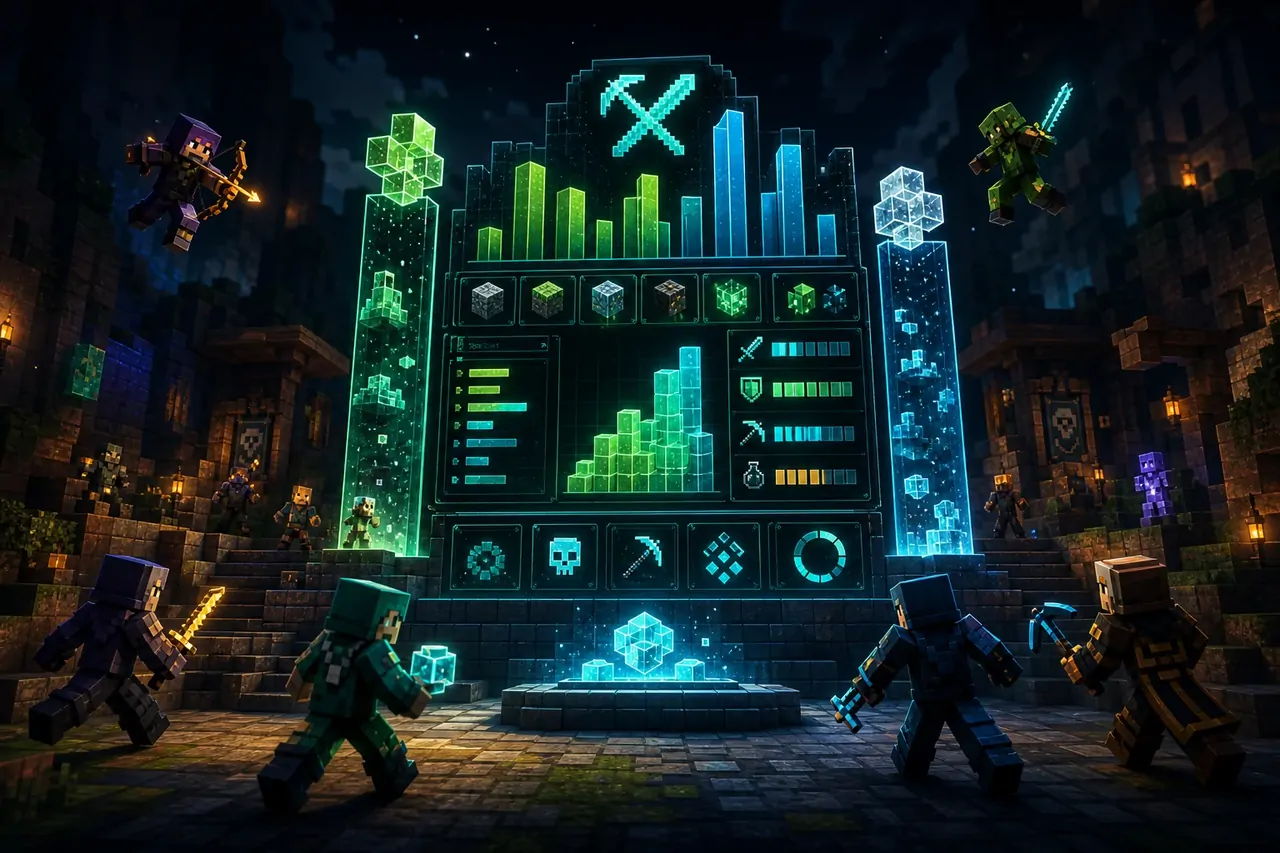
What the add-on changes
The add-on records many player and world events even when they are not currently shown. Commands can search available metrics, display one, print a ranking, reset data or rotate a curated carousel.
- Deaths, time since death and player-join tracking.
- Blocks mined or placed and item/tool activity.
- Damage dealt, damage taken and entity interactions.
- Longest session, highest experience level and selected community events.
Who will get the most value
Small servers, Realms, challenge worlds and technical groups benefit most. For a private survival world, use a small set of meaningful metrics instead of displaying everything.
Install Canopy first.
Statistic Display is a Canopy extension. Canopy must be installed and active in the same world before the statistic commands and rules can work.
Compatibility and requirements
| CHECK | WHAT TO CONFIRM | SAFE RESPONSE |
|---|---|---|
| Dependency | Compatible Canopy is active. | Resolve Canopy before troubleshooting statistics. |
| Minecraft version | Release 1.3.0 targets Bedrock 26.30+ and stabilized minor-version support. | Still check the creator release after a major Script API change. |
| Privacy | Players know which activity is displayed. | Do not turn hidden tracking into deceptive community behavior. |
| Reset rules | An administrator understands stat and reset commands. | Back up before resetting long-term records. |
Safe mobile installation
- Install the current Canopy package in a copied world.
- Download Statistic Display 1.3.0 from the creator release.
- Import and activate the extension with Canopy.
- Use the list command to identify one test statistic.
- Display it briefly, verify updates, then decide what belongs in the permanent community view.
First-world test
Start with one metric whose correct result you can reproduce.
- Record the value before the test.
- Perform a known action such as mining a small fixed block count.
- Confirm the displayed result and print output agree.
- Hide the statistic and verify tracking continues as documented.
Statistics should support people, not manipulate them.
Explain public leaderboards and reset policies. Avoid fake activity, undisclosed tracking or competitive pressure that damages the community you want to build.
Troubleshooting
- If no commands appear, confirm Canopy and pack activation.
- If a value does not change, verify the exact statistic identifier.
- If a carousel is noisy, reduce it to a small intentional set.
- Before reset, export or document records that matter to the community.
Frequently asked questions
Does it work in single player?
Yes. The creator describes both multiplayer and single-player use.
Are statistics tracked when hidden?
The project states that supported statistics continue tracking when they are not on display.
Can every metric be shown at once?
The intended model uses one scoreboard objective with commands and an optional carousel; curate it for readability.
Compare more Bedrock add-ons, use the mobile resource hub, or check the Minecraft update archive before changing an important world.
Creator, release and license
This MineBrush page is an independent installation and compatibility guide. The add-on remains the work of ForestOfLight and contributors and is distributed under MIT License. Review the creator repository ↗ and official release page ↗ for authoritative files, changelog and support.
PLAYER QUESTIONS
Discussion
Include the exact edition, version and step when asking for help.