 MineBrush
Simulated players are useful when every action has a clear purpose.
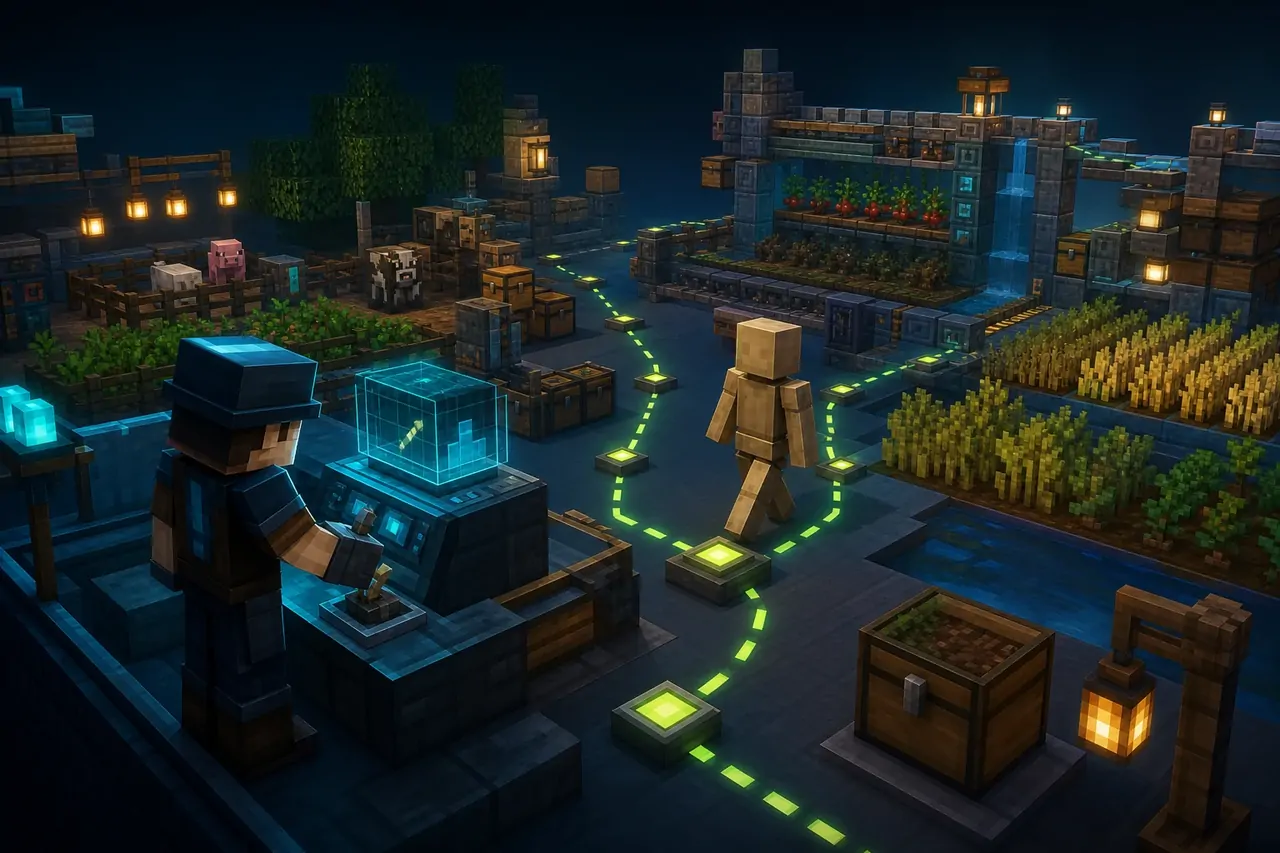
Understudy creates controllable simulated players for technical Bedrock work. Commands can spawn, move, aim, interact, build, break, select slots and repeat actions, making controlled farm and path tests possible.
Use Understudy for deliberate technical experiments, not as invisible background magic. It requires Canopy, and the safest first test is a copied world with one simulated player and one short command sequence.
What the add-on changes
The extension gives a world owner command-level control over simulated players. They can join, leave, navigate, look at targets, use inventory slots and perform timed actions.
- Join, leave, rejoin and teleport simulated players.
- Move or aim helpers toward coordinates, blocks, entities or the operator.
- Run attack, interact, use, build, break, drop and jump actions.
- Repeat actions continuously or at a chosen interval.
Who will get the most value
Farm designers, technical Realm teams and creators who need reproducible action sequences will gain the most. It is not a replacement for real community activity or an excuse to automate gameplay without understanding the world.
Canopy must already be working.
Understudy is a Canopy extension. Install a compatible Canopy release first, activate it in the same world and keep both versions recorded together.
Compatibility and requirements
| CHECK | WHAT TO CONFIRM | SAFE RESPONSE |
|---|---|---|
| Dependency | A compatible Canopy build is active. | Install and verify Canopy before Understudy. |
| Minecraft version | Release 1.2.3 states Bedrock 26.30 support. | Use the matching release archive for older builds. |
| Persistence | Rejoin and player-data rules are understood. | Do not assume inventory persists after every configuration. |
| Realm use | Current release contains a Realms loading fix. | Test on a copied Realm world before production use. |
Safe mobile installation
- Install and test Canopy first.
- Download Understudy 1.2.3 from the author release through MineBrush.
- Open the .mcpack with Minecraft and activate it in the same copied world.
- Confirm the Canopy rules and Understudy commands are available.
- Spawn one named helper, run one action, stop it and reopen the world before expanding the workflow.
First-world test
Treat every command sequence as a small script that needs an obvious stop condition.
- Spawn and remove one simulated player.
- Move it a short distance on a safe flat route.
- Run one timed action and stop it explicitly.
- Reopen the world and confirm the chosen persistence behavior.
Never test continuous actions beside valuable builds.
A repeated break, place, attack or movement command can do exactly what you asked in the wrong place. Use a controlled test area and keep the stop command ready.
Troubleshooting
- If commands do not register, verify Canopy first.
- If a player does not rejoin, inspect the extension persistence rules.
- If pathfinding stops, shorten the requested route and remove obstacles.
- If Realms loading fails, confirm both current packages and world experiments.
Frequently asked questions
Can Understudy work without Canopy?
No. The creator explicitly describes it as a Canopy extension.
Can a simulated player run a farm?
It can perform controlled actions, but the farm still needs to be designed and tested for the current Bedrock version.
Is it suitable for a main world immediately?
No. Validate commands and persistence in a copied world first.
Compare more Bedrock add-ons, use the mobile resource hub, or check the Minecraft update archive before changing an important world.
Creator, release and license
This MineBrush page is an independent installation and compatibility guide. The add-on remains the work of ForestOfLight and contributors and is distributed under MIT License. Review the creator repository ↗ and official release page ↗ for authoritative files, changelog and support.
PLAYER QUESTIONS
Discussion
Include the exact edition, version and step when asking for help.