 MineBrush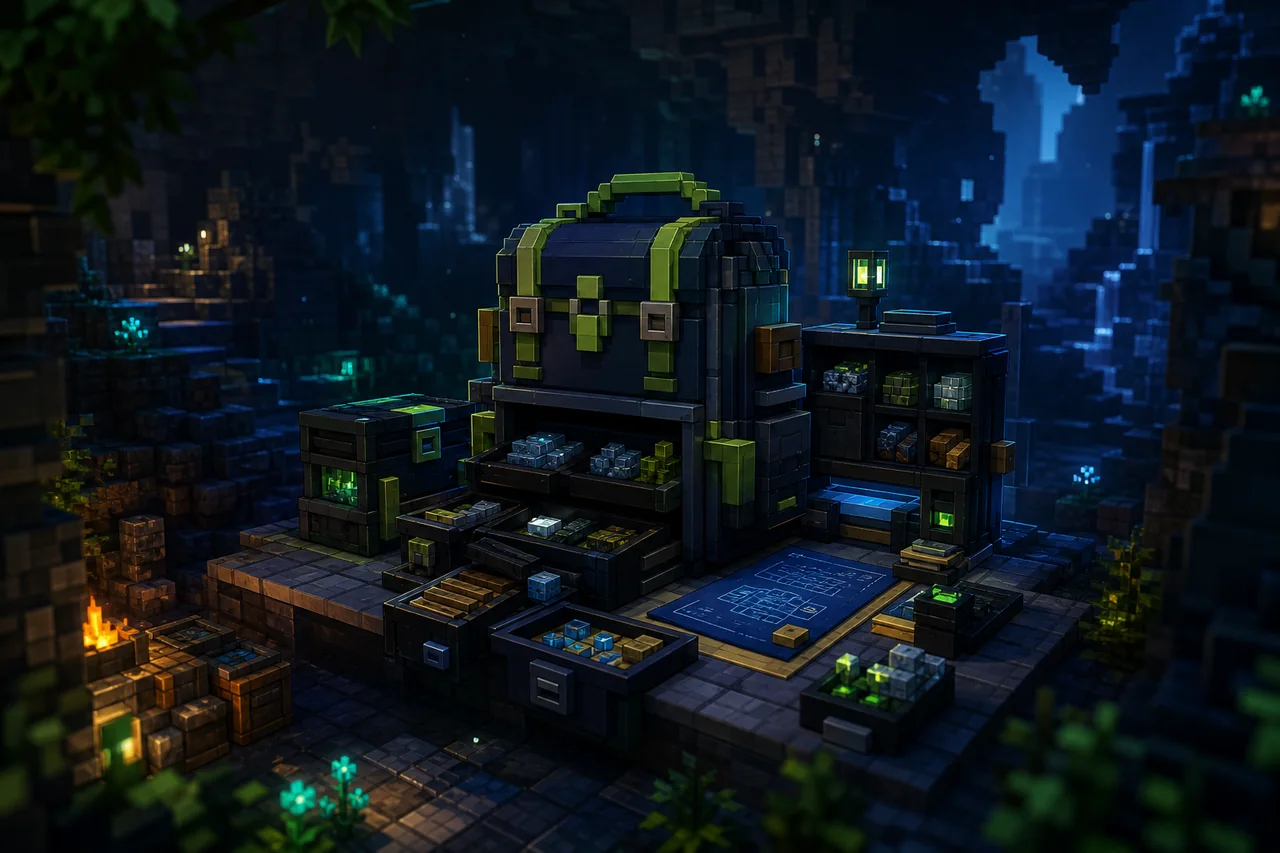
Minecraft Bedrock · Portable storage system
BONY162's Backpacks v1.6 is more than an extra inventory screen. Its backpacks can be worn in the offhand, placed for direct access, expanded across pages, locked to an owner, used to pull nearby items, sorted, filtered, and connected to a Totem of Undying. Every one of those conveniences touches player possessions, so the first successful result must be “all test items survived,” not merely “the menu opened.”
Exact v1.6 record
| Creator | bony162 / BONY162 |
|---|---|
| CurseForge project | 1400215 |
| Selected file | 8474740 |
| Filename | BONY162's Backpacks v1.6.mcaddon |
| Channel and date | Release · July 20, 2026 |
| Displayed size | 6.1 MB |
| License | All Rights Reserved |
The MCPEDL listing was updated August 13 and shows the same v1.6 family. That listing date does not replace the exact CurseForge file date. Older v1.3 records expose separate BP and RP files, but they are historical packaging, not components to mix with v1.6.
Exact compatibility boundary
File 8474740 carries 34 discrete Bedrock labels. The 26-series set is 26.0, 26.0.02, 26.3, 26.10, 26.11, 26.12, 26.13, 26.20, and 26.30. Its 1.21 labels are grouped at .60/.61; .70/.71/.72/.73; .80/.81/.82; .90/.92/.93/.94; .100/.101/.111/.114; .120/.121/.122/.123/.124; and .130/.131/.132.
Those are source labels, not permission to assume 26.40 or later. The creator also states that experiments are not required and achievements remain enabled. MineBrush did not run the file, so treat those as creator claims tied to v1.6 rather than an independent guarantee.
One .mcaddon, two required pack roles
The creator repeatedly says both the Resource Pack and Behavior Pack are required. The v1.6 file page exposes one .mcaddon and reports no additional files. A .mcaddon can bundle multiple internal packs, but MineBrush did not inspect this one and cannot name its manifests, UUIDs, dependencies, or priority.
Import v1.6 through the creator route and confirm that Minecraft exposes both matching roles. If only one appears, stop. Do not add an older standalone v1.3 BP or RP, because cross-version storage logic can put saved items at risk.
Wear, place, and open are different states
The creator says to wear a backpack by placing its item in the offhand. A backpack on the ground can be hit to auto-equip it; if the player already wears one, the current item should drop. The upgrade menu can be opened either by sneaking and interacting with a placed backpack or by holding it and interacting.
Test each transition with an empty pack first: item to offhand, offhand to placed, placed to equipped, and replacement while another backpack is worn. Record the old and new entities/items after every change and after a complete restart.
Never begin with valuable or nested storage
Use a numbered set of replaceable items: one block, a partial stack, a tool, food, and an empty container. The creator has warned in an MCPEDL reply that items inside filled bundles or shulker boxes placed into the backpack may be deleted. Until the precise nesting rule is documented and reproduced, keep filled containers out.
- Photograph or list every test slot before placing the backpack.
- Move between worn and placed state, then compare all items.
- Travel across a chunk boundary and return.
- Save, close Minecraft fully, reopen, and recount.
- Only after a clean pass, test one upgrade in a new copy of the world.
Extra Storage uses pages
The Extra Storage upgrade adds inventory pages. When the backpack is placed, arrows should let the player switch between them. A useful test places a different numbered item set on every page, changes pages repeatedly, closes the interface, moves the backpack, restarts, and verifies each page in the same order.
Do not test maximum capacity until the small-page route survives. Page UI, storage serialization, and mobile touch targets are separate failure points.
Magnet and Auto-Sort change item flow
The Magnet upgrade pulls nearby items and can be toggled in the upgrade menu. Test one item at measured distances with an empty player inventory, a full player inventory, another player nearby, and a hopper or container in the scene. Record who receives the item and where it lands when storage is full.
Auto-Sort works only while the backpack is placed, according to the creator. It can sort the current page by name or amount. Populate one page with split stacks and intentionally mixed names, sort once, and verify that total counts—not just visible order—remain unchanged.
Security Lock is a multiplayer contract
Purchasing Security Lock sets the buyer as owner. Locked state is intended to prevent other players from opening or picking up the backpack; unlocking allows anyone to access it. Test with one owner and one ordinary joining account, not two operators.
Check open, pickup, break, move, death, disconnect, owner absence, and world reopen. The source does not define transfer, owner reset, lost-account recovery, or simultaneous-access behavior. A lock that works before restart but not after reconnect has failed.
Void Filter needs a sacrificial inventory
The Void Filter deletes selected items from the backpack inventory. That is intentionally destructive. Start with one cheap block and confirm the selected identity, page, quantity, toggle state, and result. Never configure it while rare items or visually similar resources share the test page.
There is no recovery promise in the checked source. Backups and a small test set are the only safe rollback.
Auto Totem and death placement
v1.6 adds Auto Totem, allowing a Totem of Undying to be used from backpack storage. The changelog also says backpacks are placed when the player dies. These features meet at the exact moment the player most needs predictable state.
- Use a second disposable world with one backpack, one totem, and no valuable items.
- Record the backpack state, selected upgrade, player offhand, and death coordinates.
- Trigger a controlled lethal event and verify whether the totem fires.
- If death still occurs, inspect the placed backpack, ownership, contents, and pickup route.
- Restart and repeat once before trusting the result.
MineBrush has not verified upgrade priority, multiple totems, simultaneous damage, dimension changes, void death, or multiplayer ownership.
Performance and conflict tests
No benchmark exists for this article. Measure UI opening, page switching, sorting, magnet pickup, placing, death recovery, save time, and reconnect on the weakest intended device. Large item counts and several players are more relevant than an empty backpack in a screenshot.
Other inventory UIs, offhand tools, graves, death chests, item magnets, auto-sorters, bundle/shulker changes, player models, and ownership systems can overlap. Restore them one function at a time after v1.6 works alone.
Update and removal without losing items
Before updating, empty every backpack into vanilla containers, remove destructive filters, disable the magnet, unlock or document ownership, and export the world. Keep the old v1.6 file and backup until the new release passes the entire persistence sheet.
Before removal, empty and pick up every placed backpack in a copied world. Deactivate both matching resource and behavior roles, restart, and inspect the old locations and inventories. Exact cleanup behavior is unknown because the archive was not inspected.
Troubleshooting by storage risk
| Symptom | First useful action |
|---|---|
| Backpack is visible but will not open | Confirm the matching behavior component imported with the v1.6 resource component. |
| Items disappear from a nested container | Stop saving, restore the backup, and keep filled bundles/shulkers outside backpacks; the creator warns of deletion. |
| Another player opens a locked pack | Retest with the buyer as owner and a non-operator second account after reconnect. |
| Auto-Sort loses a count | Stop using the upgrade, preserve the before/after page record, and return to the pre-upgrade copy. |
| Backpack is missing after death | Return to the recorded death coordinates in the copied world and check placed state before saving again. |
| Current build is newer than 26.30 | Do not extend the support label. Wait for a creator record or test only with replaceable items. |
Rights and media boundary
CurseForge labels BONY162's Backpacks All Rights Reserved. MineBrush does not mirror the archive, split its internal packs, or republish gallery images. The CTA goes to project 1400215 and exact file 8474740.
The local scan found no v1.6 archive and no original or creator-supplied backpack capture. The existing page cover is editorial art, not storage-persistence evidence.
Primary sources
Source metadata was rechecked August 24, 2026. This package does not change the page's existing index-control state and does not claim a tested storage result.
Browse more storage and utility projects in the Minecraft Bedrock add-ons hub.
PLAYER QUESTIONS
Discussion
Include the exact edition, version and step when asking for help.