 MineBrush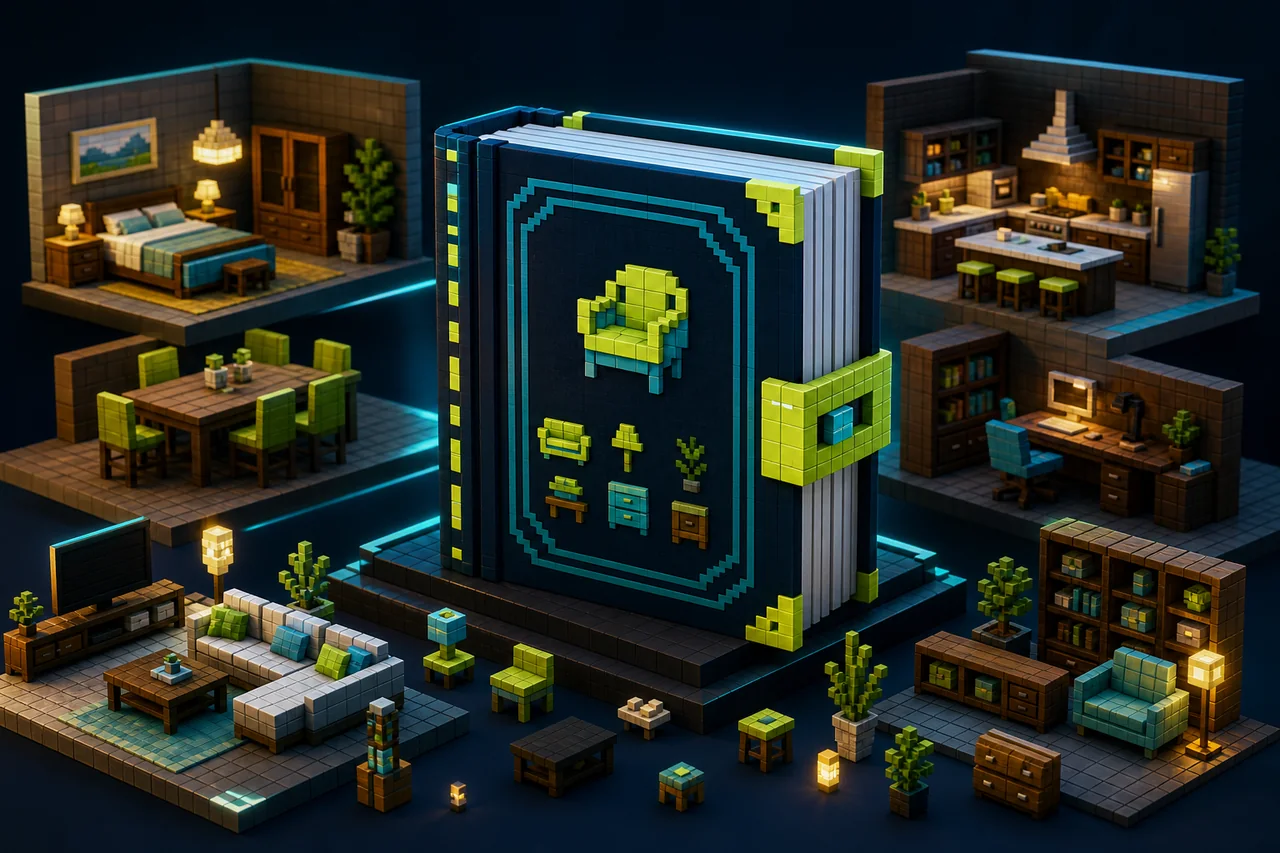
FURNICRAFT is a large interactive furniture project, not a simple texture swap. The creator describes more than 500 solid 3D furniture blocks, a Decorations Table, seating, color and material changes, cameras, emotes, and minigames. Start with the exact v28 source record and a small disposable room before filling a valuable world.
Resolve the v28 version-label mismatch first
| Field | Current creator-controlled record | What it means |
|---|---|---|
| Project | FURNICRAFT ~ Furniture, project 1298992, by ROBERTGAMER69_ |
Accepted entity for this MineBrush URL |
| Main file | File 8714050, [v28] FURNICRAFT - Furniture [R].mcpack, uploaded August 23, 2026, displayed size 44.4 MB, type Release |
Displayed listing data; exact bytes and hash are unknown |
| File-card game labels | 26.0, 26.0.02, 26.3, 26.10, 26.11, 26.12, 26.13, 26.20, 26.30, and 26.40 | Discrete labels, not a MineBrush test range |
| Creator v28 note | States compatibility with 26.44+ and betas/previews | Does not match the file card's upper label; 26.45 behavior remains untested |
| License | All Rights Reserved | No mirroring, repackaging, or gallery-image reuse is inferred |
Do not collapse those fields into “works on 26.45.” The creator statement and the distribution labels differ, and MineBrush has no import or runtime evidence to resolve the difference.
Understand the current package boundary
The current file page exposes one .mcpack and says it has no additional files. MineBrush did not inspect its manifest or contents, so it is unknown whether that file contains one module, multiple modules, embedded resources, scripts, or internal dependencies. The live MineBrush text that promises a matched resource-and-behavior pair is not supported by the current record.
CurseForge lists FURNICRAFT ~ SimpleComesAlive as an optional project relation. It is not a required dependency for this article and must not be bundled into a FURNICRAFT v28 test unless the player independently chooses it.
Learn the furniture loop before scaling up
- Use the creator's FURNICRAFT clay and Decorations Table instructions to obtain a small labeled set.
- Place one chair, one table, one storage or appliance object, and one decorative object.
- Check rotation, collision, sitting, interaction, and placement on top of furniture.
- Use the paintbrush only for color or texture changes and the wrench for model changes, following the current v28 distinction.
- Save, leave the world, restart Minecraft, and inspect the same objects before adding a full room.
The creator says colored furniture can use the game's 16 dyes and that material choices are organized into block-material categories. MineBrush did not verify any recipe, menu, drop, state, or persistence behavior.
Treat interactive systems as separate test branches
| v28 system | Smallest useful check | Boundary |
|---|---|---|
| Security cameras | Create one camera, name it, view it with the tablet, and test sharing with one invited player | Creator says cameras are private until shared; MineBrush did not test privacy or multiplayer state |
| Partner/group emotes | Try one emote with two players before a four-player group | Animation, synchronization, interruption, and Realm behavior are unknown |
| Classic minigames | Open one board through the Minigames Joystick and save/reopen afterward | Difficulty, input, persistence, and device performance are untested |
| In-world PC login | Use invented in-world credentials only | Never reuse a Microsoft, email, server, or real password for an add-on interface |
| Achievement claim | Observe the exact copied-world setting and resulting achievement state | The creator says achievements remain active when commands are not enabled; MineBrush did not verify this |
Choose the resolution mode on the actual device
Version 28 exposes NormalResolution and LowResolution choices. The creator recommends trying LowResolution if NormalResolution crashes. That is a troubleshooting option, not proof that either mode performs well on a particular phone, tablet, console, or Windows device.
- Record the Bedrock build, device, OS, free storage, render distance, world, and selected FURNICRAFT resolution mode.
- Compare an empty room with the same room after 10, 50, and then more furniture pieces.
- Check frame time, heat, input delay, menu response, save/reopen, and a joining player separately.
- Stop at the first repeatable crash or corruption symptom; do not increase density to produce a dramatic benchmark.
Plan removal before decorating a real build
Keep an untouched copy of the world. In the disposable copy, record what happens when one furniture block is broken, when the add-on is disabled, and when the world is reopened. Missing blocks, invisible collision, lost container contents, camera state, entity leftovers, or changed recipes must be treated as unresolved until observed. A backup is a precaution, not a clean-removal guarantee.
Official project and file records
Open the creator's FURNICRAFT project page.
Source check: August 24, 2026. MineBrush did not acquire the file, inspect its manifest, or test a device, world, server, Realm, achievement, performance, or removal result.
Browse more projects in the Minecraft Bedrock add-ons hub.
PLAYER QUESTIONS
Discussion
Include the exact edition, version and step when asking for help.