 MineBrush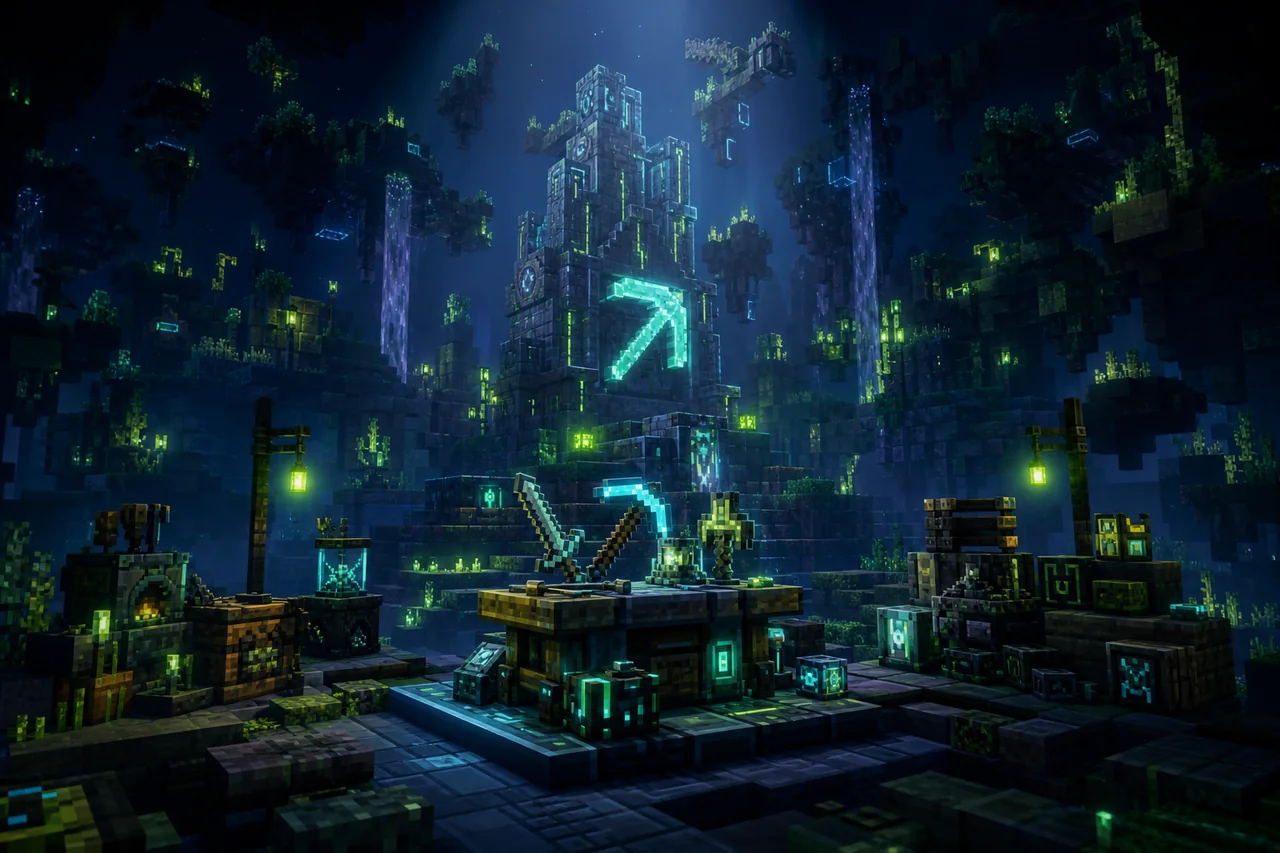
Bedrock Reimagined v1.0.96 is a large Bedrock survival overhaul, not a lightweight utility pack. It changes the route to the End around bosses, adds magic and new gear, introduces quests and rewards, expands biome and structure generation, and supplies custom interface layers including a minimap and WAILA-style “what am I looking at” information.
The current creator release is Bedrock_Reimagined_v1.0.96.mcaddon, CurseForge file 8693352, published August 20, 2026. The exact file lists Bedrock 26.40, 26.30, and 26.20. That replaces MineBrush's stale v1.0.95/26.30 snapshot; it does not establish support for unlisted Bedrock builds.
What changes in a Bedrock Reimagined world
The creator describes a new gameplay loop where bosses gate progress toward the End. New ores, armor, weapons, tools, magical abilities, mobs, and structures feed that progression. An RPG-style quest system supplies tasks and rewards, while custom biome generation and enhanced vanilla generation change what players find as they explore.
The resource side is also substantial. The project advertises custom UI elements, a minimap, and WAILA-style context. Backpacks, hats, charms, decorative blocks, and altered presentation stretch far beyond a single mechanic. Treat the project as a world foundation: adding it to a mature save or removing it later carries more uncertainty than importing a simple texture pack.
Current v1.0.96 release record
- Creator: 5FrameStudios
- Release: Bedrock Reimagined v1.0.96
- Exact file:
Bedrock_Reimagined_v1.0.96.mcaddon - CurseForge IDs: project
1480182, file8693352 - Supported labels on this file: Bedrock 26.40, 26.30, and 26.20
- Dependencies: CurseForge lists zero project dependencies
- License: All Rights Reserved
A header-only delivery check reported 57,125,898 bytes. MineBrush did not download or inspect the archive, so its internal behavior/resource pack layout, scripts, manifests, UUIDs, world-generation definitions, and migration logic remain unknown.
What v1.0.96 adds and fixes
The creator's v1.0.96 changelog adds armor toughness plus Steel and Cobalt armor, improves the Crystal Compass so it can locate Crystal Canyons and report coordinates, and changes wand durability and cooldown behavior. It also expands recipes and custom-furnace fuels, improves connections and snow-layer behavior for several custom blocks and plants, and includes targeted structure, furnace, underwater-vision, stairs, and Lantern Holder fixes.
Those changes are a reason to regression-test an existing v1.0.95 world, not a reason to overwrite its only backup. Equipment values, recipes, fuel behavior, custom blocks, generated structures, quest state, and navigation items can all matter to an established playthrough.
Use a new-world acceptance route
- Create a fresh disposable world with only Bedrock Reimagined active. Record the exact Minecraft build and file ID 8693352.
- Confirm the guide or quest entry point appears and that its first objective advances after the required action.
- Find or obtain one early custom item, inspect its recipe or acquisition path, store it, save, and reopen the world.
- Travel into newly generated chunks and verify one advertised biome or structure route without assuming old chunks will change.
- Check the minimap and WAILA-style UI, then test one combat or magic interaction and one death/recovery loop.
This route samples progression, storage, generation, interface, and persistence without spoiling the entire pack. It also catches the common failure where textures load but behavior, quests, or generation do not.
Existing worlds and generated chunks
The checked creator pages do not give MineBrush a verified existing-world migration or removal matrix for file 8693352. Custom biomes and structures normally need newly generated terrain to appear, while custom items, entities, quests, or properties may persist in the save. Do not expect already explored chunks to be rebuilt.
If you want to try an established world, export or duplicate it first and keep the original untouched. Enter the copy, check inventory and quest state, travel into new terrain, save, fully restart, and return to the same locations. Never downgrade back to v1.0.95 inside the only copy merely because the older file still imports.
Mobile hardware warning comes from the creator
5FrameStudios calls Bedrock Reimagined a large pack and warns of current stutter on most mobile devices. The creator recommends 8 GB or more of memory, Vibrant Visuals disabled, and a seven-chunk render distance for a smoother mobile experience. These are creator troubleshooting guidelines, not MineBrush minimum requirements or a smoothness guarantee.
Start on the weakest device that must actually play the world. Compare new-world entry, exploration into fresh chunks, combat, UI response, memory behavior after switching apps, heat, and battery use. Keep the same route and settings for each comparison. MineBrush has not run an FPS, frame-time, memory, storage, heat, battery, or long-session benchmark.
Actions & Stuff compatibility has a visual tradeoff
The creator says Bedrock Reimagined is compatible with Actions & Stuff and instructs players to disable the Bedrock Reimagined Resource Pack for full functionality in that combination. The checked wording does not provide a feature-by-feature matrix explaining which pack owns every animation, UI element, model, or texture after that change.
Test two disposable profiles: Bedrock Reimagined alone, then the documented combination. Record active resource-pack priority, missing models, WAILA/minimap behavior, item visuals, first- and third-person animations, and boss/quest interactions. Disabling the Bedrock Reimagined resource layer may deliberately change or remove some of its presentation; do not describe the combined stack as visually identical.
Multiplayer and Realm checks
No exact Realm, dedicated-server, joining-client, permission, player-data, or reconnect matrix was verified for v1.0.96. A host opening the world successfully does not prove that a joining player receives the same resource stack, quest state, minimap, boss behavior, or custom items.
Before community rollout, use a second account. Verify resource delivery, first join, quest initialization, storage, death, reconnect, newly generated terrain, and one boss encounter. Decide whether new players join at the same progression stage or receive their own quest state. Keep the pre-update world and the previous known-good pack tuple until ordinary players complete that route.
Conflict boundaries
The most likely overlaps are other world-generation overhauls, quest systems, custom UI or minimap packs, player progression, bosses, magic, equipment, recipes, custom furnaces, animation packs, and resource-layer replacements. Pack priority can choose which asset is visible, but it cannot guarantee that competing scripts, recipes, or persistent systems cooperate.
Do not confuse this project with similarly named Java or Bedrock “reimagined and enhanced” modpacks. Confirm creator 5FrameStudios, project 1480182, and file 8693352 before following this guide.
Get the current creator file
CurseForge labels Bedrock Reimagined All Rights Reserved, so MineBrush does not mirror its archive or gallery. Open the exact Bedrock Reimagined v1.0.96 file record and confirm the filename, file ID, and Bedrock labels. The creator's Bedrock Reimagined wiki is the best route for content-specific progression help. Microsoft's Bedrock add-on installation guide covers general import behavior.
Unknowns that block stronger promises
- Archive hashes, internal pack inventory, manifests, UUIDs, scripts, modules, component order, and exact storage model.
- Compatibility with Bedrock builds not listed on file 8693352, including any later retail hotfix.
- Existing-world migration, old-chunk behavior, upgrade from v1.0.95, downgrade, removal, and rollback outcomes.
- Exact mobile, console, Windows, Realm, dedicated-server, joining-client, reconnect, and achievement behavior.
- Measured performance and the full feature impact of disabling the Bedrock Reimagined Resource Pack alongside Actions & Stuff.
For a separate survival-expansion route, compare the Better on Bedrock v1.2.1 guide; its file, progression, and version boundaries are different.
PLAYER QUESTIONS
Discussion
Include the exact edition, version and step when asking for help.