 MineBrush
Minecraft Bedrock combat add-on
Raiyon's Java Combat V2.6.5 changes Bedrock combat toward a Java-inspired rhythm with attack cooldowns, sword sweeps, slower high-damage axes, and revised shield behavior. It does not turn Bedrock into exact Java Edition combat. Import the matching behavior and resource packs, activate them in a copied world, and test every weapon system your world depends on.
JavaCombat [V2.6.5] Behaviors Packs.mcpack as the main release for Bedrock 26.0.02, dated March 2, 2026. The creator's MCPEDL listing also presents matching V2.6.5 behavior and resource packs and lists selected 1.21.120–1.21.132/26.0 builds. CurseForge marks the project All Rights Reserved, so MineBrush links to the creator files instead of mirroring them.Open the creator's Java Combat files
What changes in combat?
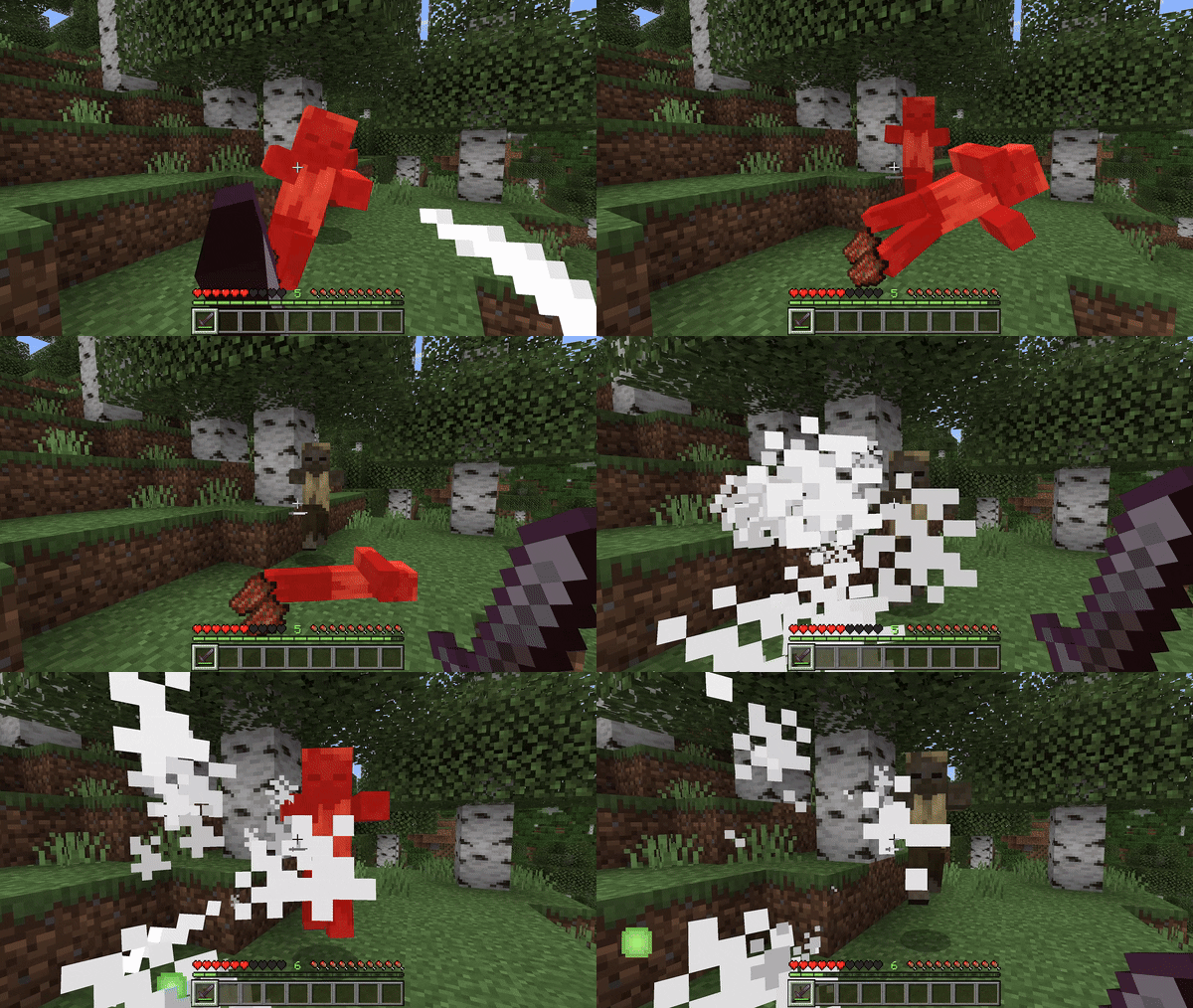
- An attack cooldown controls when a weapon can deal its strongest hit.
- A fully charged sword attack can trigger a sweep against nearby targets.
- Axes are described as slower than swords but capable of higher damage.
- Shield blocking behavior and animation are adjusted toward the creator's Java-inspired design.
- The creator says damage calculations include interactions with Sharpness, Strength, Weakness, and tools from other add-ons.
Those are creator-stated mechanics. Exact parity, competitive balance, third-party tool compatibility, enchantment edge cases, and multiplayer latency still need a test in your actual world.
Before installation
| Decision | What to verify |
|---|---|
| Bedrock build | Your game version appears on the exact creator file you selected. |
| Pack pair | You have the V2.6.5 behavior pack and its matching resource pack. |
| World | You made a separate test copy, especially if the save already uses combat or weapon add-ons. |
| Existing stack | Record animation, UI, weapon, enchantment, projectile, player, and resource packs before changing anything. |
Install and activate V2.6.5
- Download the current files from the creator listing and verify both file names, versions, and Bedrock labels.
- Open each
.mcpackwith Minecraft and wait for an import-complete message before opening the next file. - Open the settings for a copied world and activate the Java Combat behavior pack.
- Activate the matching Java Combat resource pack. The public creator listings do not state a universal BP/RP priority order, so record the order that you actually test.
- Start the world with no unrelated combat or animation pack enabled for the first pass.
Bedrock behavior packs can depend on companion resource packs through matching manifest identifiers and versions. If Minecraft reports a missing dependency, re-import the matching pair rather than mixing files from different releases.
Use a small combat test arena
- Compare an empty-hand hit, sword hit, and axe hit at empty, partial, and full cooldown.
- Place several mobs together and confirm when the sword sweep triggers.
- Block normal melee, projectiles, knockback, and charged mace attacks with a shield.
- Repeat with Sharpness, Strength, and Weakness so you can spot incorrect stacking.
- Test one tool from every other weapon add-on you intend to keep.
- Fight a second player and record whether cooldown UI, damage, knockback, and shields agree for both players.
- Die, respawn, reconnect, save, and reopen the world to check persistent effects or attributes.
Optional cooldown animation and visual packs
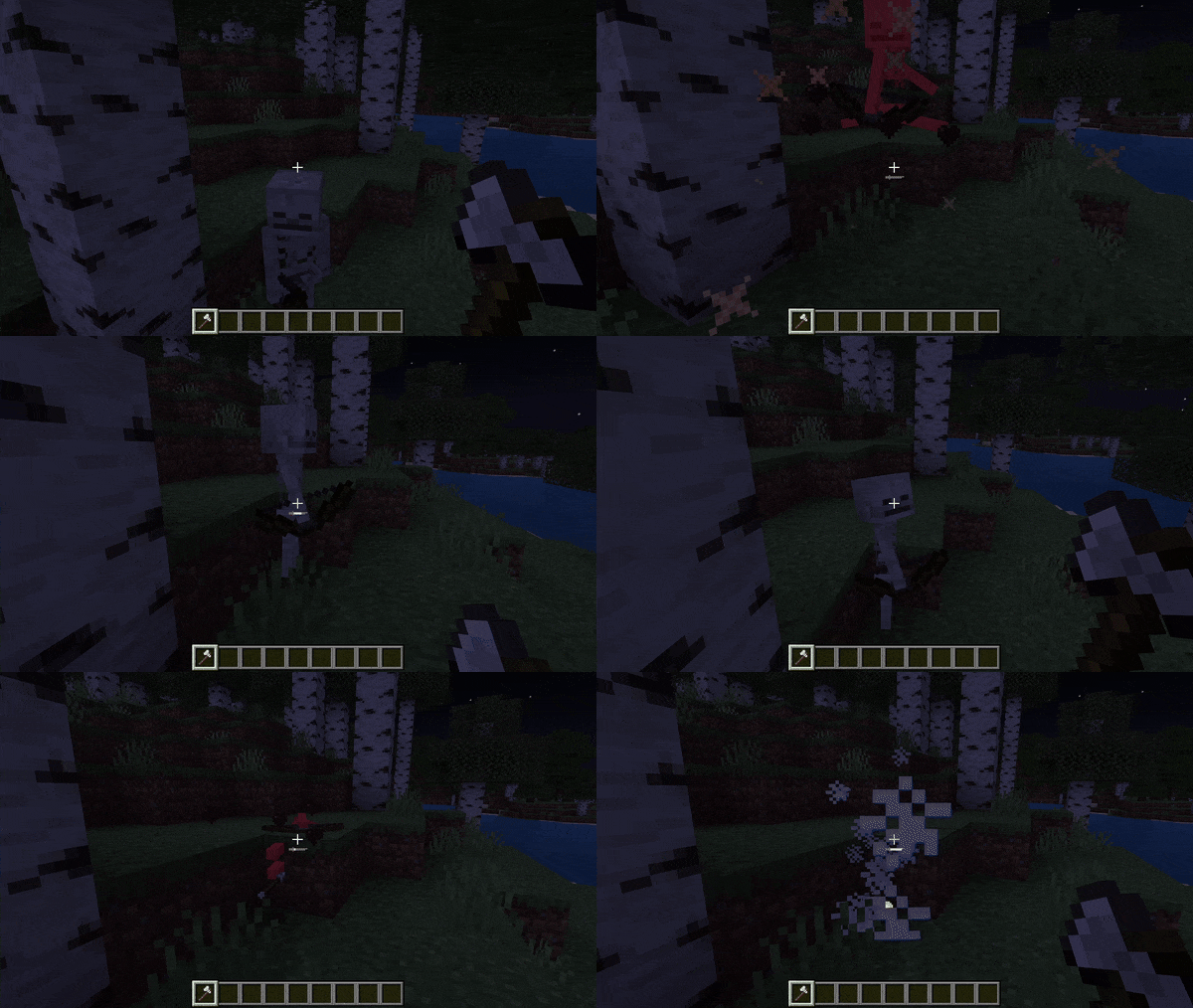
The creator notes that the Cooldown Animation resource should sit below Actions & Stuff or similar resource packs. Treat that as an optional visual-stack rule, not the activation order for the core behavior pack. Get the combat mechanics working before adding animation replacements.
Fix common problems
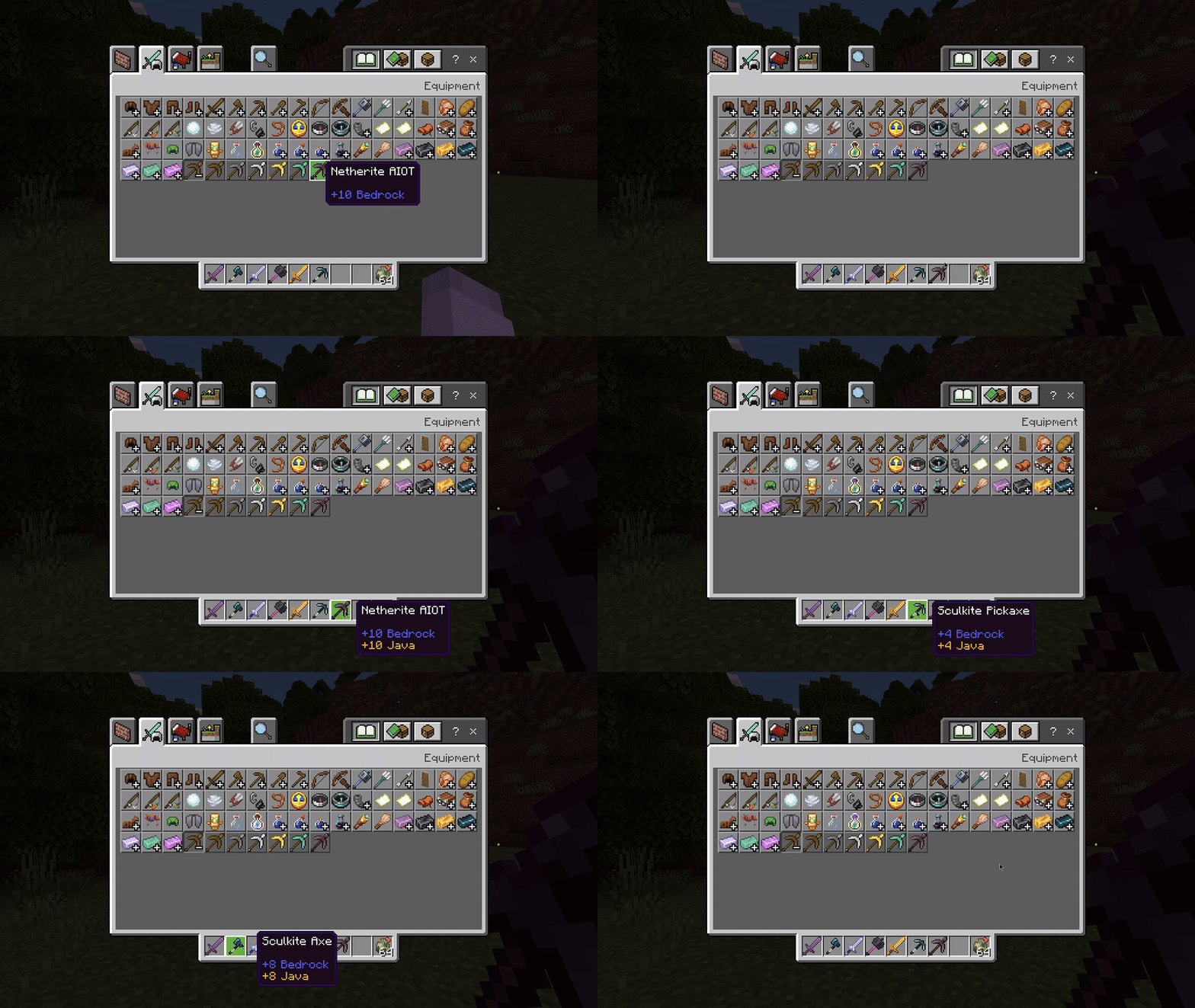
- No cooldown indicator: confirm the matching resource pack is active and test without other HUD or animation packs.
- Damage looks wrong: remove other weapon and combat add-ons, then repeat with an unenchanted vanilla weapon.
- Shield behavior is inconsistent: test vanilla melee and projectiles before modded weapons, and repeat with a second player.
- Import says duplicate or failed: remove the older imported pack version from Minecraft storage and import one matching V2.6.5 pair.
- Realm players disagree: verify the Realm uses the same active pack pair and that joining clients downloaded the resource pack successfully.
Update or remove Java Combat safely
Back up the world, unequip custom or affected items, remove old active pack versions, and add the matching replacement pair. After removal, check player attributes, active effects, tags, inventory, UI, damage, and shields after death and reconnect. Keep the backup until the cleaned world survives a full save-and-reopen cycle.
Is it the right add-on for your world?
Choose Java Combat if your group wants a slower cooldown-driven fight and is willing to rebalance weapons and add-on interactions. Skip it when a server relies on default Bedrock timing or competitive rules that cannot be retested. MineBrush verified the current creator listings and built this test route; we did not certify exact Java parity, every device, every Realm, or every third-party weapon pack.
PLAYER QUESTIONS
Discussion
Include the exact edition, version and step when asking for help.