 MineBrush
Minecraft Bedrock dynamic-light add-on
Raiyon's Dynamic Lightning V4.0 is a Bedrock add-on that makes supported held, placed, wearable, and underwater light sources affect the area around the player. Start with the core .mcaddon in a copied world. Add the separate Actions & Stuff support pack only after the core behavior works.
Dynamic Light [V4.0].mcaddon for Bedrock 26.30, uploaded July 11, 2026. The files page also lists a separate Dynamic Light Actions Stuff Support.mcpack. The project is marked All Rights Reserved, so MineBrush sends players to the creator's download page and does not mirror the files.Download from the creator's CurseForge files
What V4.0 is meant to add
- Light from supported items held in the main hand or offhand.
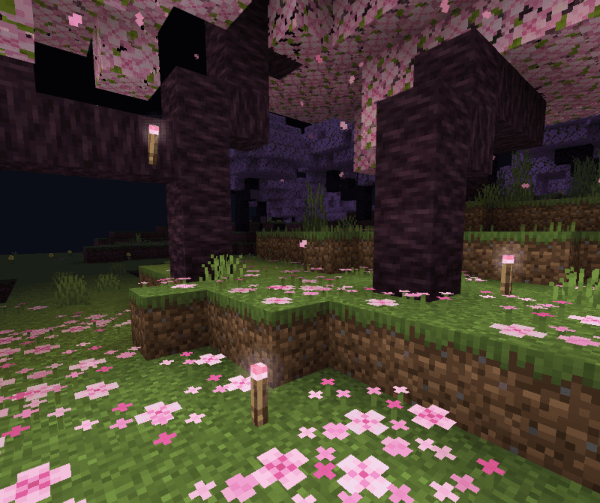
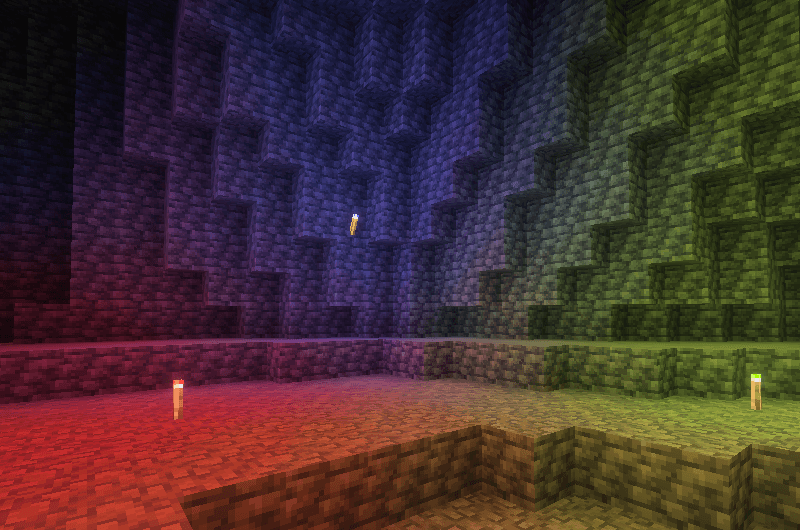
- Placed colored torches with item-dependent light color when Vibrant Visuals is enabled.
- A light-emitting helmet customized with supported torch types.
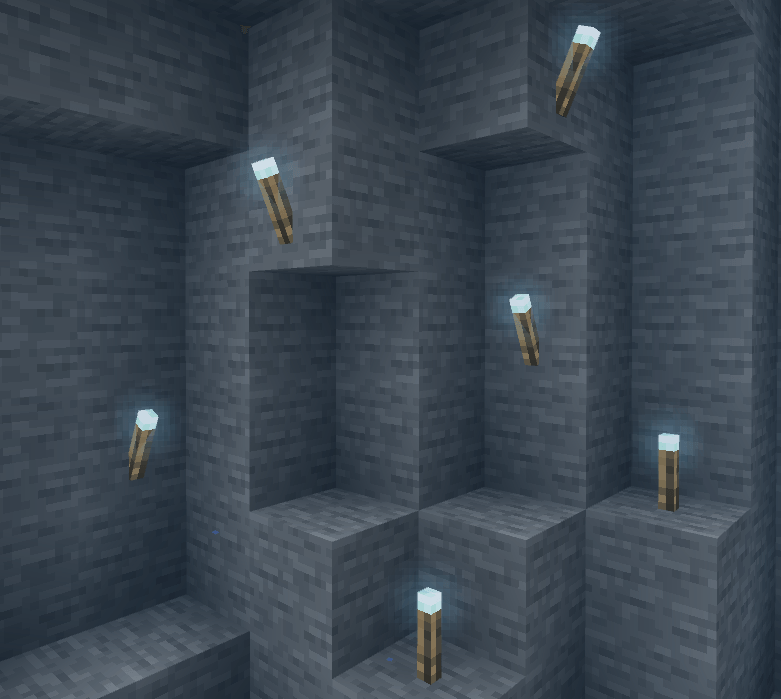
- Underwater lighting with the Sea Torch and supported glowing items.
- An optional compatibility resource pack for Actions & Stuff.
These are creator-described features, not a promise that every renderer, device, Realm, server, texture pack, or add-on combination behaves identically.
Before you import the add-on
| Check | Recommended action |
|---|---|
| Game version | Use a Bedrock build explicitly listed for the selected file; the current main file is labeled 26.30. |
| World safety | Duplicate the world and keep the original closed during the first test. |
| Visual stack | Record Vibrant Visuals, resource packs, RTX-related content, and Actions & Stuff state. |
| Optional pack | Do not add the Actions & Stuff support pack unless you actually use Actions & Stuff. |
Install Dynamic Lightning V4.0
- Download the current creator file and confirm the file name and supported Bedrock labels on the files page.
- Open
Dynamic Light [V4.0].mcaddonwith Minecraft and wait for the import-complete message. - Open the settings for a copied world. Check both Behavior Packs and Resource Packs for imported Dynamic Light components.
- Activate the components supplied by the core add-on. If Minecraft reports a missing dependency, remove the partial activation and import the creator package again.
- Load the copied world and test one vanilla torch before enabling other visual packs.
Microsoft's Bedrock documentation explains that behavior packs change gameplay data while resource packs provide models, sounds, textures, and other client content. A behavior pack can declare a dependency on its companion resource pack, so a missing or mismatched pack can prevent correct activation.
Run a useful in-game test
- Hold a regular torch and compare main-hand and offhand behavior.
- Place and remove a torch; confirm light appears and clears without leaving a permanent bright spot.
- Try a colored torch with Vibrant Visuals off and on, recording the renderer state.
- Equip the supported light helmet, switch items, die, respawn, and reconnect.
- Use the Sea Torch underwater, then leave and re-enter the area.
- Save, quit, reopen the world, and revisit the test location.
- For multiplayer, repeat with a joining player and check whether both players see the same result.
Using the Actions & Stuff support pack
The creator lists the compatibility file separately and says it depends on Actions & Stuff. Get the core V4.0 add-on working first. Then import the support .mcpack, activate Actions & Stuff, and place the compatibility pack according to the creator's recommended settings. Using the support pack without its dependency can cause visual problems.
Fix common problems
- Import succeeds but nothing lights up: verify both pack layers are active, the item is supported, and the world uses a compatible Bedrock version.
- Colored light stays white: check whether Vibrant Visuals is enabled and supported on that device.
- Textures or animations break: disable the optional compatibility pack and other resource packs, then restore them one at a time.
- Light remains after removing an item: exit the copied world, reopen it, and retest before using the add-on in a valuable save.
- Realm or console route is unclear: do not assume local mobile/Windows import proves Realm or console support; test the actual route with a disposable world.
Update or remove it safely
Back up the world, remove old active pack versions, import the replacement, and retest held, placed, helmet, underwater, save/reopen, and multiplayer behavior. Before permanent removal, unequip custom items and return to a safe location. Keep the original world copy until the cleaned save opens normally without the add-on.
Bottom line
Dynamic Lightning V4.0 is worth trying when you want portable Bedrock lighting, but treat the renderer and optional visual-stack compatibility as testable conditions. MineBrush verified the creator listings and documented a reproducible route; we did not certify every device, Realm, server, renderer, or performance result.
PLAYER QUESTIONS
Discussion
Include the exact edition, version and step when asking for help.